Screenshots
Icon palette
About this app
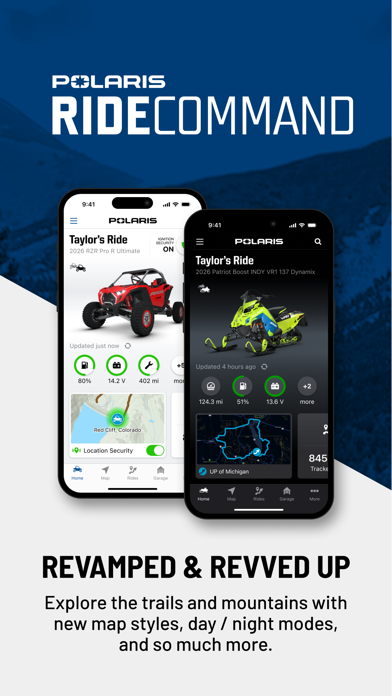
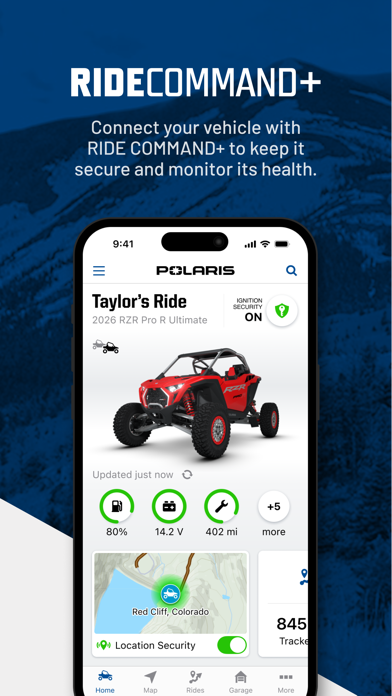
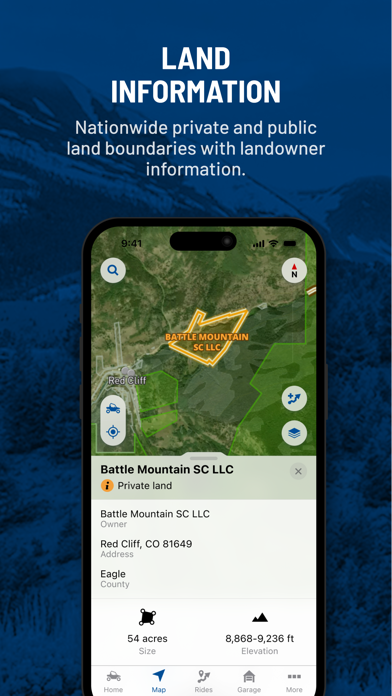
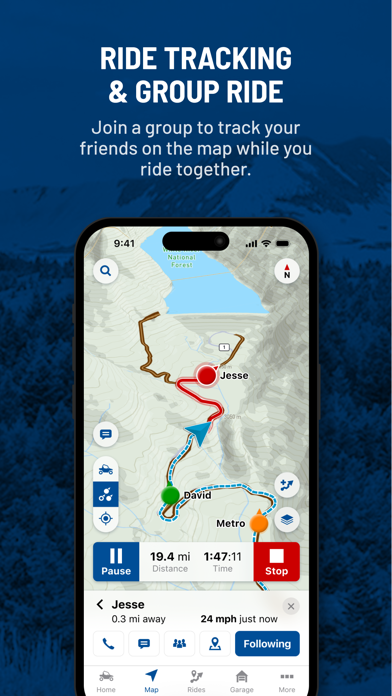
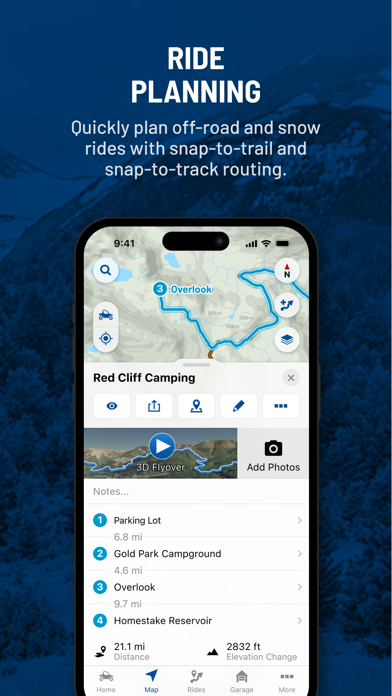
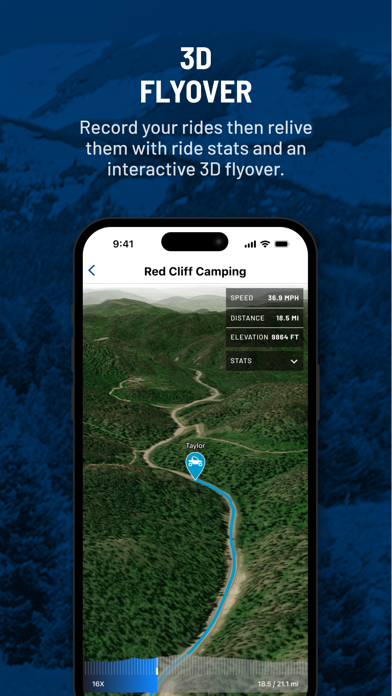
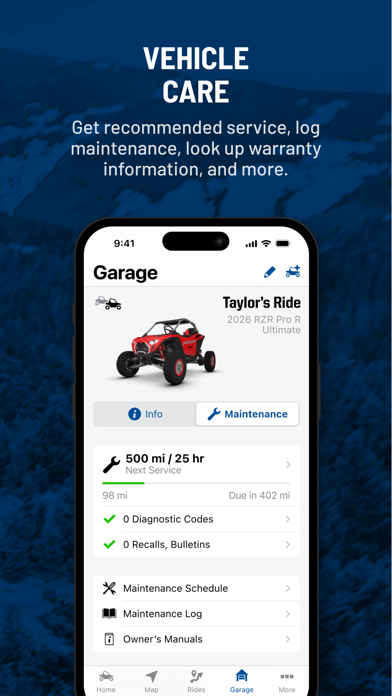
Own your adventure with greater confidence and peace of mind, putting you in the driver seat with access to vehicle and riding details at your fingertips. Information you need when you need it to more easily tackle powersports ownership. Download now and plan your first trip! My Garage View your vehicle service history Stay on top of your maintenance schedules and receive reminders Easily schedule your RideReady service appointments Rides & Community Plan your ultimate ride using snap to trail routing and on/offline maps Navigate during your ride with Group Ride, waypoints, and tracking Relive and share your ride with 3D flyover of your tracked ride Shopping & Support Find your gear & accessories to elevate your ride Easily get your questions answered at the Help Center Unleash the full power by connecting to your in-vehicle display powered by RIDE COMMAND, or upgrade to RIDE CO…
App details
What you can learn from Polaris®
Every shipping app on the App Store has gone through the same decisions you're working through right now: which screenshot goes first, what caption sits over it, which device frame to show, what color the background should be. The 7 screenshots above are Polaris®'s answers to those questions — they're public, they're real, and they made it through Apple's review.
Notice the first screenshot in particular. It's the one users see in search results and on the product page, and it's where most apps spend their best caption and tightest design. Look at the proportion of background to phone, where the text sits, what one thing the image is trying to communicate.
Want to see how other Navigation apps approach the same problem? Browse more Navigation apps in the showcase.
Take what works into your own screenshots
Open LaunchShots and design your App Store & Google Play screenshots — pick a device frame, drop captions, ship in minutes. Free, in your browser.
Open the screenshot editor →