Screenshots
iPad screenshots
Icon palette
About this app
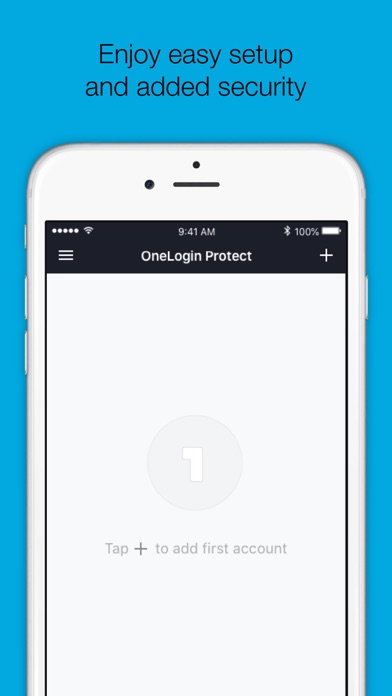
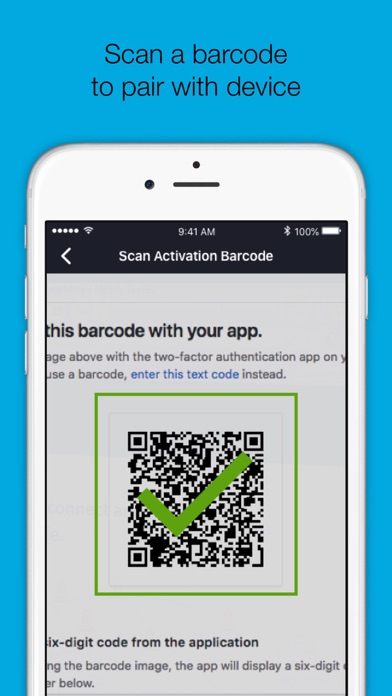
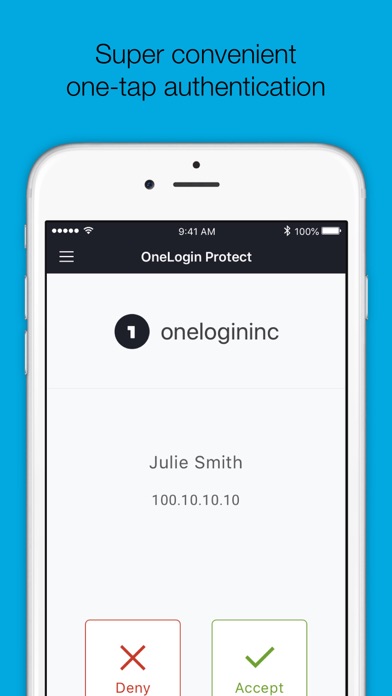
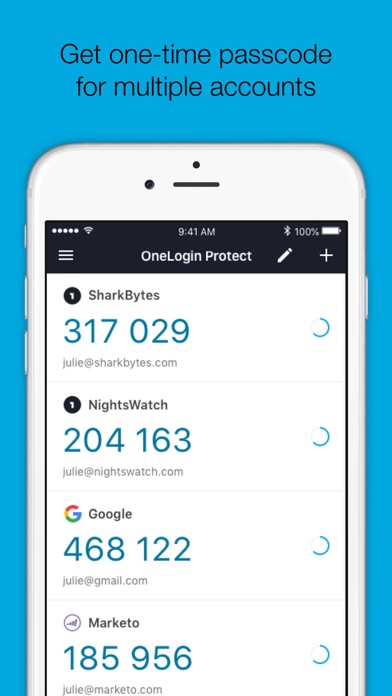
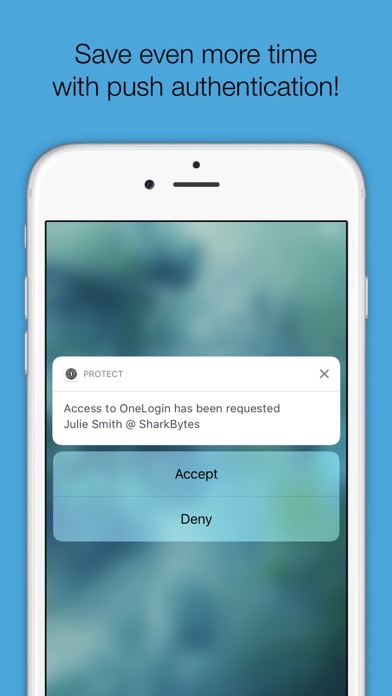
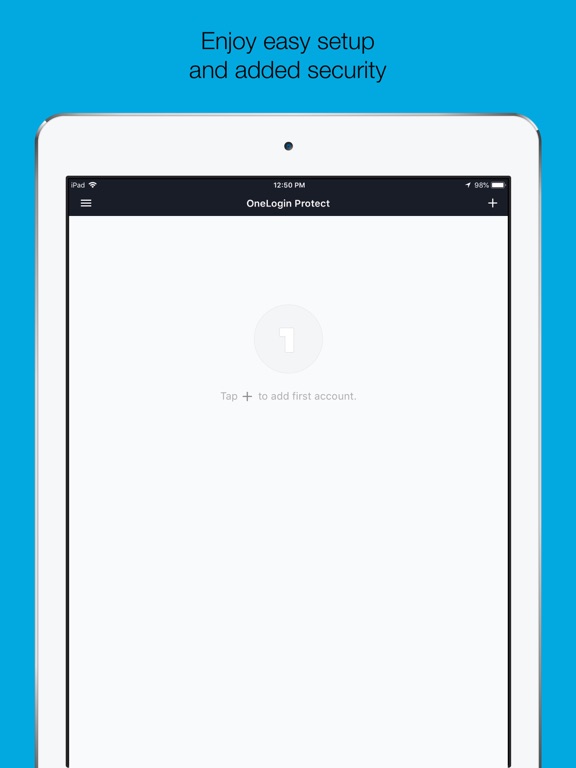
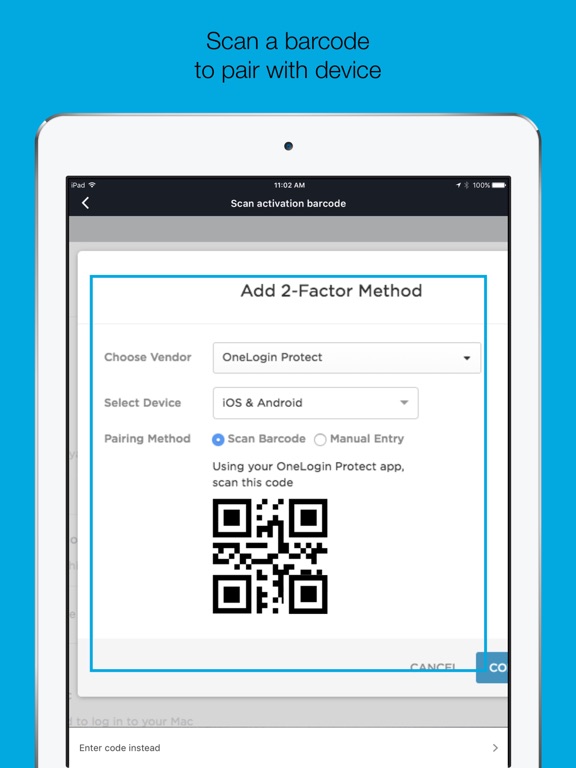
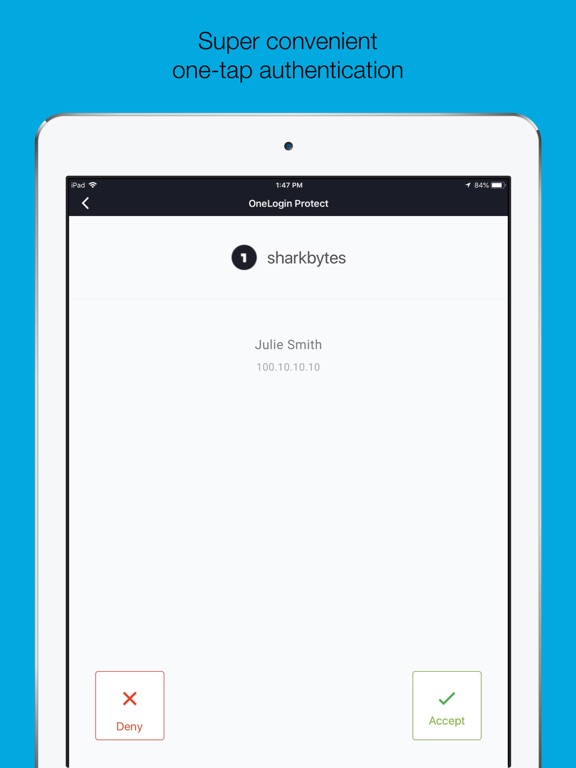
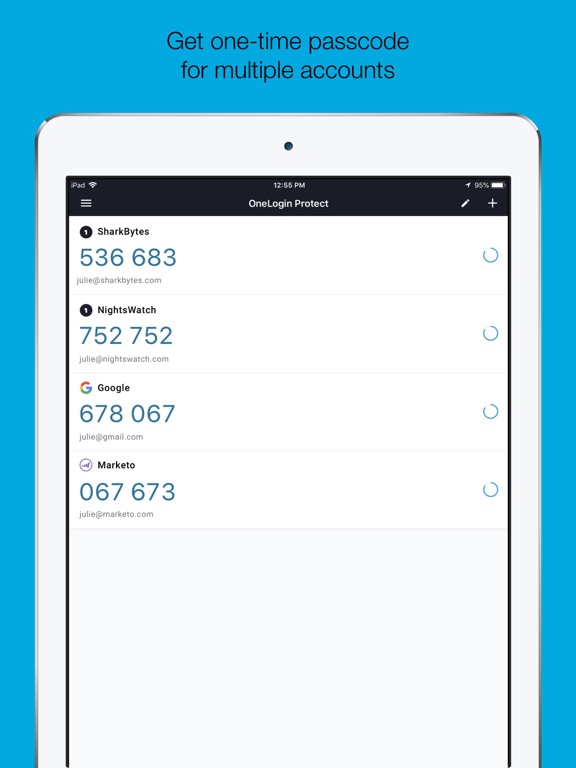
OneLogin Protect authenticator, a free, enterprise-ready MFA app, provides two-factor authentication for all your OneLogin SSO accounts and thousands of third-party apps and services. When you use multi-factor authentication, you automatically increase the security of your online accounts. Features • Alerts user with a push notification, user responds with just a tap (OneLogin accounts only). • Requires your Touch ID, Face ID, or PIN to accept push notification (OneLogin accounts only). • Works with third-party providers and accounts which you can add at any time. • Compatible with services using OATH security tokens (i.e. Google Authenticator). • Generates a unique 6-digit code every 30 seconds for each account (TOTP). • Generates verification codes without a data connection. • Adds a new account by scanning a QR code or by entering it manually. • Securely backup and restore your acc…
App details
What you can learn from OneLogin Protect
Every shipping app on the App Store has gone through the same decisions you're working through right now: which screenshot goes first, what caption sits over it, which device frame to show, what color the background should be. The 9 screenshots above are OneLogin Protect's answers to those questions — they're public, they're real, and they made it through Apple's review.
Notice the first screenshot in particular. It's the one users see in search results and on the product page, and it's where most apps spend their best caption and tightest design. Look at the proportion of background to phone, where the text sits, what one thing the image is trying to communicate.
Want to see how other Business apps approach the same problem? Browse more Business apps in the showcase.
Take what works into your own screenshots
Open LaunchShots and design your App Store & Google Play screenshots — pick a device frame, drop captions, ship in minutes. Free, in your browser.
Open the screenshot editor →