Screenshots

iPad screenshots
Icon palette
About this app
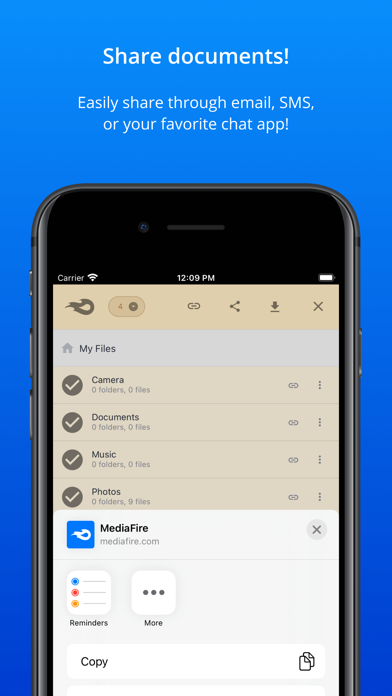
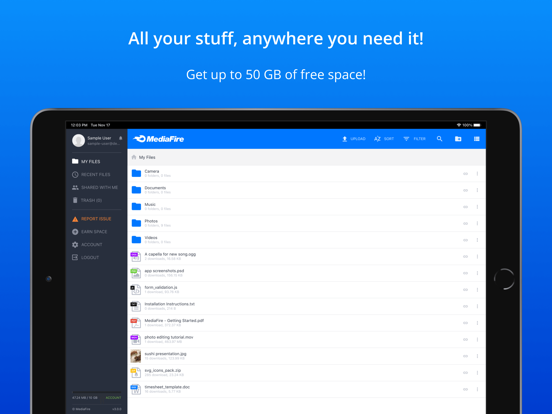
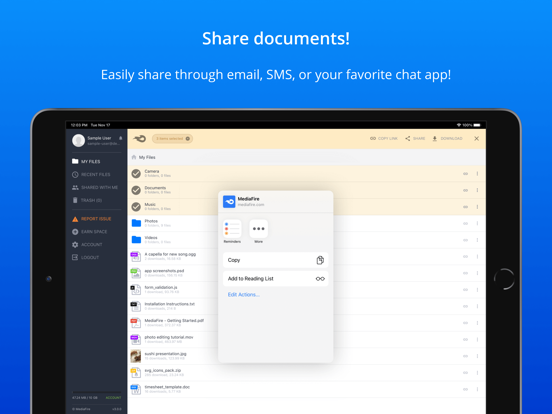
MediaFire lets you easily upload all your files - like your photos, videos, music, and documents - and access them from anywhere with your iPad, iPhone, or on the web. MediaFire makes it easy to share your files too! You can share with email, text, iMessage, Facebook, Twitter, or just copy a link to share anywhere! MediaFire Features: • 10 GB of space - free! • Earn up to 50 GB of free space • Keep all your important files at your fingertips. • Create and manage folders of files. • Share files on the go via email, SMS, Facebook, Twitter, Weibo, or copy and paste links. • Quickly search all your files and folders. Securely store, organize, and share all your media through your iPhone, or iPad. MediaFire keeps all your photos, videos, reading material, work docs, spreadsheets, presentations, and even your homework in your pocket, ready for you to view or share anytime.
App details
What you can learn from MediaFire
Every shipping app on the App Store has gone through the same decisions you're working through right now: which screenshot goes first, what caption sits over it, which device frame to show, what color the background should be. The 4 screenshots above are MediaFire's answers to those questions — they're public, they're real, and they made it through Apple's review.
Notice the first screenshot in particular. It's the one users see in search results and on the product page, and it's where most apps spend their best caption and tightest design. Look at the proportion of background to phone, where the text sits, what one thing the image is trying to communicate.
Want to see how other Productivity apps approach the same problem? Browse more Productivity apps in the showcase.
Take what works into your own screenshots
Open LaunchShots and design your App Store & Google Play screenshots — pick a device frame, drop captions, ship in minutes. Free, in your browser.
Open the screenshot editor →