Screenshots


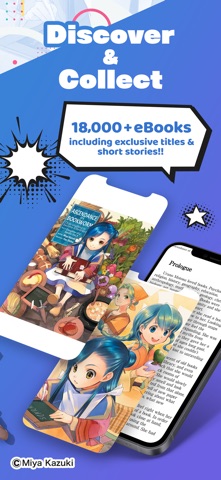
iPad screenshots


Icon palette
About this app
Read your favorite light novel and manga eBooks on the go or at home! BOOK WALKER Global is one of the most popular reading platforms for digital light novels and manga. Our Libary is growing weekly and includes over 30,000 English light novels and manga being offered from publishers like KADOKAWA, Yen Press, Kodansha Comics, Seven Seas Entertainment, J-Novel Club and more. ▼Features▼ ■V-Scroll Comics (Webtoons) ・Enjoy scrolling through our new V-Scroll Comics lineup, consisting of manga and comics in webtoon (vertical) format (FREE chapters available). ・Popular Titles:"The Devil Is a Part-Timer!!", "Bungo Stray Dogs", "Interspecies Reviewers" and more! ■Manga simultaneous publication (simulpub) ・Read chapters of selected titles (almost) at the same time as they come out in Japan! BOOK WALKER provides their users with a selection of simultaneous chapter releases for popular titl…
App details
What you can learn from BOOK WALKER - Japan Store
Every shipping app on the App Store has gone through the same decisions you're working through right now: which screenshot goes first, what caption sits over it, which device frame to show, what color the background should be. The 6 screenshots above are BOOK WALKER - Japan Store's answers to those questions — they're public, they're real, and they made it through Apple's review.
Notice the first screenshot in particular. It's the one users see in search results and on the product page, and it's where most apps spend their best caption and tightest design. Look at the proportion of background to phone, where the text sits, what one thing the image is trying to communicate.
Want to see how other Book apps approach the same problem? Browse more Book apps in the showcase.
Take what works into your own screenshots
Open LaunchShots and design your App Store & Google Play screenshots — pick a device frame, drop captions, ship in minutes. Free, in your browser.
Open the screenshot editor →