Screenshots



Icon palette
About this app
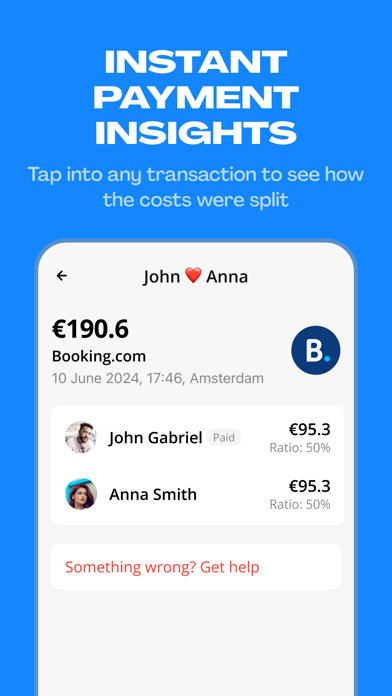
OVER 2.5M BILLS SPLIT INSTANTLY WITH CINO Cino is the fastest way to split bills with partners, friends, and housemates. It’s the first ever bill-splitting app that uses group cards to split your group bill instantly with Apple Pay or Google Pay. With Cino, no one has to cover the bill upfront – everyone’s share comes straight out of their own bank account. So no one owes anyone after the bill is paid. You can choose exactly how you want to split the bill, whether it’s 50/50 or 70/30. No more chasing payments, logging expenses, or waiting months to get your money back. Cino is easy and fast. Perfect for couples who want to share expenses without a joint account, housemates who can’t keep track of who bought the toilet roll last, and friends who almost fight every time they book trips together. You don’t have to pool your money together or top up funds. Simply pay with Cino and the…
App details
What you can learn from Cino – Split bills instantly
Every shipping app on the App Store has gone through the same decisions you're working through right now: which screenshot goes first, what caption sits over it, which device frame to show, what color the background should be. The 7 screenshots above are Cino – Split bills instantly's answers to those questions — they're public, they're real, and they made it through Apple's review.
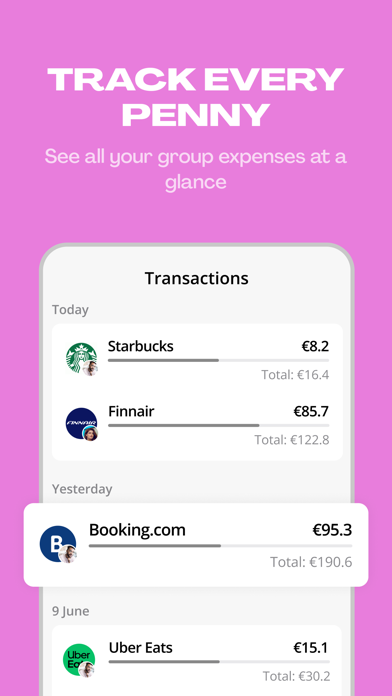
Notice the first screenshot in particular. It's the one users see in search results and on the product page, and it's where most apps spend their best caption and tightest design. Look at the proportion of background to phone, where the text sits, what one thing the image is trying to communicate.
Want to see how other Finance apps approach the same problem? Browse more Finance apps in the showcase.
Take what works into your own screenshots
Open LaunchShots and design your App Store & Google Play screenshots — pick a device frame, drop captions, ship in minutes. Free, in your browser.
Open the screenshot editor →