Screenshots

Icon palette
About this app
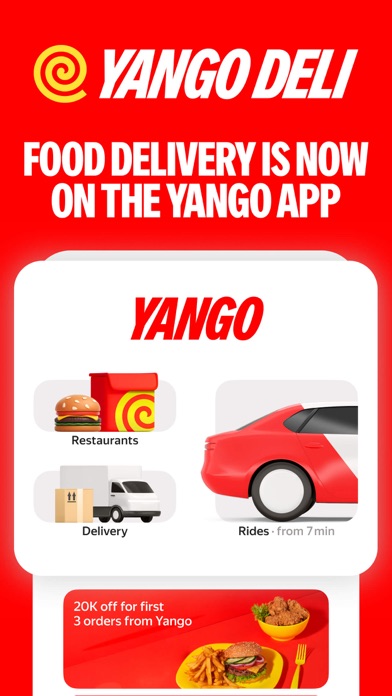
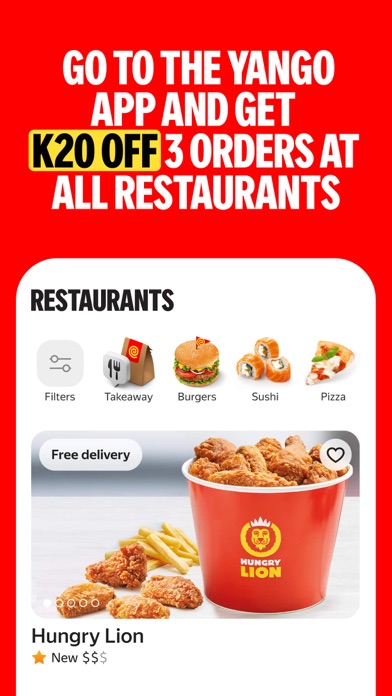
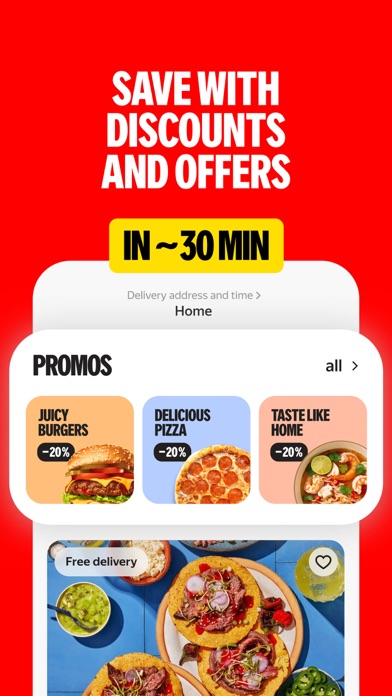
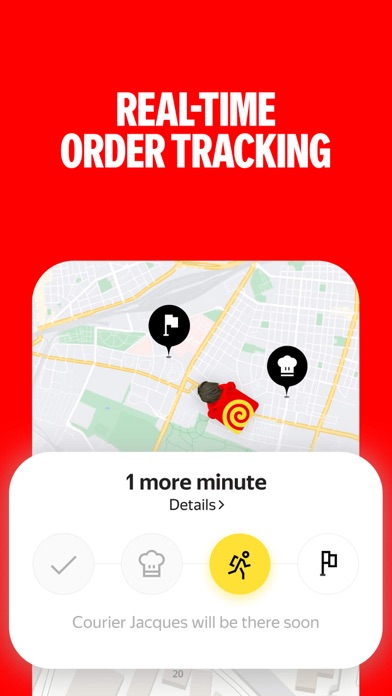
FOOD DELIVERY IS NOW ON THE YANGO APP GO TO THE YANGO APP AND GET K20 OFF 3 ORDERS AT ALL RESTAURANTS Food delivery service from grocery stores, cafes and restaurants You can order both burgers and steaks, as well as products from grocery stores. Free delivery for your first order! ALL NEARBY GROCERIES AND RESTAURANTS IN ONE APP Get your groceries delivered from both popular stores and local markets. And for those who don't want to cook, you can find your favorite dishes from cafes and restaurants. In Yango Deli, you can order a cooked pizza or ingredients for it. ORDER FAST DELIVERY TO YOUR ADDRESS Enter the delivery address — we will find the nearest store or restaurant to you and deliver the order as quickly as possible. On average food is delivered in 32 minutes after placing an order — even faster than you would get rea…
App details
What you can learn from Yango Deli: food delivery
Every shipping app on the App Store has gone through the same decisions you're working through right now: which screenshot goes first, what caption sits over it, which device frame to show, what color the background should be. The 5 screenshots above are Yango Deli: food delivery's answers to those questions — they're public, they're real, and they made it through Apple's review.
Notice the first screenshot in particular. It's the one users see in search results and on the product page, and it's where most apps spend their best caption and tightest design. Look at the proportion of background to phone, where the text sits, what one thing the image is trying to communicate.
Want to see how other Food & Drink apps approach the same problem? Browse more Food & Drink apps in the showcase.
Take what works into your own screenshots
Open LaunchShots and design your App Store & Google Play screenshots — pick a device frame, drop captions, ship in minutes. Free, in your browser.
Open the screenshot editor →