Screenshots


Icon palette
About this app
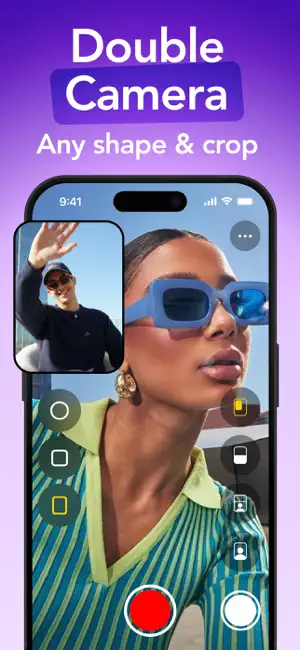
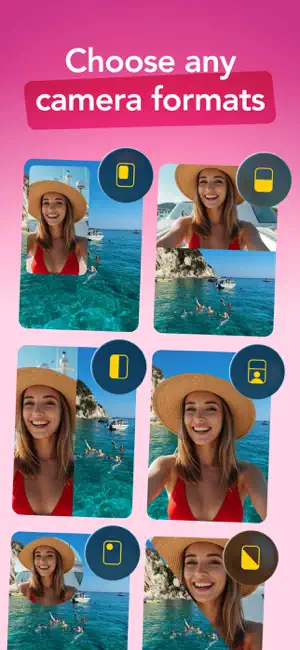
! Simultaneous duo recording is available on iPhone XS and above ! 2Cam is a new tool to show your real life on both sides using your front and back cameras at the exact same time. 2Cam app lets you capture and share your most authentic moments with the people who matter the most. 2Cam Dual Camera - The special Dual Camera is designed to take both a selfie and a frontal video simultaneously. - Share your Duo Video publicly - Camera switch mode - Front & Back Flash Light mode - Landscape & Portrait mode Privacy policy: https://visionapps.link/2cam-dual-camera/privacy Terms of use: https://visionapps.link/2cam-dual-camera/terms Contact: support@visionapps.link Subscription pricing and terms The subscription will automatically renew unless turned off in your iTunes Account Settings at least 24 hours before the current period ends. You can go to your iTunes Account settings to…
App details
What you can learn from 2Cam – Dual & Double Camera
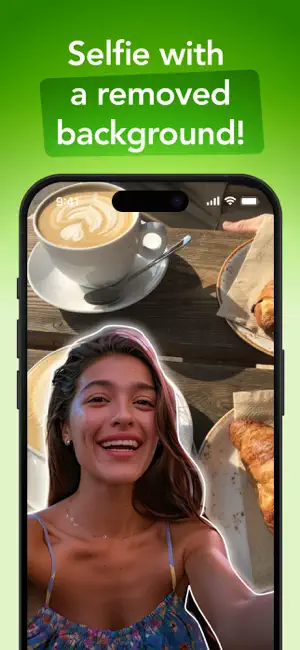
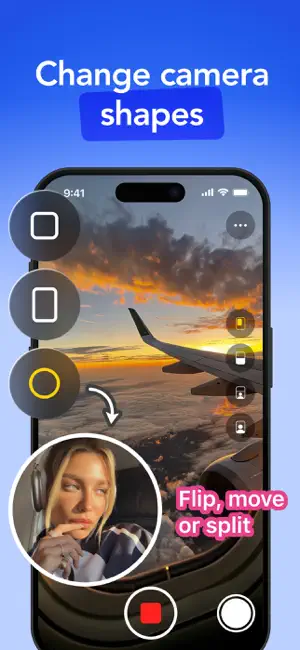
Every shipping app on the App Store has gone through the same decisions you're working through right now: which screenshot goes first, what caption sits over it, which device frame to show, what color the background should be. The 6 screenshots above are 2Cam – Dual & Double Camera's answers to those questions — they're public, they're real, and they made it through Apple's review.
Notice the first screenshot in particular. It's the one users see in search results and on the product page, and it's where most apps spend their best caption and tightest design. Look at the proportion of background to phone, where the text sits, what one thing the image is trying to communicate.
Want to see how other Photo & Video apps approach the same problem? Browse more Photo & Video apps in the showcase.
Take what works into your own screenshots
Open LaunchShots and design your App Store & Google Play screenshots — pick a device frame, drop captions, ship in minutes. Free, in your browser.
Open the screenshot editor →