Screenshots

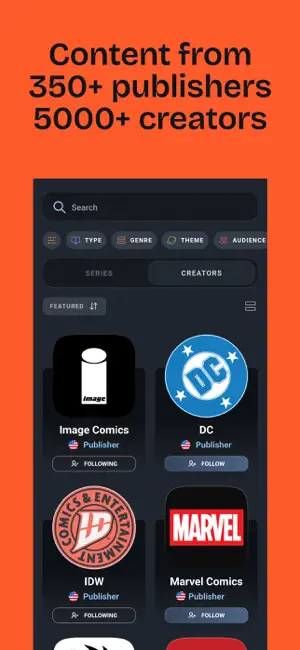
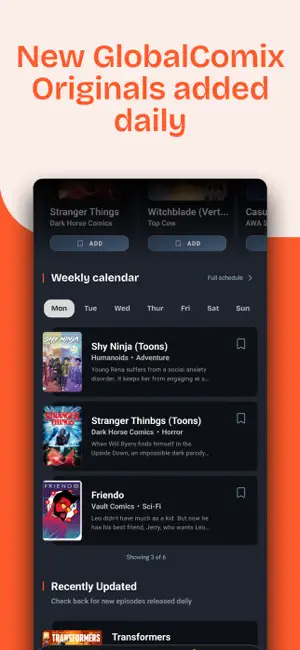


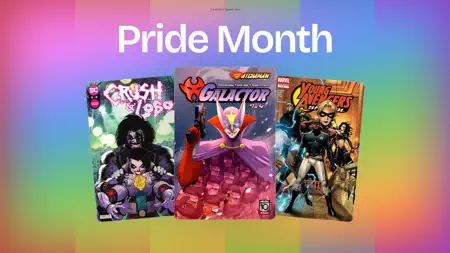
Icon palette
About this app
Read iconic comic books like Superman, Batman, The Witcher, Invincible, The Boys, Transformers, Hellboy, The Walking Dead, The Umbrella Academy, Spider-Man, X-Men, Avengers, Spawn, Saga, and more, alongside exciting creator-made comics, manga, webcomics, webtoons, and graphic novels. Read comics anytime with a modern comic reader built for binge reading, discovering new favorites, and exploring thousands of stories. Read digital comics anywhere with a fast, modern comic reader app built for fans. NEW COMICS DROP WEEKLY GlobalComix is a premium comic reading app for fans who want deeper, more ambitious superhero stories. From modern hits like the Invincible comic series to bold, action-packed titles in the vein of The Boys and Spawn, GlobalComix makes it easy to discover what to read next. Find new comic books featured every week. Explore our library of 100,000+ comics including man…
App details
What you can learn from GlobalComix: Comics and Manga
Every shipping app on the App Store has gone through the same decisions you're working through right now: which screenshot goes first, what caption sits over it, which device frame to show, what color the background should be. The 6 screenshots above are GlobalComix: Comics and Manga's answers to those questions — they're public, they're real, and they made it through Apple's review.
Notice the first screenshot in particular. It's the one users see in search results and on the product page, and it's where most apps spend their best caption and tightest design. Look at the proportion of background to phone, where the text sits, what one thing the image is trying to communicate.
Want to see how other Book apps approach the same problem? Browse more Book apps in the showcase.
Take what works into your own screenshots
Open LaunchShots and design your App Store & Google Play screenshots — pick a device frame, drop captions, ship in minutes. Free, in your browser.
Open the screenshot editor →