Screenshots

Icon palette
About this app
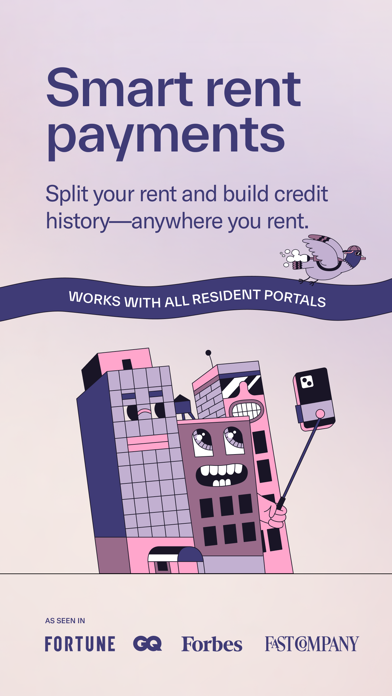
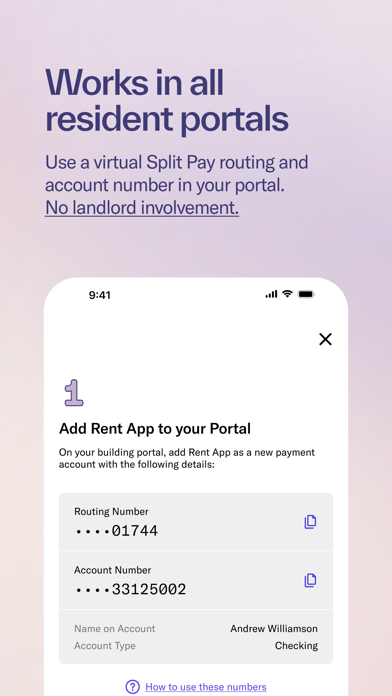
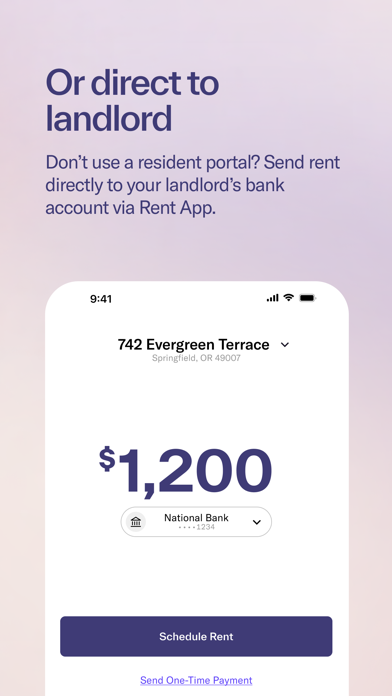
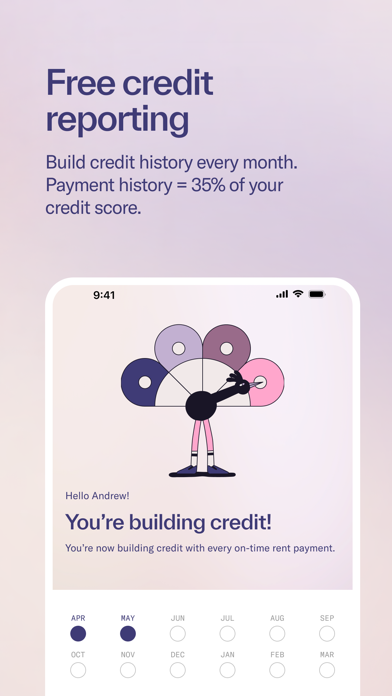
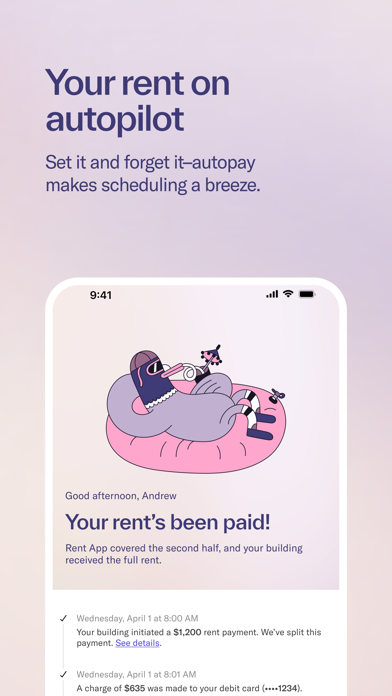
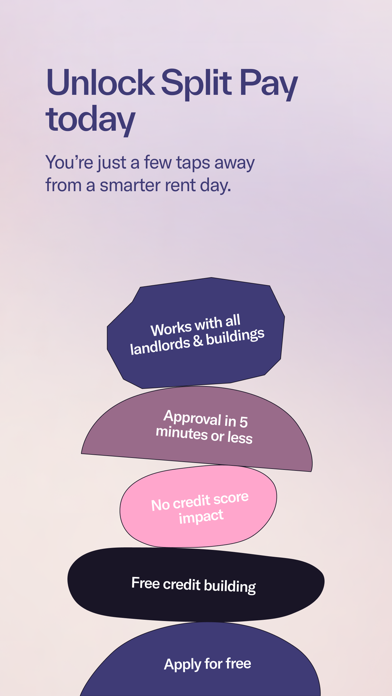
Break your biggest monthly expense in half AND build credit history just by paying rent. Rent day stress is real, but it doesn't have to be. Rent App's Split Pay feature lets you break your rent into two more manageable payments every month, so you can breathe easier and budget smarter. Pay half on your due date, and half two weeks later. Your landlord still gets paid in full and on time, every time. Why Split Pay Changes Everything: - Bite-sized payments - No more scrambling to cover rent in one go - Better budgeting - Spread your biggest expense across two paychecks - Build credit history - Turn rent payments into credit-building opportunities - Instant relief - Get approved in minutes, use it for next month's rent Works Anywhere You Rent: Whether you pay rent through a building portal or to your landlord directly, you can use Split Pay. No more juggling different systems or worryi…
App details
What you can learn from Split Pay – Pay Rent in Two
Every shipping app on the App Store has gone through the same decisions you're working through right now: which screenshot goes first, what caption sits over it, which device frame to show, what color the background should be. The 7 screenshots above are Split Pay – Pay Rent in Two's answers to those questions — they're public, they're real, and they made it through Apple's review.
Notice the first screenshot in particular. It's the one users see in search results and on the product page, and it's where most apps spend their best caption and tightest design. Look at the proportion of background to phone, where the text sits, what one thing the image is trying to communicate.
Want to see how other Finance apps approach the same problem? Browse more Finance apps in the showcase.
Take what works into your own screenshots
Open LaunchShots and design your App Store & Google Play screenshots — pick a device frame, drop captions, ship in minutes. Free, in your browser.
Open the screenshot editor →