Screenshots

iPad screenshots


Icon palette
About this app
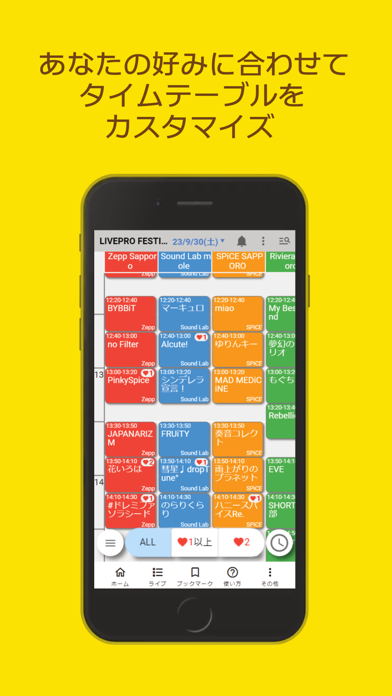
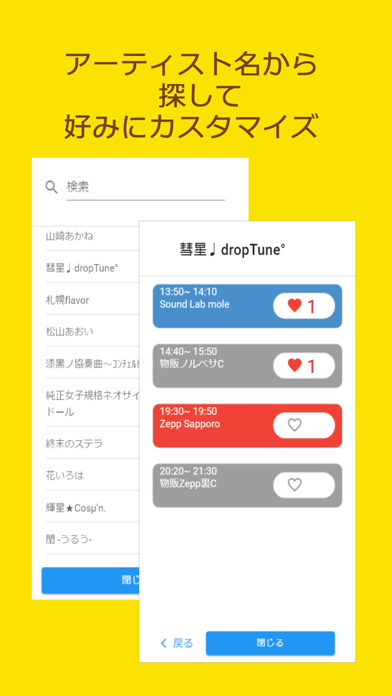
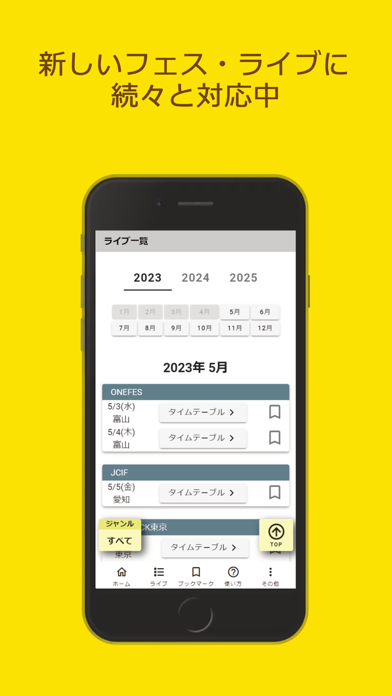
フェスや大型ライブイベントのタイムテーブルは複雑で、スマホで確認するのは難しくありませんか? 目的のグループを探す!気になるアーティストをフィルタする!今どの出番まで来ているのかわかる! そういったアプリを目指して作りました。 1.グループにいいねを2段階でつけてお気に入り度合いを管理 2.いいねの数に応じた絞り込み表示 3.現在時刻の位置がタイムテーブル上に表示されどのアーティストまで進んでいるのか簡単に確認 4.アーティスト一覧からでも検索したりいいねを付ける 今後ロックフェス、アイドルフェス、サーキットイベントなどステージ数の多いものを中心に扱う予定です。
App details
What you can learn from タイテ管理 Stella
Every shipping app on the App Store has gone through the same decisions you're working through right now: which screenshot goes first, what caption sits over it, which device frame to show, what color the background should be. The 8 screenshots above are タイテ管理 Stella's answers to those questions — they're public, they're real, and they made it through Apple's review.
Notice the first screenshot in particular. It's the one users see in search results and on the product page, and it's where most apps spend their best caption and tightest design. Look at the proportion of background to phone, where the text sits, what one thing the image is trying to communicate.
Want to see how other Music apps approach the same problem? Browse more Music apps in the showcase.
Take what works into your own screenshots
Open LaunchShots and design your App Store & Google Play screenshots — pick a device frame, drop captions, ship in minutes. Free, in your browser.
Open the screenshot editor →