Screenshots

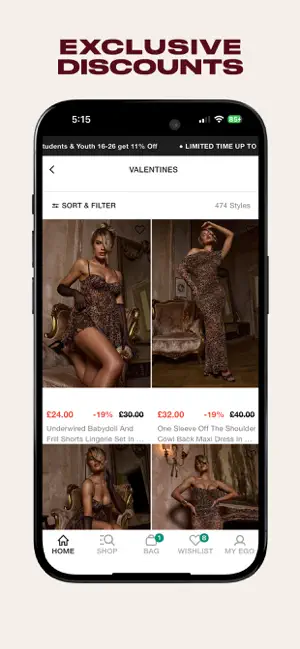
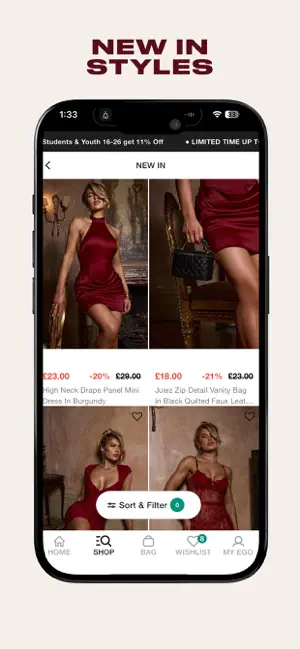
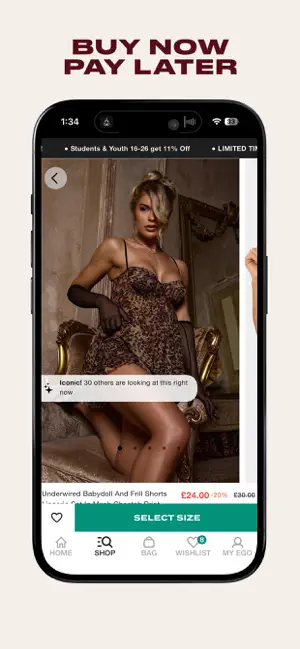

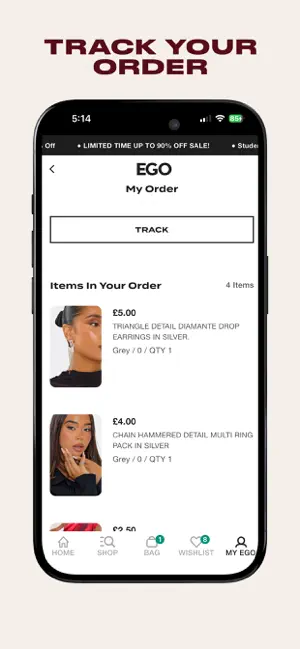
Icon palette
About this app
EGO Clothing App: Your Ultimate Fashion Destination Hey, trendsetters! Ready to dominate the style scene? The EGO Clothing App is your new BFF, here to keep you ahead of every trend with the hottest women’s fashion and shoes. Whether you’re on the hunt for killer co-ords, statement heels, or that jaw-dropping dress, we’ve got you covered. Dive into your ultimate fashion playground and discover all things trendy, stylish, and just plain fierce! OUR PERKS: SHOP THE LATEST TRENDS FIRST: Get first dibs on our newest collections before anyone else! From chic women’s clothing to must-have shoes, stay on top of your fashion game. APP-EXCLUSIVE OFFERS: We love treating our app girls! Turn on push notifications to unlock exclusive deals and promos you won’t find anywhere else. YOUR WISHLIST, YOUR WAY: Found something you love? Add it to your wishlist and keep track of all your faves. Shopping…
App details
What you can learn from EGO: Women’s Clothing & Shoes
Every shipping app on the App Store has gone through the same decisions you're working through right now: which screenshot goes first, what caption sits over it, which device frame to show, what color the background should be. The 6 screenshots above are EGO: Women’s Clothing & Shoes's answers to those questions — they're public, they're real, and they made it through Apple's review.
Notice the first screenshot in particular. It's the one users see in search results and on the product page, and it's where most apps spend their best caption and tightest design. Look at the proportion of background to phone, where the text sits, what one thing the image is trying to communicate.
Want to see how other Shopping apps approach the same problem? Browse more Shopping apps in the showcase.
Take what works into your own screenshots
Open LaunchShots and design your App Store & Google Play screenshots — pick a device frame, drop captions, ship in minutes. Free, in your browser.
Open the screenshot editor →