Screenshots

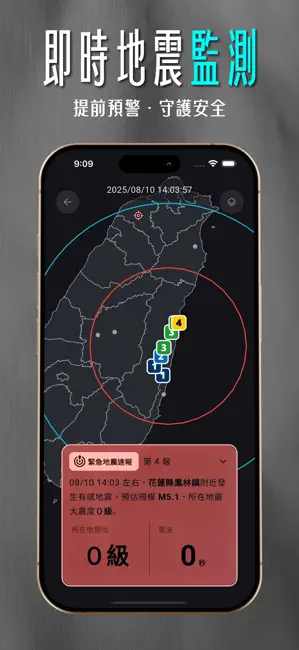
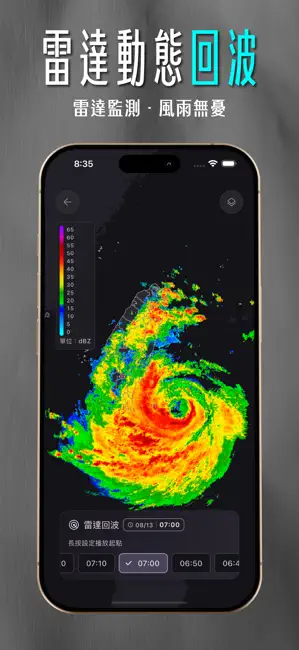
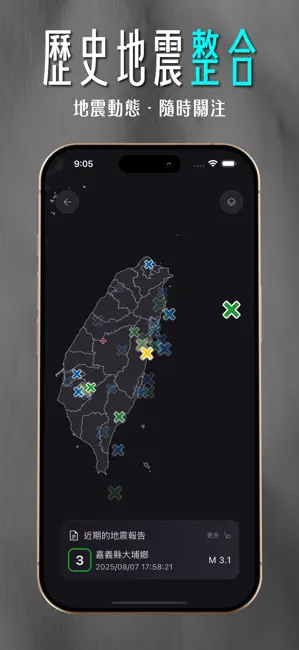
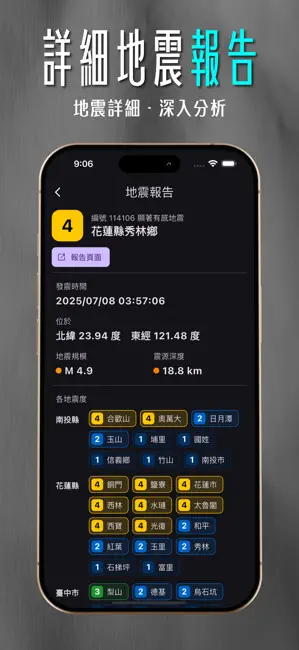
Icon palette
About this app
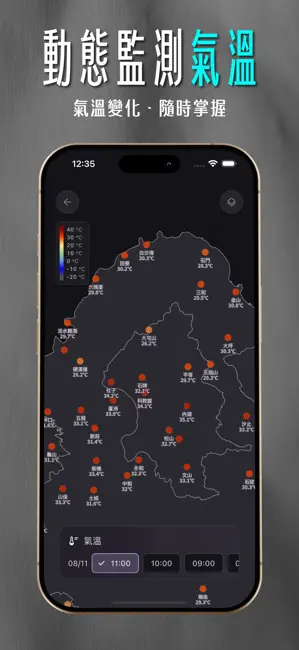
DPIP (Disaster prevention information platform),是一套由臺灣本土團隊設計的App,整合 TREM (臺灣即時地震監測網) 之強震即時警報與地震資訊,以及中央氣象署之資料,提供一個整合、單一且便利的防災資訊應用程式。 ※ 歡迎加入公開測試以取得最新測試版本。 ※ 如果您對於我們 app 使用上有相關的問題,歡迎透過 app 裡底下的社群連結一同加入與我們討論,取得相關最新資訊。 ※ 所有資訊請以交通部中央氣象署公告為準。 強震即時警報(Earthquake Early Warning, EEW),是藉由部署於各地之地震波觀測站,在地震發生時將測得之地震波回傳至伺服器計算並產生地震速報,為您爭取數秒甚至數十秒之時間,進行防災應變及避難措施。 【重點功能】 ▶ 強震即時警報 ▶ 震度速報 ▶ 地震報告 【其他主要功能】 ▶ 即時天氣 ▶ 天氣警特報 ▶ 災防資訊彙整 【資料來源】 ▶ 交通部中央氣象署(CWA) ▶ 國家災害防救科技中心(NCDR) ▶ TREM by ExpTech Studio 歡迎使用我們開發的電腦版地震速報軟體: ▶ TREM-lite:https://exptechtw.github.io/trem-plugins 歡迎加入及追蹤我們…
App details
What you can learn from DPIP - 災害天氣與地震速報
Every shipping app on the App Store has gone through the same decisions you're working through right now: which screenshot goes first, what caption sits over it, which device frame to show, what color the background should be. The 6 screenshots above are DPIP - 災害天氣與地震速報's answers to those questions — they're public, they're real, and they made it through Apple's review.
Notice the first screenshot in particular. It's the one users see in search results and on the product page, and it's where most apps spend their best caption and tightest design. Look at the proportion of background to phone, where the text sits, what one thing the image is trying to communicate.
Want to see how other Weather apps approach the same problem? Browse more Weather apps in the showcase.
Take what works into your own screenshots
Open LaunchShots and design your App Store & Google Play screenshots — pick a device frame, drop captions, ship in minutes. Free, in your browser.
Open the screenshot editor →