Screenshots
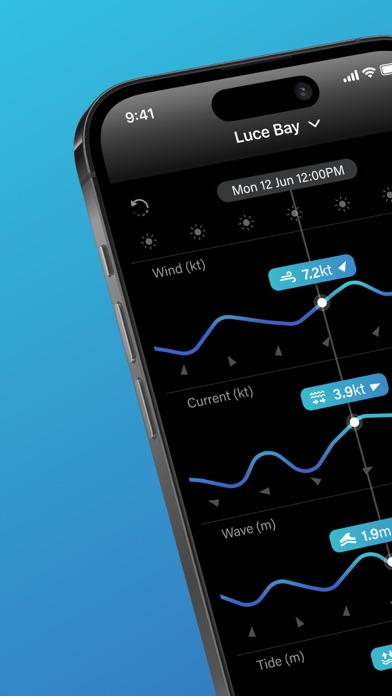
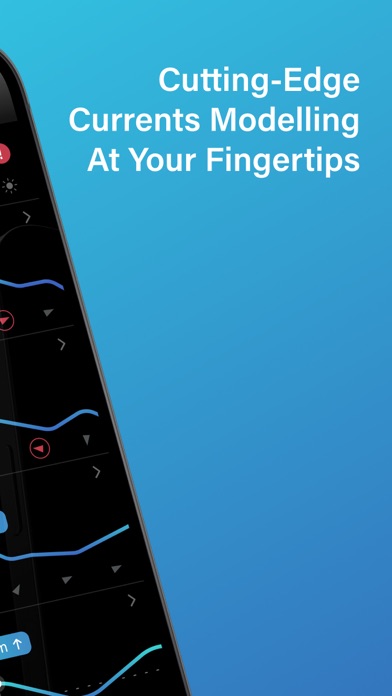
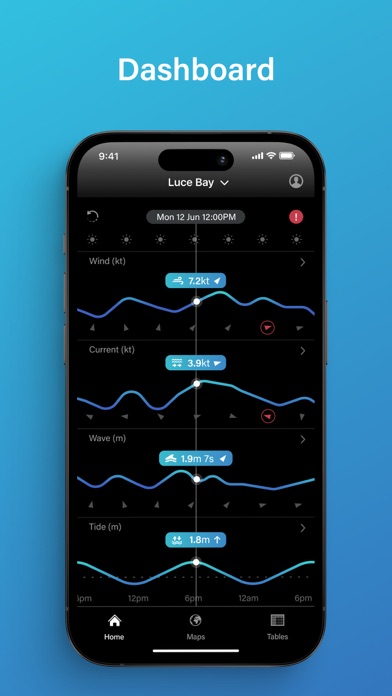
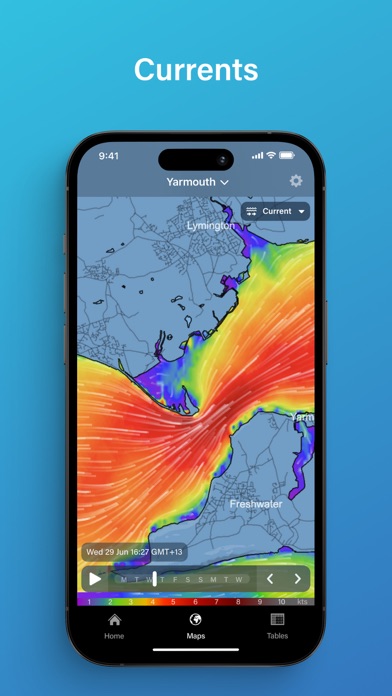
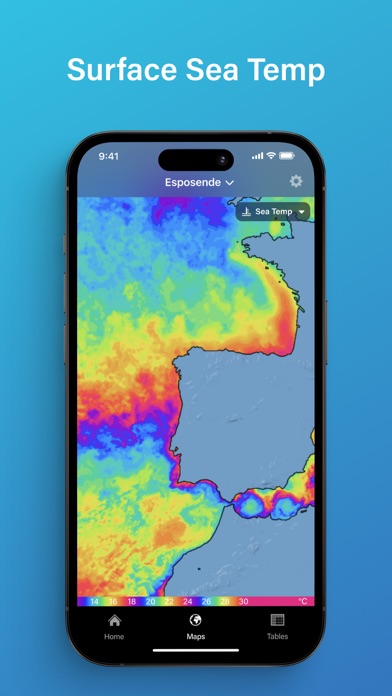
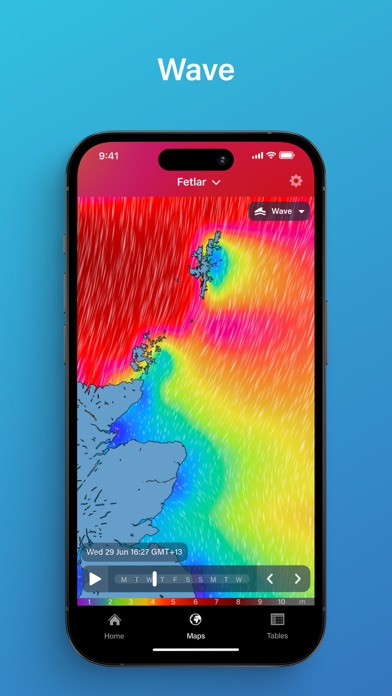

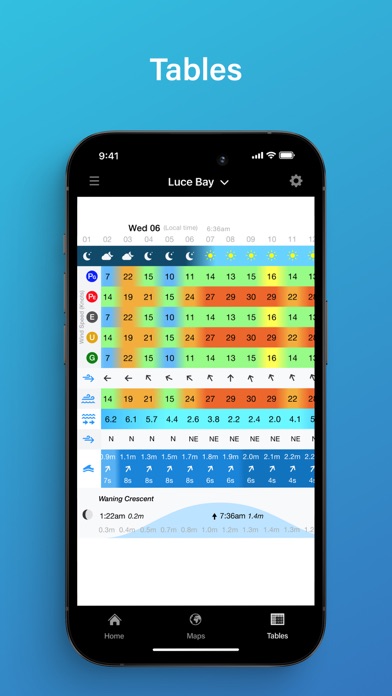
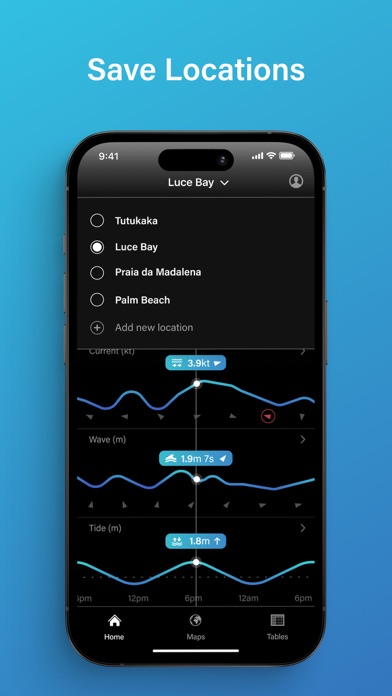
iPad screenshots
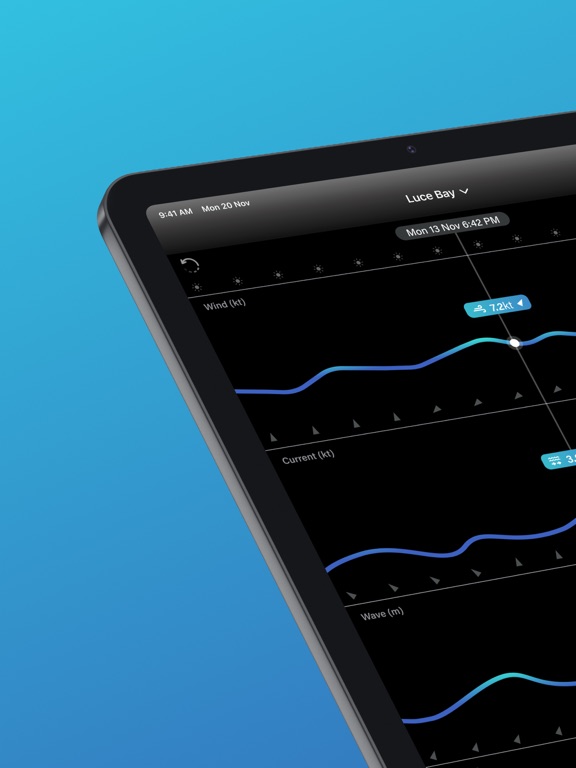


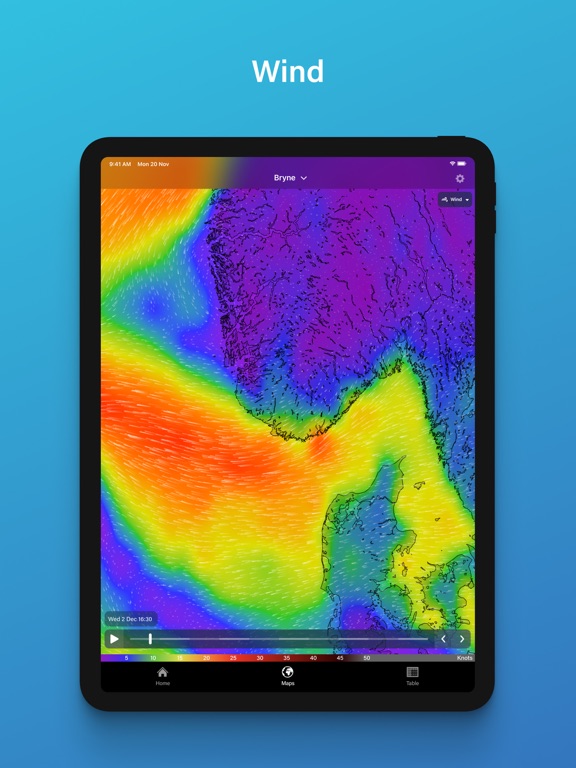


Icon palette
About this app
Navigate coastal adventures with precision using real-time tidal current data from PredictWind. PredictCurrent delivers ultra-high-resolution 100m tidal current maps, plus 400m and 4km maps covering 90% of global coastlines. It also includes full ocean current coverage, empowering fishermen, sailors, and coastal explorers with essential tools for current tracking, tide planning, and marine navigation. Developed by PredictWind’s expert oceanographers, trusted globally for industry-leading forecasting, PredictCurrent supports confident and safe coastal navigation for boating, fishing, sailing, and kayaking. Why PredictCurrent - Unrivalled Precision: Ultra-high-resolution 100m tidal current maps provide unmatched detail for coastal tide planning, ideal for fishing, sailing, or paddle sports. Also includes 400m and 4km resolution maps. - Trusted Expertise: Built by PredictWind, pioneer…
App details
What you can learn from PredictCurrent
Every shipping app on the App Store has gone through the same decisions you're working through right now: which screenshot goes first, what caption sits over it, which device frame to show, what color the background should be. The 18 screenshots above are PredictCurrent's answers to those questions — they're public, they're real, and they made it through Apple's review.
Notice the first screenshot in particular. It's the one users see in search results and on the product page, and it's where most apps spend their best caption and tightest design. Look at the proportion of background to phone, where the text sits, what one thing the image is trying to communicate.
Want to see how other Weather apps approach the same problem? Browse more Weather apps in the showcase.
Take what works into your own screenshots
Open LaunchShots and design your App Store & Google Play screenshots — pick a device frame, drop captions, ship in minutes. Free, in your browser.
Open the screenshot editor →