Screenshots

Icon palette
About this app
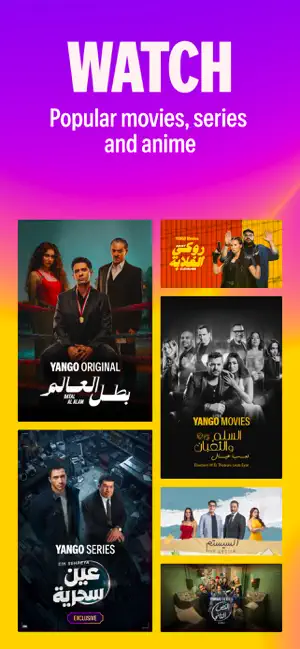
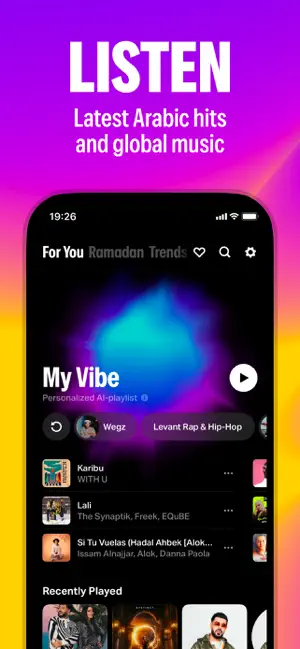
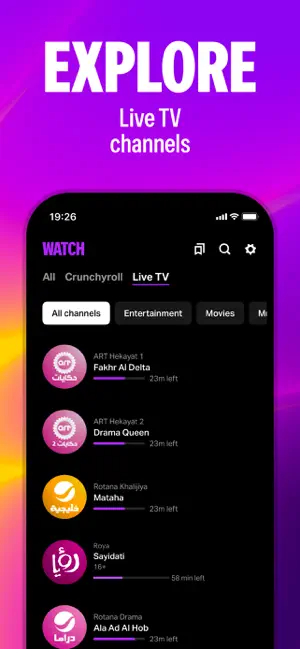
Get a special offer on a massive library of movies, series, music, and much more. With Yango Play you can watch exclusive series, movies straight from the cinema, explore thousands of anime shows and movies, and much more. Think of it as your personal movie box for Arabic and international hits, ready whenever you want something new or want to re-discover a favorite movie. Enjoy an ad-free and HD entertainment library that spans Egyptian, Lebanese, and Syrian movies and series, Turkish dramas, Japanese anime, international blockbusters, and more. From family sagas and comedies to thrillers, this movie box is built around variety. If your evening calls for a timeless movie or the latest release, Yango Play makes it easy to find the right title. Live TV brings you the biggest channels in the region, including Al Arabiya, Rotana, MBC, Roya, and Al Hadath—ideal for regional stories and li…
App details
What you can learn from Yango Play-series,anime,movies
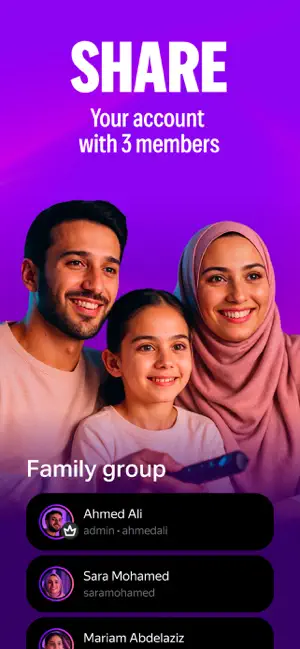
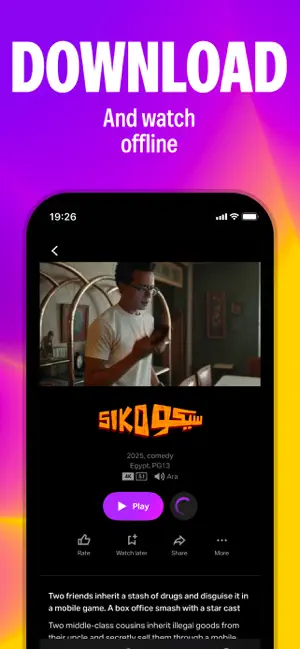
Every shipping app on the App Store has gone through the same decisions you're working through right now: which screenshot goes first, what caption sits over it, which device frame to show, what color the background should be. The 6 screenshots above are Yango Play-series,anime,movies's answers to those questions — they're public, they're real, and they made it through Apple's review.
Notice the first screenshot in particular. It's the one users see in search results and on the product page, and it's where most apps spend their best caption and tightest design. Look at the proportion of background to phone, where the text sits, what one thing the image is trying to communicate.
Want to see how other Entertainment apps approach the same problem? Browse more Entertainment apps in the showcase.
Take what works into your own screenshots
Open LaunchShots and design your App Store & Google Play screenshots — pick a device frame, drop captions, ship in minutes. Free, in your browser.
Open the screenshot editor →