Screenshots




Icon palette
About this app
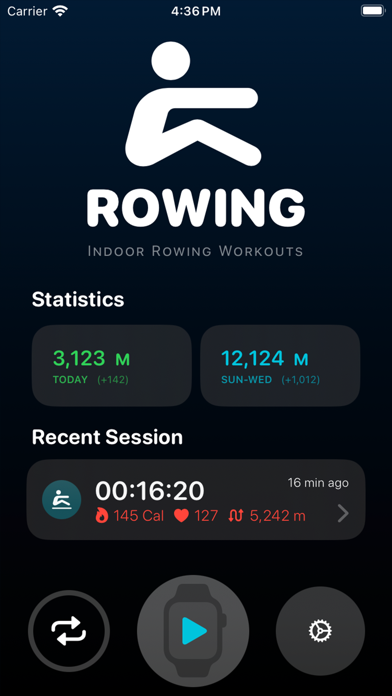
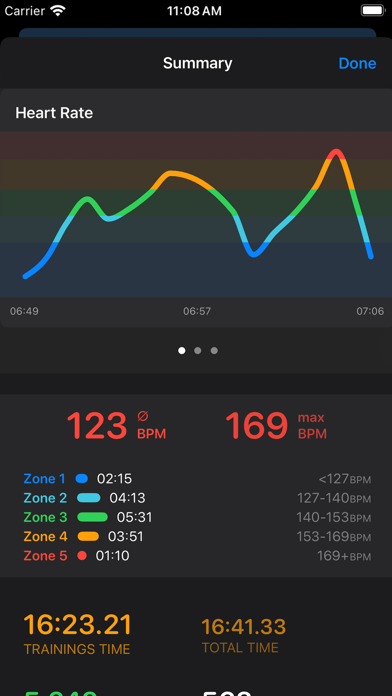
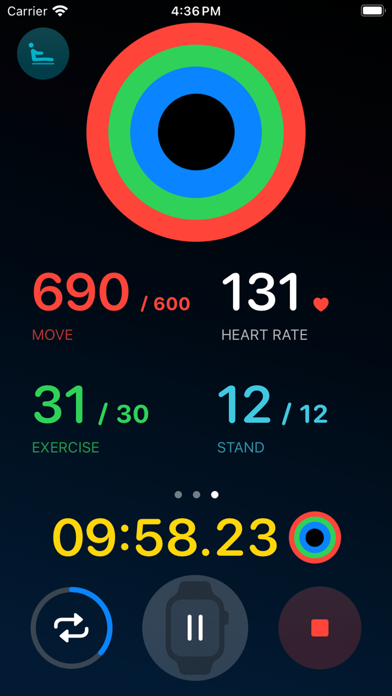
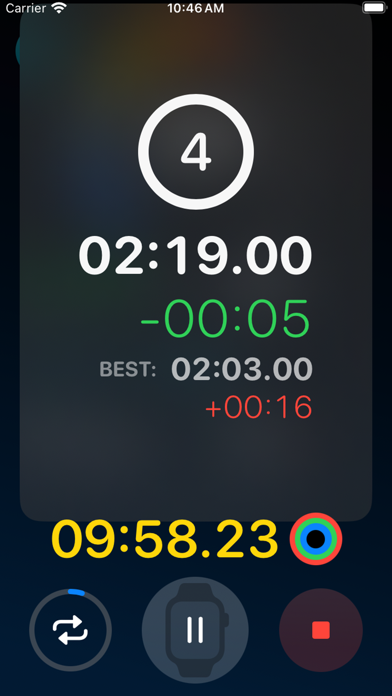
Elevate Your Rowing Experience with Rowing Workouts for your Apple Watch. Looking to take your rowing to new heights? The all-new Rowing Workouts app for your Apple Watch is finally here! This isn't just an app for recording your rows; it's a comprehensive tracker for every stroke you take. Features: Precise Tracking: Capture not only your rowing sessions but also track every individual rowing stroke. The measured force is used to estimate the distance covered, providing accurate insights into how many meters you've rowed daily or weekly. Personal Challenges: Challenge yourself by sharing your training data and competing against your own best performances. Witness your personal progress and draw inspiration from your own training. Seamless iPhone and Apple Watch Integration: While you're training on your Apple Watch, your iPhone reflects your current data, serving as a clear displa…
App details
What you can learn from Rowing Workout
Every shipping app on the App Store has gone through the same decisions you're working through right now: which screenshot goes first, what caption sits over it, which device frame to show, what color the background should be. The 9 screenshots above are Rowing Workout's answers to those questions — they're public, they're real, and they made it through Apple's review.
Notice the first screenshot in particular. It's the one users see in search results and on the product page, and it's where most apps spend their best caption and tightest design. Look at the proportion of background to phone, where the text sits, what one thing the image is trying to communicate.
Want to see how other Sports apps approach the same problem? Browse more Sports apps in the showcase.
Take what works into your own screenshots
Open LaunchShots and design your App Store & Google Play screenshots — pick a device frame, drop captions, ship in minutes. Free, in your browser.
Open the screenshot editor →