Screenshots


Icon palette
About this app
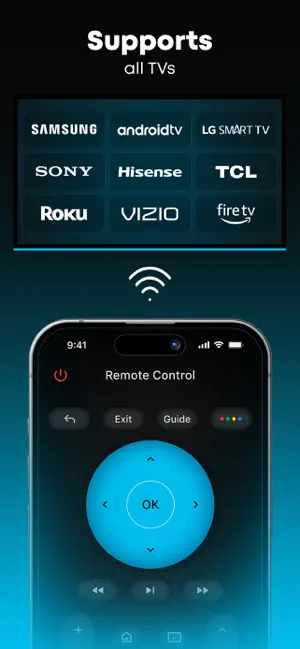
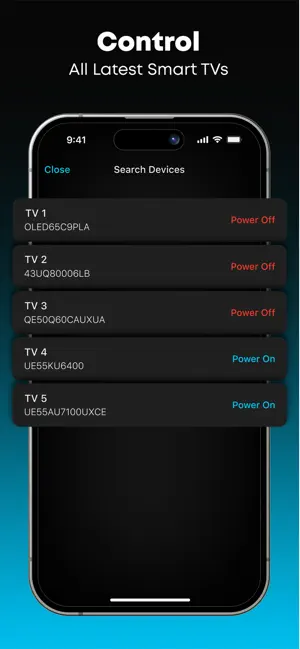
Stick - Remote Control For TV turns your phone into a simple and easy-to-use remote for your TV. A physical remote is always hard to find, but this one stays in your pocket for the whole time! Key Features: *** - Works with many different TV models: Control your TV easily. It’s simple to switch channels, control audio, and navigate the menu! *** - Touchpad and Joystick on Your Phone: Use your phone's screen as a touchpad or joystick to control the TV. *** - Type and Select with Ease: Comes with a keyboard for typing and numbers for channel control. *** - Simple and User-Friendly: Designed for everyone to use without any hassle. Disclaimer: Stick - Remote Control For TV is NOT the official application for any TV brand, and it is NOT affiliated with or endorsed by any company. Try Stick - Remote Control For TV and make controlling your TV simple and convenient with ju…
App details
What you can learn from Stick - Remote Control For TV
Every shipping app on the App Store has gone through the same decisions you're working through right now: which screenshot goes first, what caption sits over it, which device frame to show, what color the background should be. The 4 screenshots above are Stick - Remote Control For TV's answers to those questions — they're public, they're real, and they made it through Apple's review.
Notice the first screenshot in particular. It's the one users see in search results and on the product page, and it's where most apps spend their best caption and tightest design. Look at the proportion of background to phone, where the text sits, what one thing the image is trying to communicate.
Want to see how other Utilities apps approach the same problem? Browse more Utilities apps in the showcase.
Take what works into your own screenshots
Open LaunchShots and design your App Store & Google Play screenshots — pick a device frame, drop captions, ship in minutes. Free, in your browser.
Open the screenshot editor →