Screenshots


Icon palette
About this app
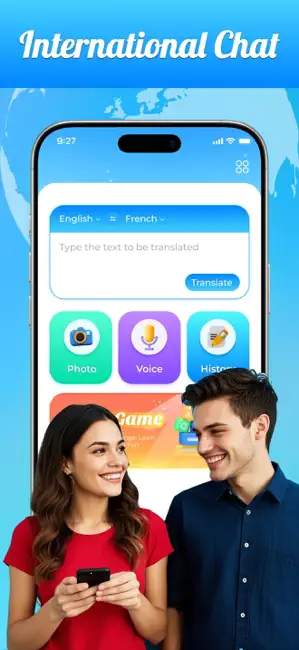
Introducing our revolutionary translation app: Translate Rabbit; Break the language barrier and communicate easily, let us be your best translation partner. Whether you are traveling, on international business, or want to communicate with people from different cultures, this app is your go-to solution. With it, you can have a powerful translation tool anytime, anywhere. We try to ensure real-time, accurate translations so you can have smooth and in-depth conversations without the need for tedious language dictionaries or language learning. Say goodbye to the worries of difficult communication and embrace smooth understanding. The main function: 1. Instant translation: Our app provides fast translation in multiple languages, allowing you to get what you need anytime, anywhere. Just type or speak your message and get translations quickly. 2. Voice recognition: Communicate easily by using…
App details
What you can learn from Translate Rabbit
Every shipping app on the App Store has gone through the same decisions you're working through right now: which screenshot goes first, what caption sits over it, which device frame to show, what color the background should be. The 6 screenshots above are Translate Rabbit's answers to those questions — they're public, they're real, and they made it through Apple's review.
Notice the first screenshot in particular. It's the one users see in search results and on the product page, and it's where most apps spend their best caption and tightest design. Look at the proportion of background to phone, where the text sits, what one thing the image is trying to communicate.
Want to see how other Reference apps approach the same problem? Browse more Reference apps in the showcase.
Take what works into your own screenshots
Open LaunchShots and design your App Store & Google Play screenshots — pick a device frame, drop captions, ship in minutes. Free, in your browser.
Open the screenshot editor →