Screenshots




iPad screenshots


Icon palette
About this app
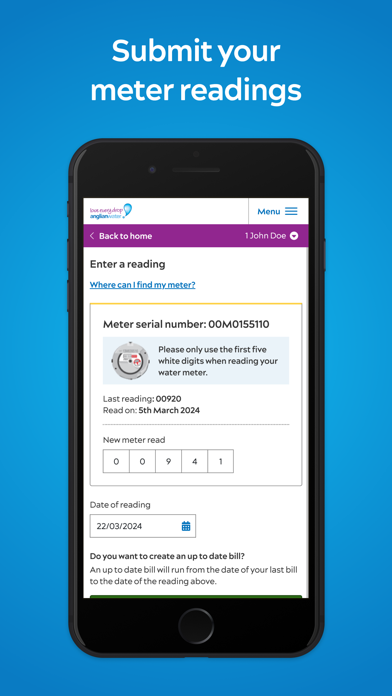
With a few simple taps, you can: • Keep an eye on your account – view your bills and payments, set up or change a payment plan, or make a card payment • Check your usage – get the latest view of how much water you’re using plus some handy water saving tips • Manage your details – quickly update us about any changes to your information • Submit meter readings – only pay for what you use by keeping your usage up to date • Tell us you’re moving – easily close or transfer your account • Get extra support – sign up to our Priority Services Register to get services tailored to your household • Get updates and alerts – stay in the loop about any service issues affecting your home Getting started If you’re already signed up to MyAccount, just use your existing login details. If you’re new to the service, just download the app to register your details. You can choose what language …
App details
What you can learn from Anglian Water MyAccount
Every shipping app on the App Store has gone through the same decisions you're working through right now: which screenshot goes first, what caption sits over it, which device frame to show, what color the background should be. The 16 screenshots above are Anglian Water MyAccount's answers to those questions — they're public, they're real, and they made it through Apple's review.
Notice the first screenshot in particular. It's the one users see in search results and on the product page, and it's where most apps spend their best caption and tightest design. Look at the proportion of background to phone, where the text sits, what one thing the image is trying to communicate.
Want to see how other Utilities apps approach the same problem? Browse more Utilities apps in the showcase.
Take what works into your own screenshots
Open LaunchShots and design your App Store & Google Play screenshots — pick a device frame, drop captions, ship in minutes. Free, in your browser.
Open the screenshot editor →