Screenshots
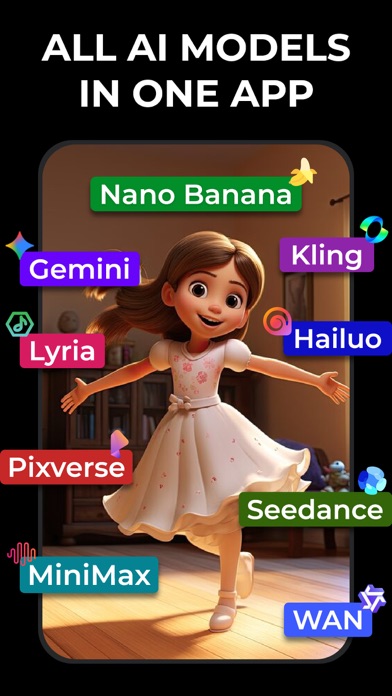


Icon palette
About this app
Motion är en AI-driven allt-i-ett-rörelseredigerare som förvandlar foton och videor till filmiska animerade bilder. Drivs av avancerad AI, geometriska rörelsealgoritmer och fysikbaserad animationsteknik, förstår den intelligent djup, struktur och rörelse för att skapa naturliga, uppslukande effekter. Animera enkelt foton, lägg till dynamisk rörelse i videor och skapa iögonfallande innehåll för sociala medier med bara några få tryck. Oavsett om du vill ha filmisk videorörelse, konstnärlig fotoanimation eller iögonfallande innehåll för sociala medier, ger Motion dig allt du behöver i en kraftfull och lättanvänd app. Viktiga funktioner i Motion: • Rörelsemall • Videorörelseanimator • 3D-fotorörelseanimator • Geometrisk rörelsealgoritm • Fysikbaserad rörelsemotor • Animerad kantlinje • Animerad bakgrund • Animerad rökig eld • Parallaxeffekter • Rökflöde • 3D-fokus • Reflektera vatten • Sk…
App details
What you can learn from Photopea: AI Video & Animation
Every shipping app on the App Store has gone through the same decisions you're working through right now: which screenshot goes first, what caption sits over it, which device frame to show, what color the background should be. The 10 screenshots above are Photopea: AI Video & Animation's answers to those questions — they're public, they're real, and they made it through Apple's review.
Notice the first screenshot in particular. It's the one users see in search results and on the product page, and it's where most apps spend their best caption and tightest design. Look at the proportion of background to phone, where the text sits, what one thing the image is trying to communicate.
Want to see how other Graphics & Design apps approach the same problem? Browse more Graphics & Design apps in the showcase.
Take what works into your own screenshots
Open LaunchShots and design your App Store & Google Play screenshots — pick a device frame, drop captions, ship in minutes. Free, in your browser.
Open the screenshot editor →