Screenshots




Icon palette
About this app
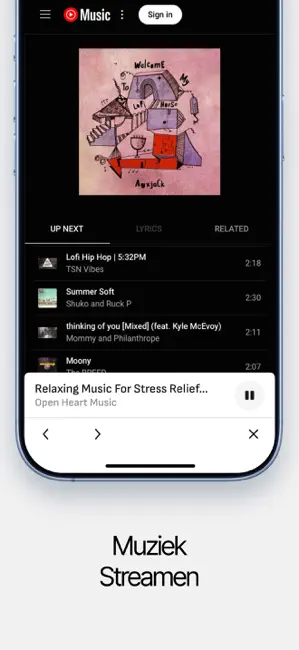
Sonos S1 Speaker Controller App is een must voor diegenen die op zoek zijn naar een comfortabele en eenvoudige manier om hun speakers te bedienen vanaf hun telefoon. Verbind apparaten, stream muziek, pas het volume aan, identificeer nummers en meer! PROBLEEMLOZE VERBINDING Maak verbinding met je speakers via Bluetooth of Wi-Fi en geniet van een stabiele audiostreamingervaring. MUZIEK CASTEN & STREAMEN Cast muziek vanuit je telefoonbibliotheek of stream je favoriete composities vanaf de populaire muziekplatforms. IDENTIFICEER ONBEKENDE TRACKS Detecteer en identificeer muziek die om je heen speelt in enkele seconden. *Prijzen in landen kunnen variëren en de werkelijke kosten kunnen worden omgerekend naar uw lokale valuta, afhankelijk van het land waarin u woont. *Betaling wordt in rekening gebracht op iTunes Account bij bevestiging van aankoop. *Het abonnement wordt automatisch verlen…
App details
What you can learn from Sonos S1・S2 Speaker Controller
Every shipping app on the App Store has gone through the same decisions you're working through right now: which screenshot goes first, what caption sits over it, which device frame to show, what color the background should be. The 5 screenshots above are Sonos S1・S2 Speaker Controller's answers to those questions — they're public, they're real, and they made it through Apple's review.
Notice the first screenshot in particular. It's the one users see in search results and on the product page, and it's where most apps spend their best caption and tightest design. Look at the proportion of background to phone, where the text sits, what one thing the image is trying to communicate.
Want to see how other Music apps approach the same problem? Browse more Music apps in the showcase.
Take what works into your own screenshots
Open LaunchShots and design your App Store & Google Play screenshots — pick a device frame, drop captions, ship in minutes. Free, in your browser.
Open the screenshot editor →