Screenshots
Icon palette
About this app
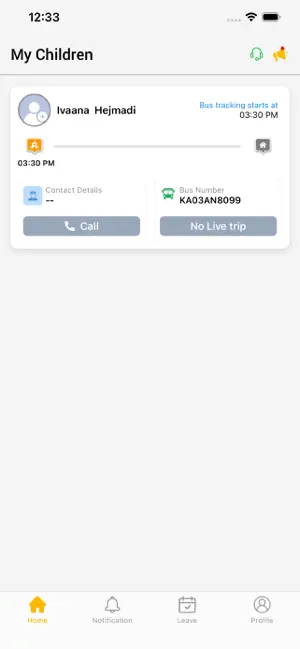
• Safety — For increased student safety, track all buses in real -time so parents may be informed of the actual arrival time of the buses, reducing the time kids have to wait, exposed to bad weather or any other dangers. Notifications may also be set up to ensure that school managers receive a message the moment buses enter a no-go zone, or drivers engage in dangerous driving. • Cost- savings — Monitor bus driving behaviour to make sure drivers operate their buses effectively, eliminating unwanted idling, observing speed limitations and not using detours. And because GPS tracking is considered an anti- theft device by most insurance providers, you can save on insurance costs, as well. • Time — Avoid time- consuming the manual assortment of fleet activity required for condition reports and conformity With GPS tracking this information is instantly gathered and documented, which will save…
App details
What you can learn from SCOOBEE PARENT
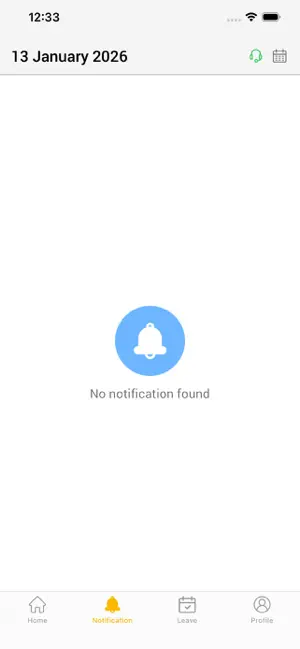
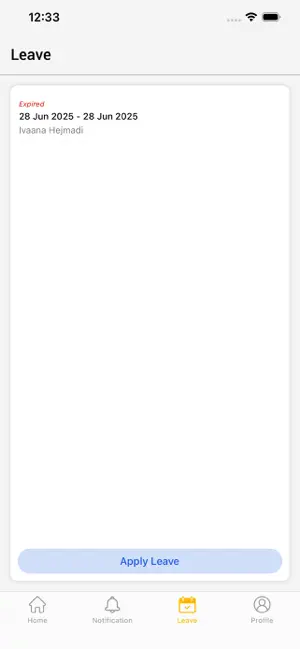
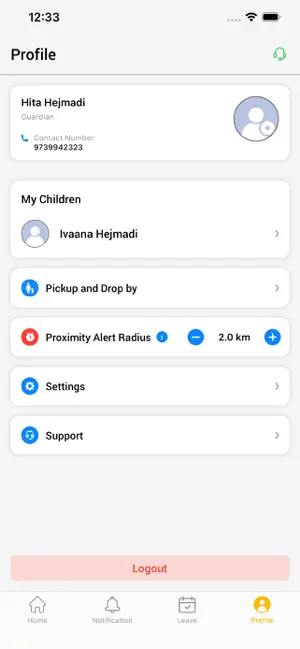
Every shipping app on the App Store has gone through the same decisions you're working through right now: which screenshot goes first, what caption sits over it, which device frame to show, what color the background should be. The 4 screenshots above are SCOOBEE PARENT's answers to those questions — they're public, they're real, and they made it through Apple's review.
Notice the first screenshot in particular. It's the one users see in search results and on the product page, and it's where most apps spend their best caption and tightest design. Look at the proportion of background to phone, where the text sits, what one thing the image is trying to communicate.
Want to see how other Navigation apps approach the same problem? Browse more Navigation apps in the showcase.
Take what works into your own screenshots
Open LaunchShots and design your App Store & Google Play screenshots — pick a device frame, drop captions, ship in minutes. Free, in your browser.
Open the screenshot editor →