Screenshots
Icon palette
About this app
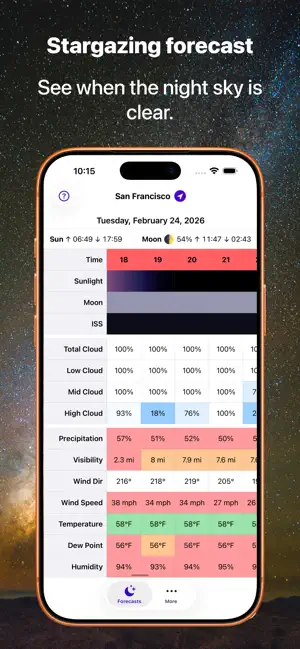
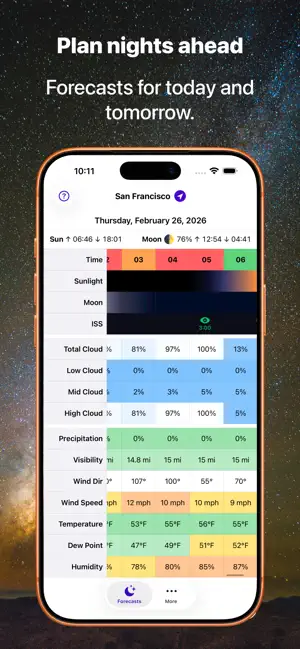
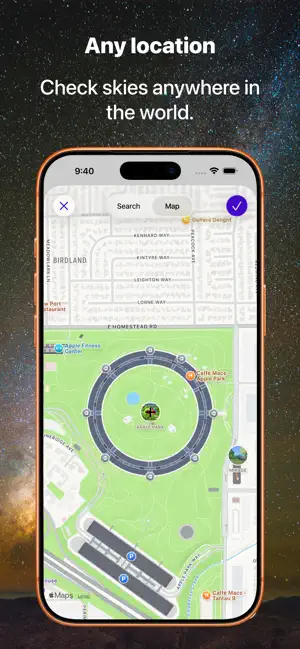
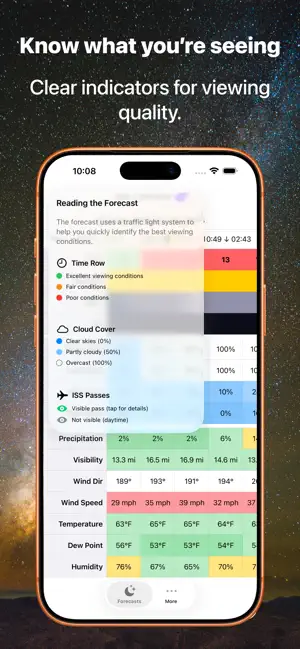
Transform any night into an astronomical adventure with Starglow, your intelligent companion for stargazing, planet watching, and satellite spotting. Helping you find the perfect moments to explore the wonders above. Know When to Look Up. Make the most of clear skies with our detailed timeline view that shows you exactly when viewing conditions are optimal. Forecasts include: • Total cloud coverage • High, medium, and low-level cloud percentage • Real-time visibility conditions • Hour-by-hour viewing quality predictions - International Space Station Visibility Access detailed forecasts for today and tomorrow, helping you prepare for upcoming celestial events. Whether you're an amateur astronomer, astrophotographer, or simply love gazing at the night sky, Starglow helps you choose the best times to head outside. Already using Alpenglow for sunrise and sunset forecasts? Bundle Starglow…
App details
What you can learn from Starglow: Stargazing Forecast
Every shipping app on the App Store has gone through the same decisions you're working through right now: which screenshot goes first, what caption sits over it, which device frame to show, what color the background should be. The 4 screenshots above are Starglow: Stargazing Forecast's answers to those questions — they're public, they're real, and they made it through Apple's review.
Notice the first screenshot in particular. It's the one users see in search results and on the product page, and it's where most apps spend their best caption and tightest design. Look at the proportion of background to phone, where the text sits, what one thing the image is trying to communicate.
Want to see how other Weather apps approach the same problem? Browse more Weather apps in the showcase.
Take what works into your own screenshots
Open LaunchShots and design your App Store & Google Play screenshots — pick a device frame, drop captions, ship in minutes. Free, in your browser.
Open the screenshot editor →