Screenshots


Icon palette
About this app
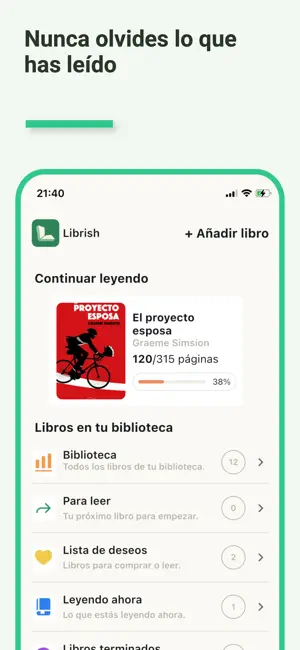
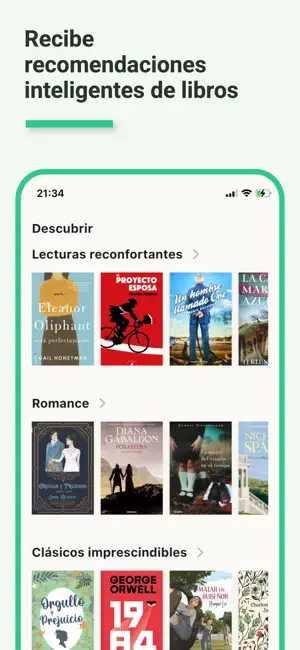
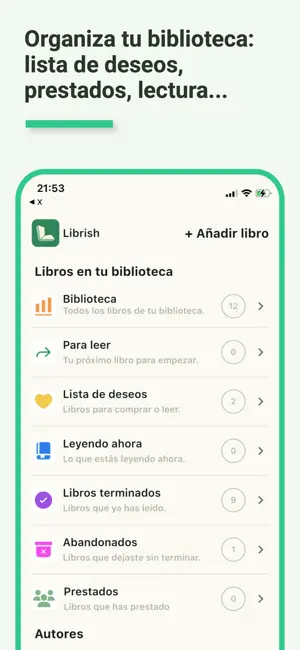
Librish es el compañero definitivo para cualquier amante de los libros. Tanto si eres un lector apasionado, un explorador curioso o simplemente quieres crear un hábito de lectura más consciente, Librish te ayuda a mantenerte organizado, inspirado y conectado con tu biblioteca personal. ORGANIZA TU VIDA LECTORA Haz seguimiento de tu progreso de lectura en varios libros a la vez. Marca los libros como Leído, Leyendo o Quiero leer. Añade valoraciones, notas privadas y fechas de lectura. Crea estanterías personalizadas para ordenar tus libros exactamente como quieras: por género, idioma, estado de ánimo o tu propio sistema. DESCUBRE LIBROS QUE TE ENCANTARÁN Busca millones de libros por título, autor o ISBN y obtén información detallada como portadas, descripciones, datos de publicación, series y ediciones. Encuentra la edición exacta que tienes o quieres leer y explora libros relacionados…
App details
What you can learn from Librish: libros y lecturas
Every shipping app on the App Store has gone through the same decisions you're working through right now: which screenshot goes first, what caption sits over it, which device frame to show, what color the background should be. The 6 screenshots above are Librish: libros y lecturas's answers to those questions — they're public, they're real, and they made it through Apple's review.
Notice the first screenshot in particular. It's the one users see in search results and on the product page, and it's where most apps spend their best caption and tightest design. Look at the proportion of background to phone, where the text sits, what one thing the image is trying to communicate.
Want to see how other Book apps approach the same problem? Browse more Book apps in the showcase.
Take what works into your own screenshots
Open LaunchShots and design your App Store & Google Play screenshots — pick a device frame, drop captions, ship in minutes. Free, in your browser.
Open the screenshot editor →