Screenshots
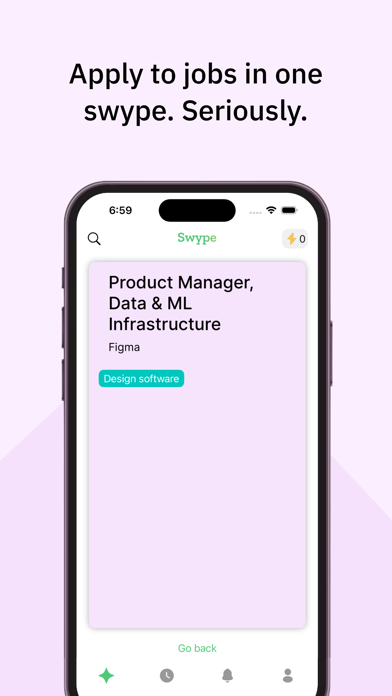


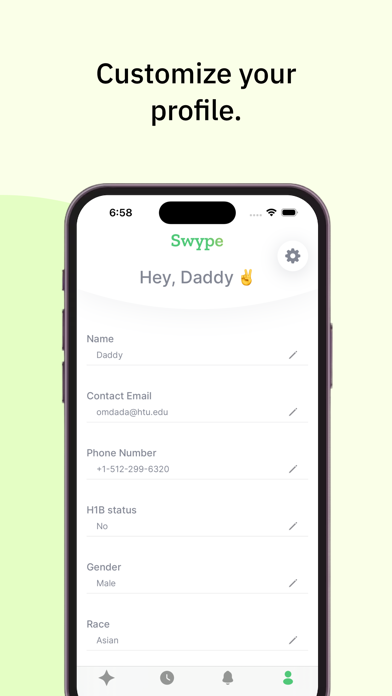
Icon palette
About this app
Easiest way to apply to a job in the world. Sorce makes job hunting easy and effortless. Just swipe right to apply for a job, and our AI agent will handle the rest. No more wasting time typing the same information over and over again. You can focus on better things while Sorce takes care of the applications. With Sorce, you get: One Swipe to Apply: Apply to jobs with a single swipe. Tailored Applications: Customize your cover letters. Track Applications: Keep track of your job applications and get real-time updates. Smart Matching: Get job suggestions that fit your skills and preferences. Secure and Private: Your data is safe with us. Sorce's AI agent applies to jobs on your behalf, saving you time and effort. Whether you're a new graduate, switching careers, or just exploring, Sorce is designed to help you find the right job. So far, our users have swiped over 50 million times and …
App details
What you can learn from Sorce - AI Job Search
Every shipping app on the App Store has gone through the same decisions you're working through right now: which screenshot goes first, what caption sits over it, which device frame to show, what color the background should be. The 5 screenshots above are Sorce - AI Job Search's answers to those questions — they're public, they're real, and they made it through Apple's review.
Notice the first screenshot in particular. It's the one users see in search results and on the product page, and it's where most apps spend their best caption and tightest design. Look at the proportion of background to phone, where the text sits, what one thing the image is trying to communicate.
Want to see how other Business apps approach the same problem? Browse more Business apps in the showcase.
Take what works into your own screenshots
Open LaunchShots and design your App Store & Google Play screenshots — pick a device frame, drop captions, ship in minutes. Free, in your browser.
Open the screenshot editor →