Screenshots
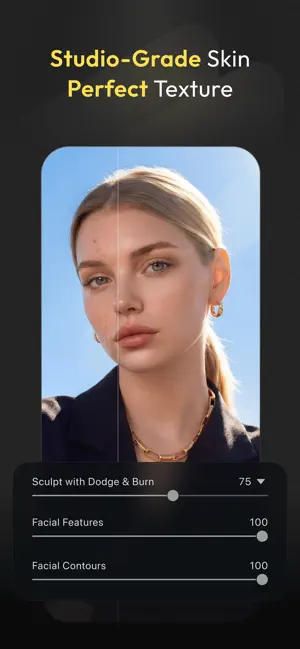
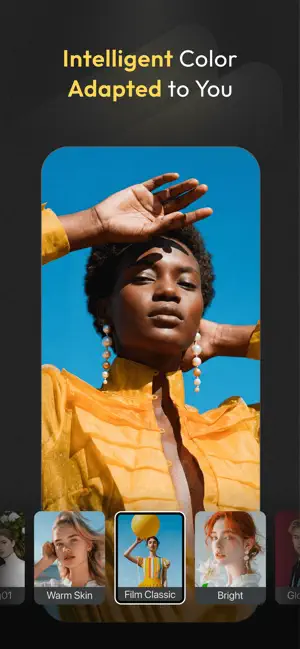
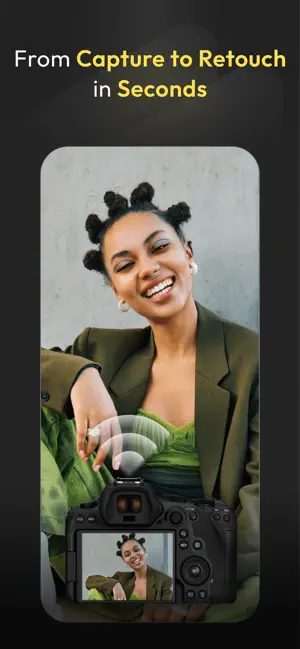

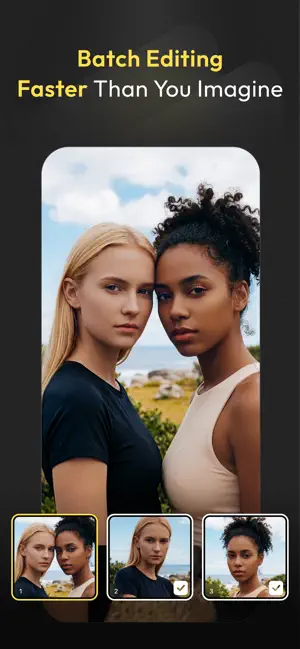
Icon palette
About this app
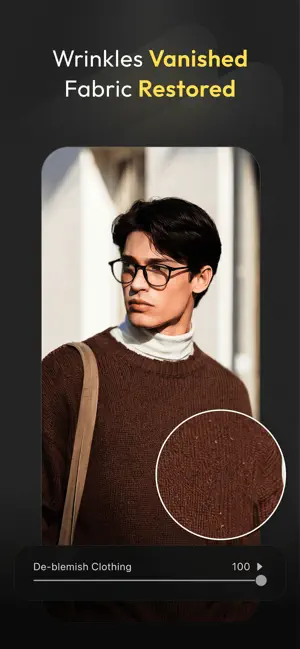
Evoto: Master Editing, Anytime, Anywhere The full-suite AI Photo Editor for on-the-go PRO-GRADE AI PHOTO EDITOR AT YOUR FINGERTIPS · Skin Retouching via blemish removal, dodge & burn, and more · Hair Editing: Stray Hairs Removal, Hair Part Line, Top Hair Volume, Hair Color, all done with one click, no complex operations required · Facial Reshape and Liquify: Smile generation and fine-tune facial features with pixel-level accuracy, sculpting natural beauty · Full Body Reshape: Using 3D bone mapping technology, adjust body shape and posture to create natural, beautiful results · The best choice for Photographers and amateurs who capture Headshots, Wedding, School, Kids & Newborn, Events, Editorial, Fine Art, and more · With a single slider, you can achieve pixel-level professional results EFFORTLESS CLOTHING ENHANCEMENT · Smart De-Wrinkle: AI-powered wrinkle removal for smooth, camera-…
App details
What you can learn from Evoto-AI Photo Editor&Retouch
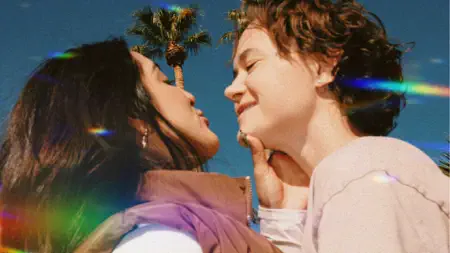
Every shipping app on the App Store has gone through the same decisions you're working through right now: which screenshot goes first, what caption sits over it, which device frame to show, what color the background should be. The 7 screenshots above are Evoto-AI Photo Editor&Retouch's answers to those questions — they're public, they're real, and they made it through Apple's review.
Notice the first screenshot in particular. It's the one users see in search results and on the product page, and it's where most apps spend their best caption and tightest design. Look at the proportion of background to phone, where the text sits, what one thing the image is trying to communicate.
Want to see how other Photo & Video apps approach the same problem? Browse more Photo & Video apps in the showcase.
Take what works into your own screenshots
Open LaunchShots and design your App Store & Google Play screenshots — pick a device frame, drop captions, ship in minutes. Free, in your browser.
Open the screenshot editor →