Screenshots
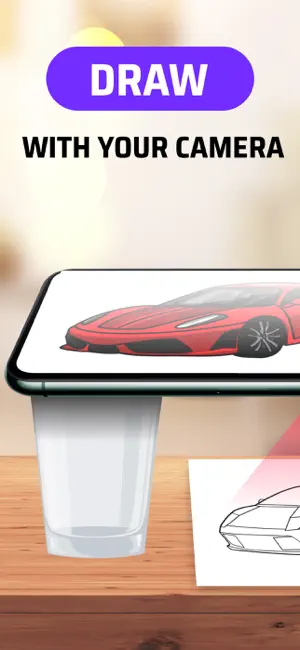
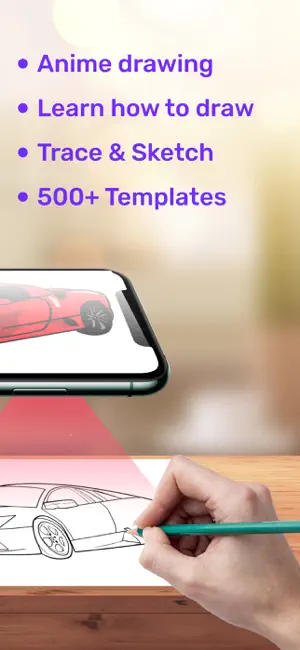
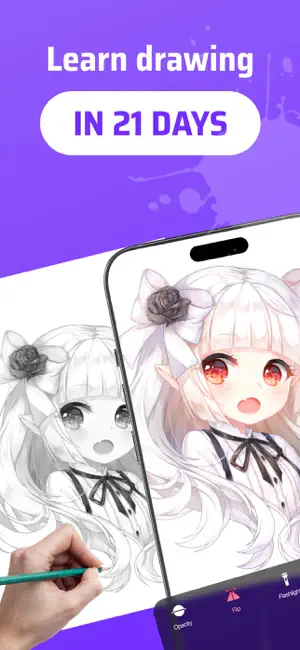
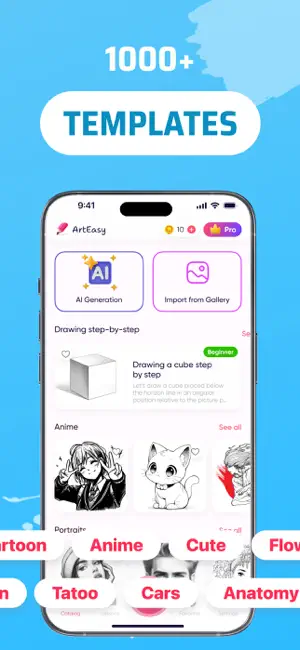

Icon palette
About this app
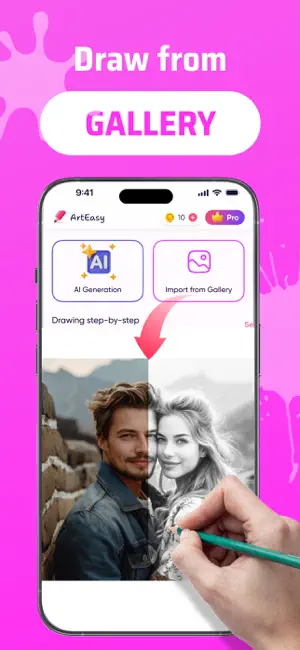
Discover new dimensions of creativity with ArtEasy! Learn how to draw step by step with built-in lessons — from basic shapes to advanced sketches. The lesson library is constantly expanding, making ArtEasy a growing learning platform for artists of all levels. ArtEasy is a mobile app that lets you draw using augmented reality technology (AR drawing). Project images onto any surface through your smartphone camera and trace them to create bright and original drawings. The AR Drawing app is perfect for both beginners and experienced artists — everyone can unlock their creative potential here. Download AR Drawing app "ArtEasy" and start making unique pictures today — using augmented reality and your imagination using your phone. What the app offers: – Convenient projection of images onto any surface: paper, wall, table, etc. – Add your own images from the gallery or browser — draw what…
App details
What you can learn from AR Drawing Sketch AI - ArtEasy
Every shipping app on the App Store has gone through the same decisions you're working through right now: which screenshot goes first, what caption sits over it, which device frame to show, what color the background should be. The 6 screenshots above are AR Drawing Sketch AI - ArtEasy's answers to those questions — they're public, they're real, and they made it through Apple's review.
Notice the first screenshot in particular. It's the one users see in search results and on the product page, and it's where most apps spend their best caption and tightest design. Look at the proportion of background to phone, where the text sits, what one thing the image is trying to communicate.
Want to see how other Graphics & Design apps approach the same problem? Browse more Graphics & Design apps in the showcase.
Take what works into your own screenshots
Open LaunchShots and design your App Store & Google Play screenshots — pick a device frame, drop captions, ship in minutes. Free, in your browser.
Open the screenshot editor →