Screenshots

Icon palette
About this app
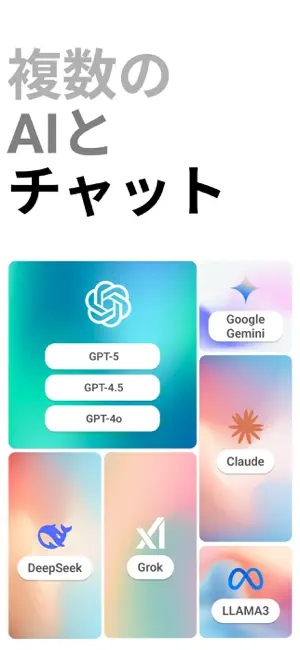
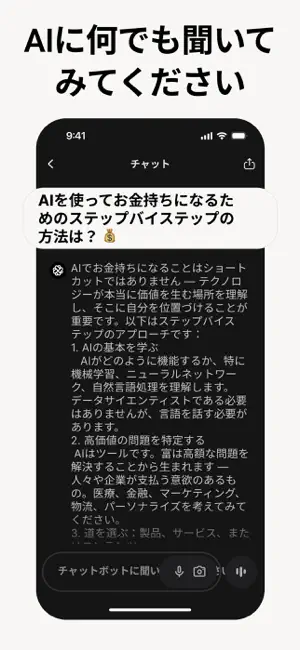
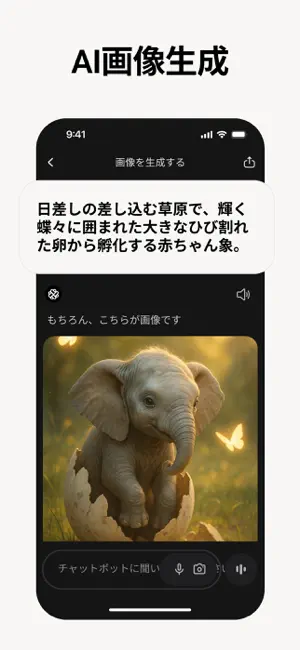
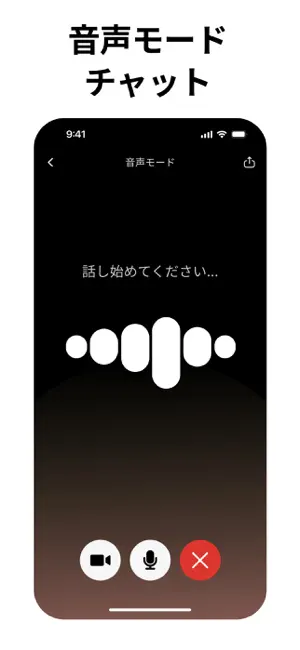
Chatbotアプリは、ChatGPT、GPT-5、GPT-4o、DeepSeek、Gemini、Grok、Claudeを基盤とした革新的なAIアシスタントです。1つの強力なアプリで、あらゆるAIサポートにアクセス可能。誰にでも使いやすく、あらゆるプラットフォームに対応するチャットボットとして設計され、複数の先進AIモデルを統合することで、チャット、思考、創作、学習をよりスマートに実現します — いつでも、どこでも。 – 主な機能 – • 音声チャットでリアルタイムにアイデア出し、会話の練習、複雑な話題の整理、または素早い回答を取得 — 「音声チャット」ボタンをタップするだけ • インタラクティブな解説とビジュアル回答で効率的に学習 • あらゆる分野・業界のトピックに対する専門的な洞察を提供 • AIが旅行プランを提案 — 簡単に旅の準備が可能 • 欲しいイメージを言葉で伝えるだけで即座に画像を生成 • 記事の要約、深堀り分析、出典リンクの表示 • 創造力を高めるアイデア提案と文章の改善 • 140以上の言語で、いつでも無制限に質問可能 • iPhone、iPad、Apple Watch、Web、デスクトップ…
App details
What you can learn from Chatbot App: 日本語AIアシスタント
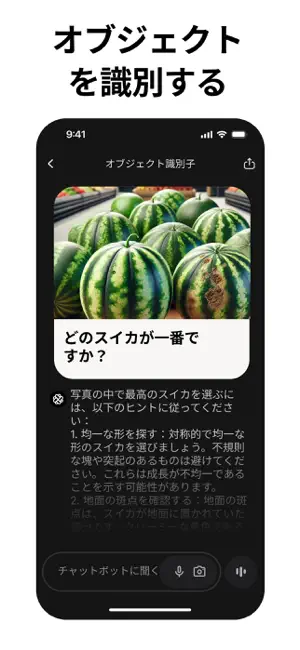
Every shipping app on the App Store has gone through the same decisions you're working through right now: which screenshot goes first, what caption sits over it, which device frame to show, what color the background should be. The 6 screenshots above are Chatbot App: 日本語AIアシスタント's answers to those questions — they're public, they're real, and they made it through Apple's review.
Notice the first screenshot in particular. It's the one users see in search results and on the product page, and it's where most apps spend their best caption and tightest design. Look at the proportion of background to phone, where the text sits, what one thing the image is trying to communicate.
Want to see how other Productivity apps approach the same problem? Browse more Productivity apps in the showcase.
Take what works into your own screenshots
Open LaunchShots and design your App Store & Google Play screenshots — pick a device frame, drop captions, ship in minutes. Free, in your browser.
Open the screenshot editor →