Screenshots

Icon palette
About this app
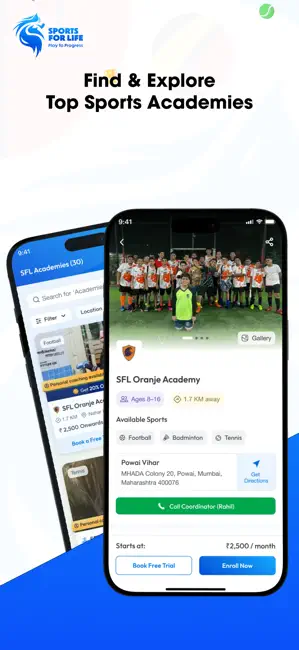
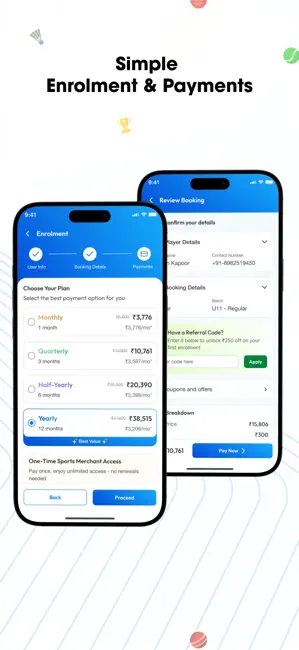
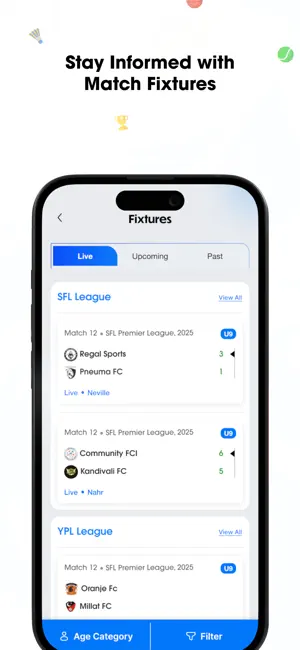
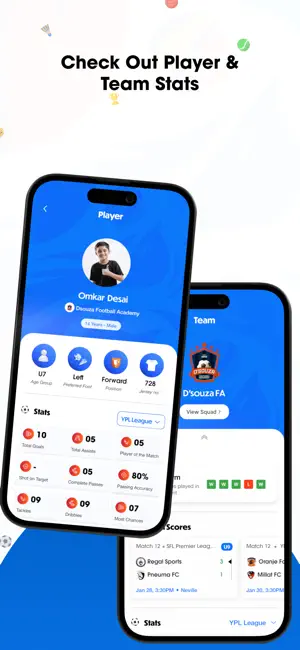
Train Smarter. Play Better. Grow with Sports For Life (SFL) Sports For Life (SFL) is an all-in-one sports coaching and sports academy app designed to help athletes of all ages discover quality sports training across multiple sports, all in one place. Whether you’re starting out, training regularly, or supporting a young athlete’s journey, SFL makes finding the right sports academy and coaching simple, transparent, and stress-free. SFL currently connects users with sports academies and coaching programs in Mumbai and Pune, with plans to expand to more cities. Multiple Sports. One Powerful Platform. SFL connects you to professional sports coaching across: - Football - Badminton - Basketball - Tennis - Table Tennis - Squash - Chess From beginner training to structured academy programs, SFL supports every stage of a sports journey. Key Features 1. Discover Sports Academies Fi…
App details
What you can learn from SFL: NextGen Sports Training
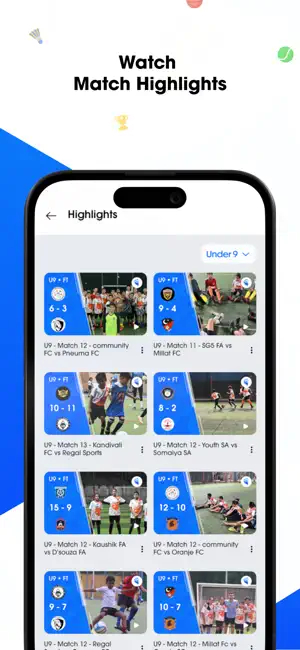
Every shipping app on the App Store has gone through the same decisions you're working through right now: which screenshot goes first, what caption sits over it, which device frame to show, what color the background should be. The 6 screenshots above are SFL: NextGen Sports Training's answers to those questions — they're public, they're real, and they made it through Apple's review.
Notice the first screenshot in particular. It's the one users see in search results and on the product page, and it's where most apps spend their best caption and tightest design. Look at the proportion of background to phone, where the text sits, what one thing the image is trying to communicate.
Want to see how other Sports apps approach the same problem? Browse more Sports apps in the showcase.
Take what works into your own screenshots
Open LaunchShots and design your App Store & Google Play screenshots — pick a device frame, drop captions, ship in minutes. Free, in your browser.
Open the screenshot editor →