Screenshots


Icon palette
About this app
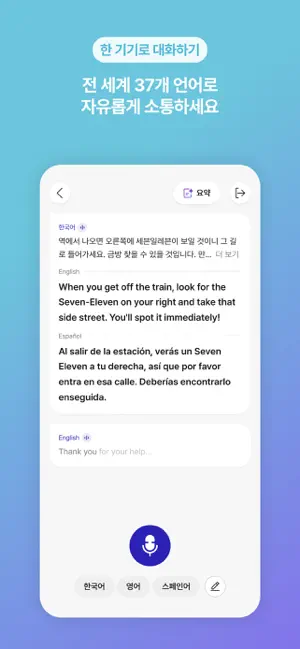
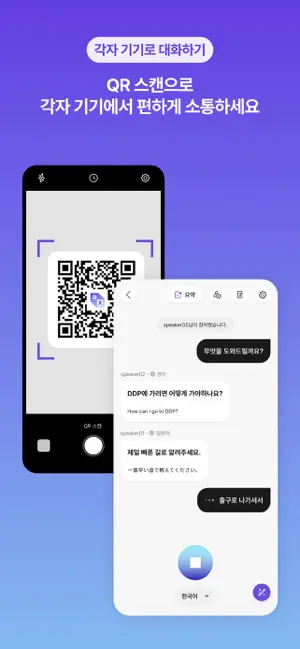
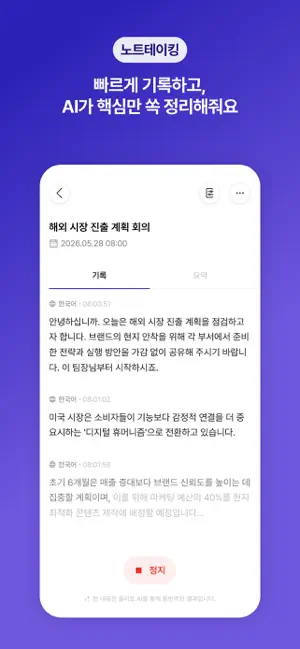
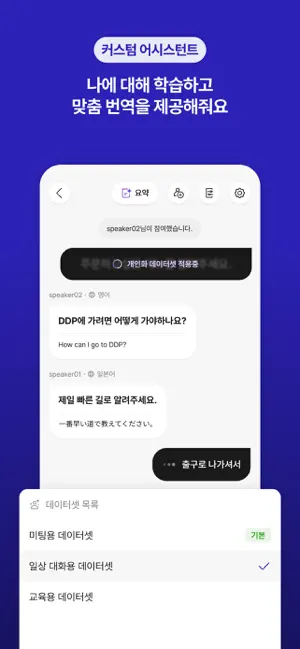
플리토의 Chat Translation은 일상 생활은 물론 다양한 비즈니스 상황에서 활용할 수 있습니다. 해외 출장 중 외국 바이어와의 상담, 글로벌 박람회에서의 실시간 다국어 소통, 다국적 동료들과의 회의, 오프라인 매장에서 외국인 고객 응대 등 여러 상황에서 사용할 수 있습니다. ◆ 최대 37개 언어 지원 (음성 인식 및 번역) 영어, 중국어(간체/번체/광동), 일본어, 한국어, 독일어, 러시아어, 스페인어, 태국어, 베트남어, 아랍어, 크로아티아어, 체코어, 네덜란드어, 핀란드어, 프랑스어, 그리스어, 히브리어, 힌디어, 헝가리어, 인도네시아어, 이탈리아어, 말레이어, 페르시아어, 폴란드어, 포르투갈어, 포르투갈어(브라질), 루마니아어, 슬로바키아어, 스와힐리어, 스웨덴어, 타갈로그어, 터키어, 우크라이나어, 우즈베크어, 몽골어 ※ 지원 언어는 확대될 예정입니다. ◆ 주요 기능 1. 간단한 대화방 생성 및 초대 ‘빠른 대화'는 ‘각자 기기로 대화'(QR 대화)하거나 ‘한 기기로 대화(대면 대화)’할 수 있는 2가지 모드가 있습니다. 모드를 선택하면 즉시 대…
App details
What you can learn from Flitto Chat Translation
Every shipping app on the App Store has gone through the same decisions you're working through right now: which screenshot goes first, what caption sits over it, which device frame to show, what color the background should be. The 6 screenshots above are Flitto Chat Translation's answers to those questions — they're public, they're real, and they made it through Apple's review.
Notice the first screenshot in particular. It's the one users see in search results and on the product page, and it's where most apps spend their best caption and tightest design. Look at the proportion of background to phone, where the text sits, what one thing the image is trying to communicate.
Want to see how other Productivity apps approach the same problem? Browse more Productivity apps in the showcase.
Take what works into your own screenshots
Open LaunchShots and design your App Store & Google Play screenshots — pick a device frame, drop captions, ship in minutes. Free, in your browser.
Open the screenshot editor →