Screenshots

Icon palette
About this app
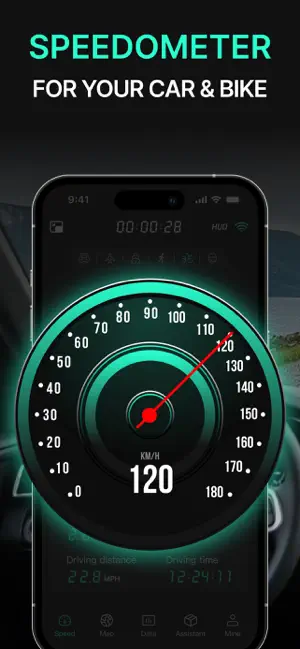
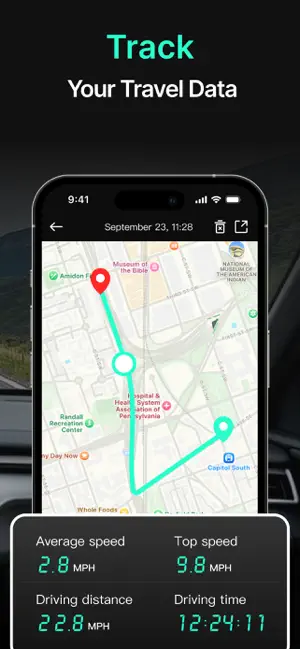
GPS Speedometer is a comprehensive speed measurement application that integrates vehicle, bicycle, and running speed measurement. It aims to provide you with accurate real-time speed, distance, average speed, maximum speed and other key data. Whether you are commuting, long-distance travel, cycling adventure, or running exercise, GPS Speedometer can be your indispensable partner. Why choose GPS Speedometer? Real-time speed display: Through GPS positioning technology, the current speed is displayed in real time, so that you can always understand the driving or running status and ensure safety. Trip tracking: Automatically record your driving or running track, including total distance, average speed, maximum speed, etc., so that you can easily review the detailed data of each trip or exercise. Multiple sports modes: Support multiple sports modes such as vehicle, bicycle, running, etc.…
App details
What you can learn from GPS Speedometer HUD - SpeedAce
Every shipping app on the App Store has gone through the same decisions you're working through right now: which screenshot goes first, what caption sits over it, which device frame to show, what color the background should be. The 3 screenshots above are GPS Speedometer HUD - SpeedAce's answers to those questions — they're public, they're real, and they made it through Apple's review.
Notice the first screenshot in particular. It's the one users see in search results and on the product page, and it's where most apps spend their best caption and tightest design. Look at the proportion of background to phone, where the text sits, what one thing the image is trying to communicate.
Want to see how other Navigation apps approach the same problem? Browse more Navigation apps in the showcase.
Take what works into your own screenshots
Open LaunchShots and design your App Store & Google Play screenshots — pick a device frame, drop captions, ship in minutes. Free, in your browser.
Open the screenshot editor →