Screenshots


Icon palette
About this app
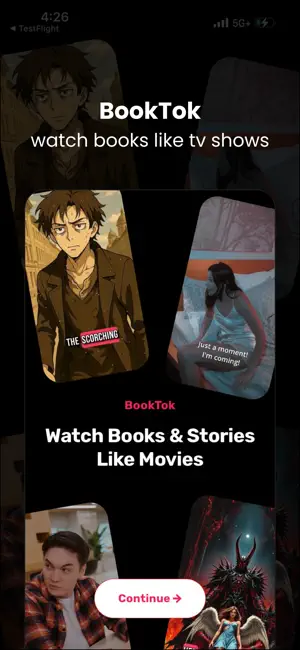
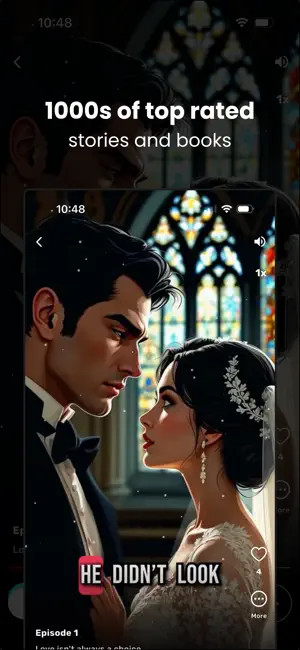
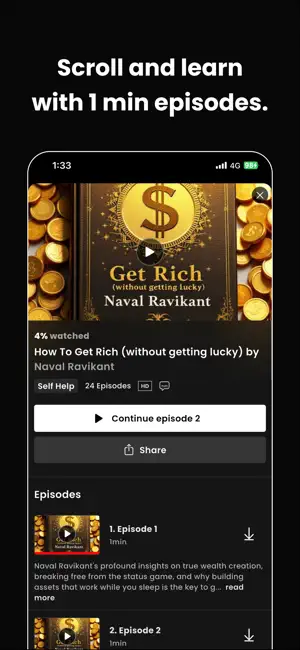
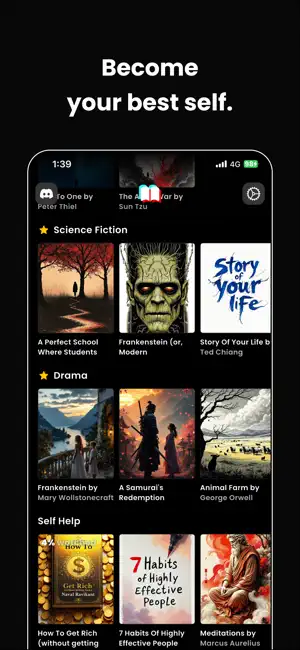
What if you could watch the world's greatest books like they are TV shows or movies? It's not just a book summary app -- it's a new way to learn with video. Go through hundreds of books and 1000s of lessons. We've taken the complexity out of reading. No more struggling through dense chapters. No more abandoning books halfway. Monthly: $19.99 Yearly: $69.99 Quarterly: $49.99 With either payment options you get access to our entire video book summary collection. For any help, contact us at ansh@zerobillion.ai Here is our Terms of Service and Privacy Policy: https://www.notion.so/zerobillion/Pocketful-Terms-of-Service-611785cc1ca440d6bf36c5e9ec25d6be https://zerobillion.notion.site/Pocketful-Privacy-Policy-387a4bfba8c741c88665b684b3754201?pvs=74 For access to our entire video collection.
App details
What you can learn from Booktok: Watch Books Explained
Every shipping app on the App Store has gone through the same decisions you're working through right now: which screenshot goes first, what caption sits over it, which device frame to show, what color the background should be. The 6 screenshots above are Booktok: Watch Books Explained's answers to those questions — they're public, they're real, and they made it through Apple's review.
Notice the first screenshot in particular. It's the one users see in search results and on the product page, and it's where most apps spend their best caption and tightest design. Look at the proportion of background to phone, where the text sits, what one thing the image is trying to communicate.
Want to see how other Book apps approach the same problem? Browse more Book apps in the showcase.
Take what works into your own screenshots
Open LaunchShots and design your App Store & Google Play screenshots — pick a device frame, drop captions, ship in minutes. Free, in your browser.
Open the screenshot editor →