Screenshots

Icon palette
About this app
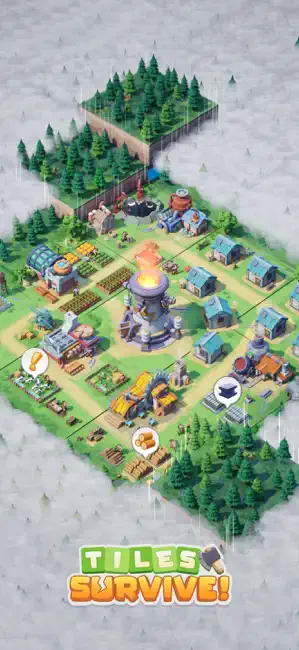
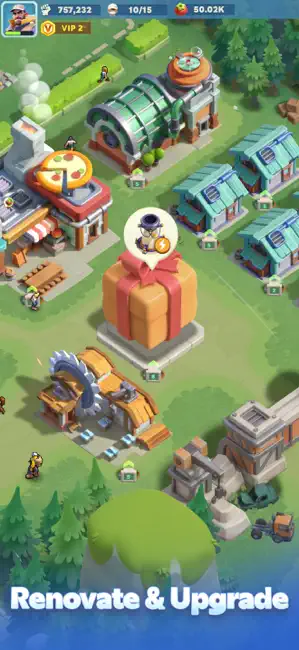
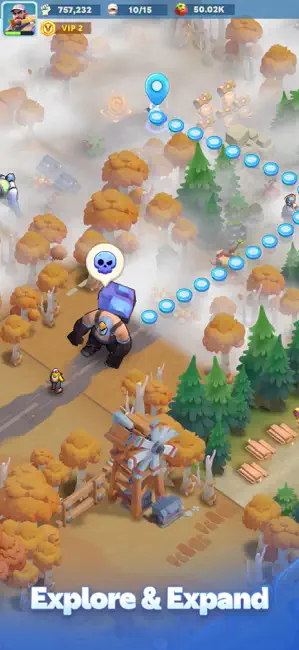
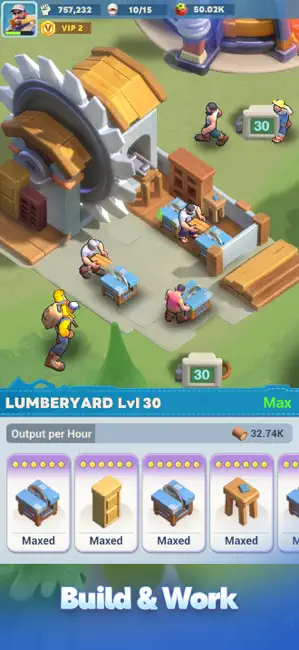
Enter the world of "Tiles Survive!" and guide your team of survivors through a harsh wilderness. As the core of your survivor team, explore the wild, gather key resources, and use them wisely to strengthen your shelter. Venture into different tiles and expand your territory. Improve how you manage resources, build and upgrade structures, and connect electricity to speed up production. Create a self-sufficient shelter where every decision shapes your survivors’ future. Game Features: ● Operations & Management Enhance your production structures for smoother workflows. Use electricity to run your shelter more efficiently. Unlock and upgrade more structures to meet your growing needs. ● Assign Survivors Assign jobs to your survivors, like hunters, chefs, or lumberjacks. Pay attention to their health and morale to keep productivity high. ● Resource Collection Explore further and discover…
App details
What you can learn from Tiles Survive!
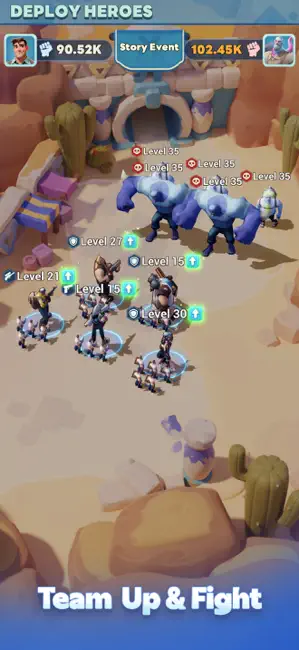
Every shipping app on the App Store has gone through the same decisions you're working through right now: which screenshot goes first, what caption sits over it, which device frame to show, what color the background should be. The 6 screenshots above are Tiles Survive!'s answers to those questions — they're public, they're real, and they made it through Apple's review.
Notice the first screenshot in particular. It's the one users see in search results and on the product page, and it's where most apps spend their best caption and tightest design. Look at the proportion of background to phone, where the text sits, what one thing the image is trying to communicate.
Want to see how other Games apps approach the same problem? Browse more Games apps in the showcase.
Take what works into your own screenshots
Open LaunchShots and design your App Store & Google Play screenshots — pick a device frame, drop captions, ship in minutes. Free, in your browser.
Open the screenshot editor →