Screenshots
Icon palette
About this app
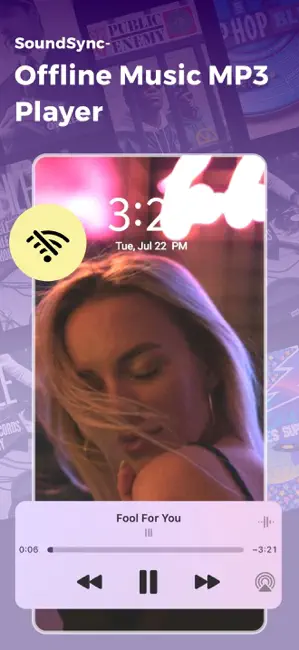
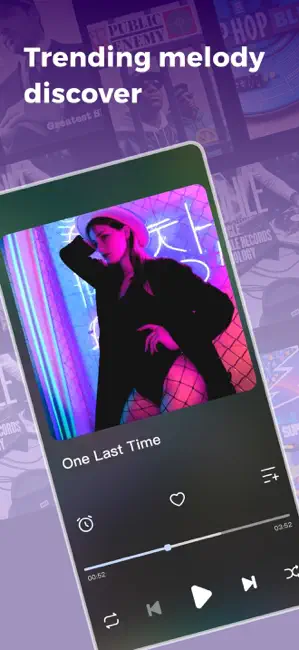
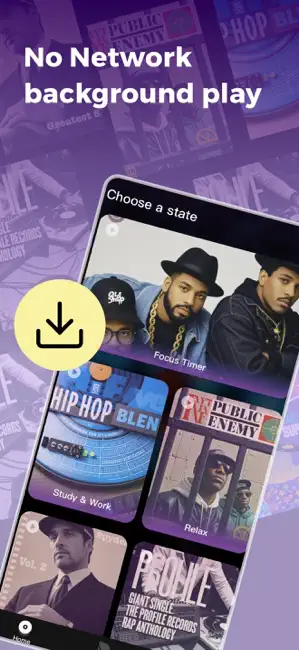
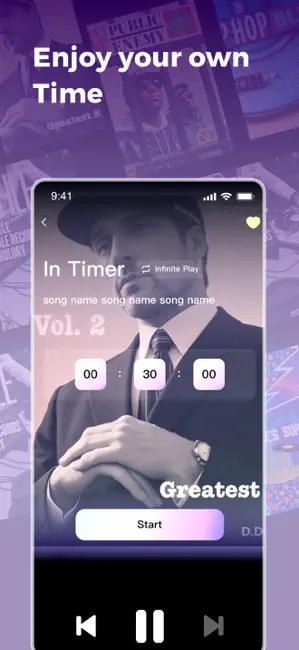
SoundSync, with its meticulous feature design, meets the music needs of users in different scenarios and creates their own music journey for each user. Through timely feedback and recording mechanisms, SoundSync not only enhances users' music appreciation experience, but also adds more fun and convenience to their daily lives. Whether you are focused on studying, busy with work, or looking to relax, enjoy deep sleep, or even engage in high-intensity exercise, SoundSync can provide you with suitable music categories. In order to better meet the personalized needs of users, the application provides multiple playlists, each category containing carefully selected music tracks, aimed at helping users improve focus, relieve stress, or motivate exercise. The focus timer is a powerful assistant for both learning and work. With the accompaniment of music, users can concentrate more effectively a…
App details
What you can learn from Offline Mp3 Player - SoundSync
Every shipping app on the App Store has gone through the same decisions you're working through right now: which screenshot goes first, what caption sits over it, which device frame to show, what color the background should be. The 4 screenshots above are Offline Mp3 Player - SoundSync's answers to those questions — they're public, they're real, and they made it through Apple's review.
Notice the first screenshot in particular. It's the one users see in search results and on the product page, and it's where most apps spend their best caption and tightest design. Look at the proportion of background to phone, where the text sits, what one thing the image is trying to communicate.
Want to see how other Music apps approach the same problem? Browse more Music apps in the showcase.
Take what works into your own screenshots
Open LaunchShots and design your App Store & Google Play screenshots — pick a device frame, drop captions, ship in minutes. Free, in your browser.
Open the screenshot editor →