Screenshots
Icon palette
About this app
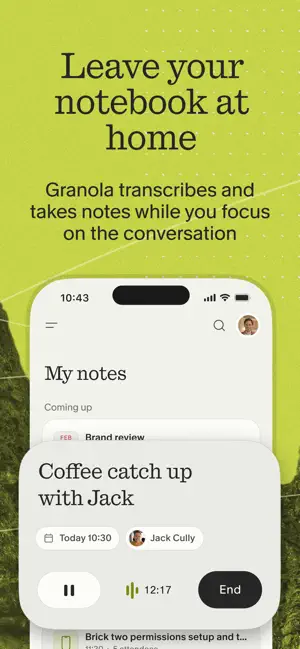
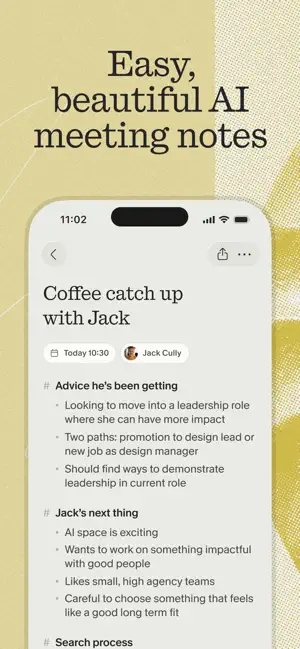
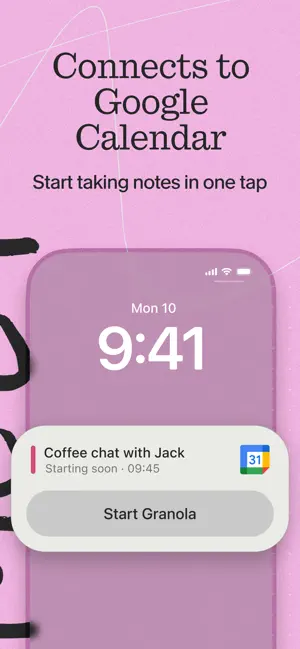
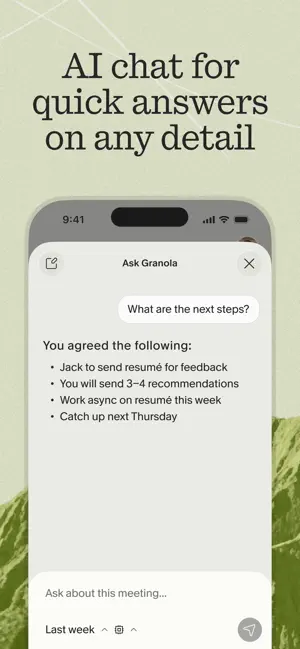
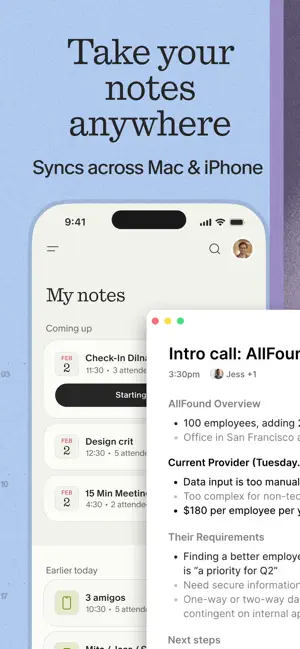
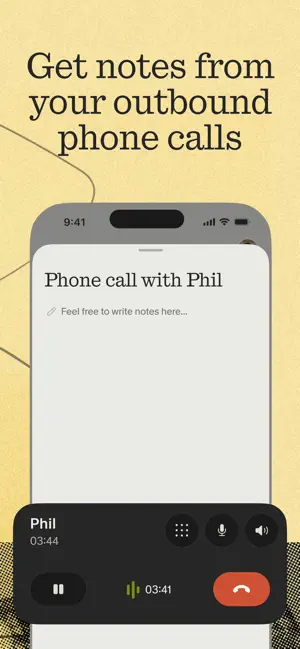
Granola is the AI notepad for people in back-to-back meetings, trusted by top founders, VCs, and recruiters. And now it's available on your iPhone. Stay present and capture every conversation on-the-go — perfect for coffee catch-ups, phone calls, conference days, or just distilling your thoughts. Just open the app, tap start or make a call, and Granola instantly begins transcribing. Granola creates a shareable summary with highlights, decisions, and action items. BEAUTIFUL NOTES, ZERO EFFORT • Accurately transcribes meetings and phone calls, even in noisy environments • Lets you stay focused on the conversation instead of taking notes • Gives you clarity on key moments, decisions, and action items ONE-TAP CAPTURE • Start and stop note-taking straight from your Lock Screen with a single tap • Take notes on outbound phone calls directly from the iPhone app • Create an ad-hoc note fr…
App details
What you can learn from Granola - AI Meeting Notes
Every shipping app on the App Store has gone through the same decisions you're working through right now: which screenshot goes first, what caption sits over it, which device frame to show, what color the background should be. The 6 screenshots above are Granola - AI Meeting Notes's answers to those questions — they're public, they're real, and they made it through Apple's review.
Notice the first screenshot in particular. It's the one users see in search results and on the product page, and it's where most apps spend their best caption and tightest design. Look at the proportion of background to phone, where the text sits, what one thing the image is trying to communicate.
Want to see how other Productivity apps approach the same problem? Browse more Productivity apps in the showcase.
Take what works into your own screenshots
Open LaunchShots and design your App Store & Google Play screenshots — pick a device frame, drop captions, ship in minutes. Free, in your browser.
Open the screenshot editor →