Screenshots
Icon palette
About this app
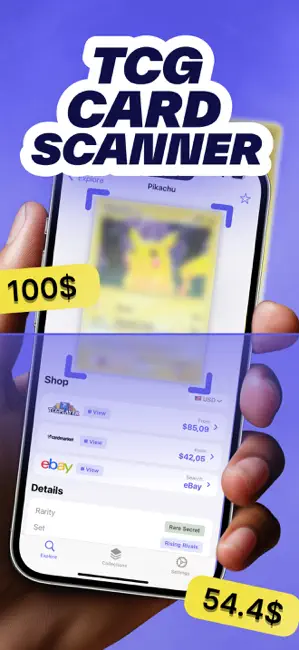
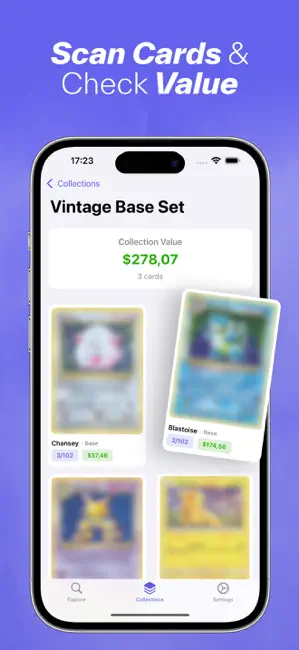
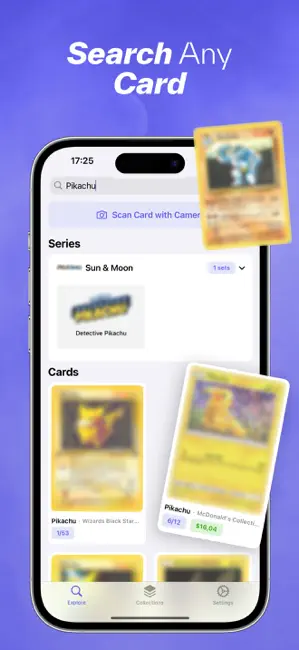
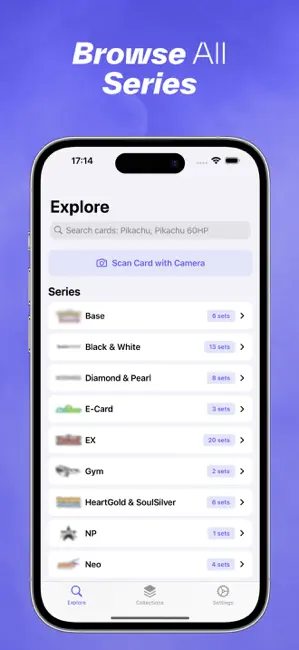
Identifiera och spåra din Pokémon-kortsamling på ett ögonblick med vår blixtsnabba skanner! HUVUDFUNKTIONER: • Skanna valfritt Pokémon-kort på sekunder • Få aktuella marknadspriser och värdetrender • Spåra hela din samling • Bygg och fullborda dina set • Övervaka prisändringar för dina kort • Hitta bästa tid för byte eller försäljning SMART SKANNING: Rikta bara din kamera mot ett Pokémon-kort. Vår skanner känner genast igen kortet, visar alla detaljer och aktuella marknadspriser. Fungerar med kort från alla set - från Base Set till de senaste lanseringarna! SAMLINGSHANTERING: • Organisera kort efter set, typ eller värde • Spåra kort du önskar • Se hela samlingens värde MARKNADSINSIKTER: • Priser i realtid • Historiska prisgrafer • Marknadstrendanalyser • Bästa fyndet • Handelsrekommendationer Perfekt för: • Fritidssamlare • Seriösa handlare • Setbyggare • Investeringsuppföljning • …
App details
What you can learn from Ripdex: TCG Card Scanner
Every shipping app on the App Store has gone through the same decisions you're working through right now: which screenshot goes first, what caption sits over it, which device frame to show, what color the background should be. The 5 screenshots above are Ripdex: TCG Card Scanner's answers to those questions — they're public, they're real, and they made it through Apple's review.
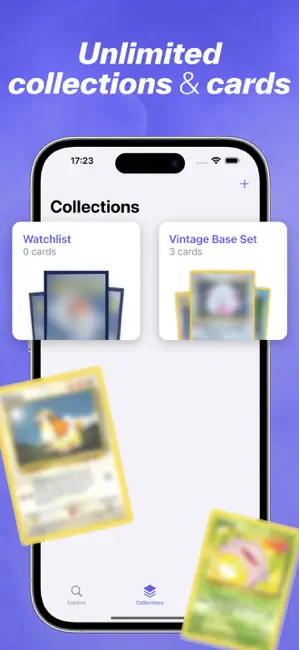
Notice the first screenshot in particular. It's the one users see in search results and on the product page, and it's where most apps spend their best caption and tightest design. Look at the proportion of background to phone, where the text sits, what one thing the image is trying to communicate.
Want to see how other Reference apps approach the same problem? Browse more Reference apps in the showcase.
Take what works into your own screenshots
Open LaunchShots and design your App Store & Google Play screenshots — pick a device frame, drop captions, ship in minutes. Free, in your browser.
Open the screenshot editor →