Screenshots
Icon palette
About this app
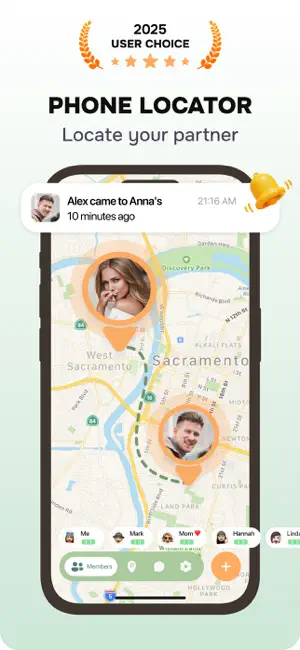
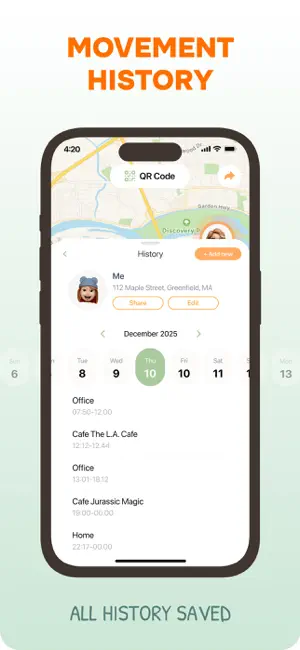
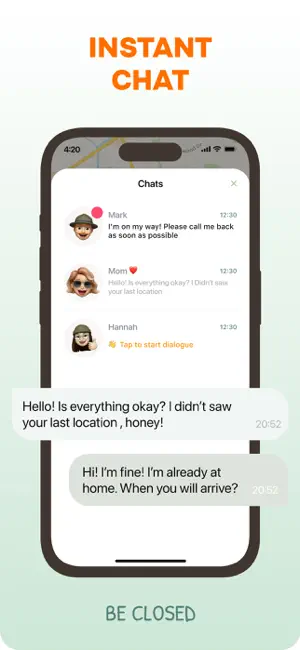
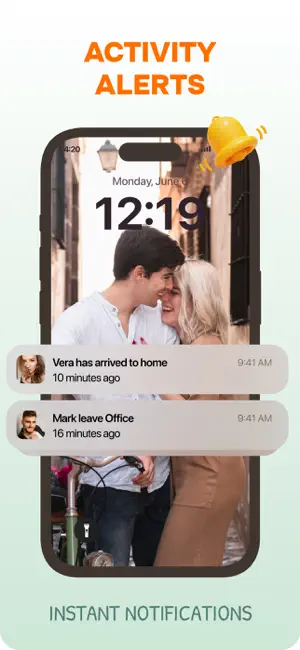
Our app makes it easy to stay informed about the whereabouts of your family and friends. With a simple QR code system, you can quickly add members and set up important locations like home, work, or school. Get real-time notifications when someone arrives at or leaves a designated place, ensuring peace of mind without constant check-ins. Key Features: 1. Easy Member Addition – Quickly connect with family and friends by scanning a QR code. No complicated setup required. 2. Custom Locations – Mark important places like home, office, school, or any other frequent location. 3. Real-Time Notifications – Receive alerts when a member reaches or leaves a set location. 4. Intuitive Design – A clean, user-friendly interface that keeps everything simple and efficient. How to Use: 1. Add Members – Tap the "+" button, select "QR Code," and scan the code from another phone to connect. 2. Set Up Lo…
App details
What you can learn from Find Location: Friend Tracker
Every shipping app on the App Store has gone through the same decisions you're working through right now: which screenshot goes first, what caption sits over it, which device frame to show, what color the background should be. The 4 screenshots above are Find Location: Friend Tracker's answers to those questions — they're public, they're real, and they made it through Apple's review.
Notice the first screenshot in particular. It's the one users see in search results and on the product page, and it's where most apps spend their best caption and tightest design. Look at the proportion of background to phone, where the text sits, what one thing the image is trying to communicate.
Want to see how other Utilities apps approach the same problem? Browse more Utilities apps in the showcase.
Take what works into your own screenshots
Open LaunchShots and design your App Store & Google Play screenshots — pick a device frame, drop captions, ship in minutes. Free, in your browser.
Open the screenshot editor →