Screenshots

Icon palette
About this app
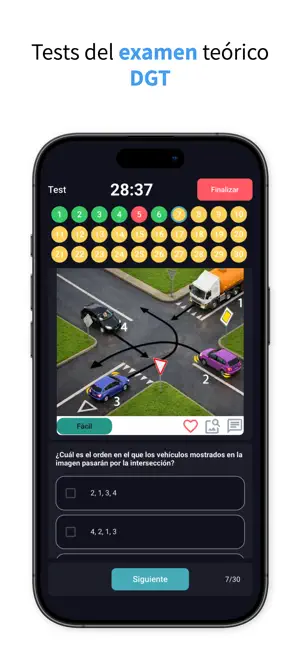
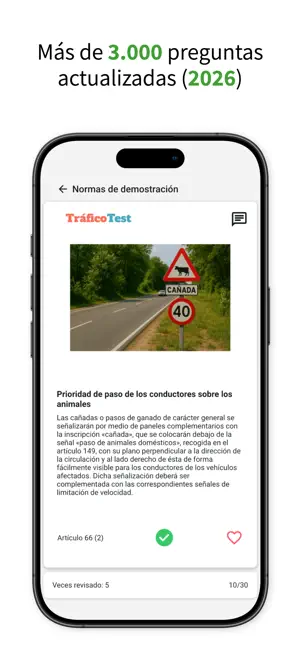
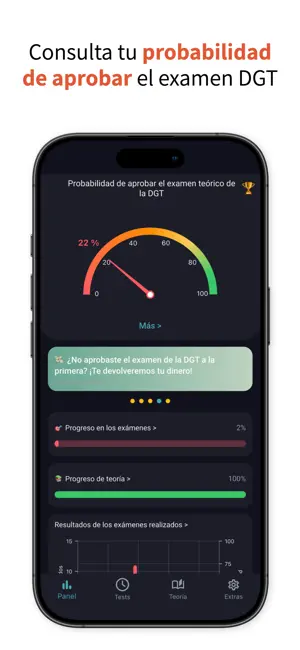
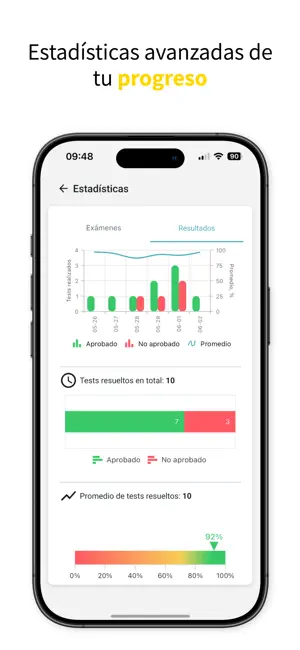
Prepárate para el examen teórico de conducir de la DGT de forma rápida y eficaz, sin estrés. Domina el reglamento de circulación fácilmente con conjuntos de tarjetas educativas prácticas y memorables. Pon a prueba tus conocimientos con más de 3000 preguntas diseñadas específicamente para preparar el examen teórico de conducir de la DGT. En la plataforma TraficoTest encontrarás: Teoría completa de la DGT: - Acceso a más de 1000 tarjetas que cubren todas las reglas importantes. - Contenido visualmente atractivo y fácil de recordar con imágenes y descripciones. - Prueba la versión demo y familiarízate con nuestras herramientas de aprendizaje. - Guarda las reglas más difíciles para consultarlas o repasarlas más adelante. - Aprende por temas: las normas están organizadas por categorías específicas. - Sigue tu progreso de estudio con gráficos interactivos y estadísticas detalladas. …
App details
What you can learn from Test de conducir - TraficoTest
Every shipping app on the App Store has gone through the same decisions you're working through right now: which screenshot goes first, what caption sits over it, which device frame to show, what color the background should be. The 6 screenshots above are Test de conducir - TraficoTest's answers to those questions — they're public, they're real, and they made it through Apple's review.
Notice the first screenshot in particular. It's the one users see in search results and on the product page, and it's where most apps spend their best caption and tightest design. Look at the proportion of background to phone, where the text sits, what one thing the image is trying to communicate.
Want to see how other Education apps approach the same problem? Browse more Education apps in the showcase.
Take what works into your own screenshots
Open LaunchShots and design your App Store & Google Play screenshots — pick a device frame, drop captions, ship in minutes. Free, in your browser.
Open the screenshot editor →