Screenshots
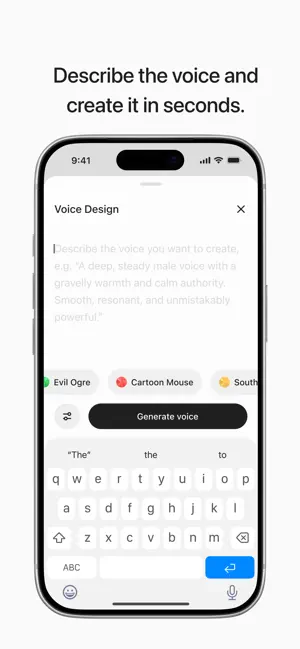
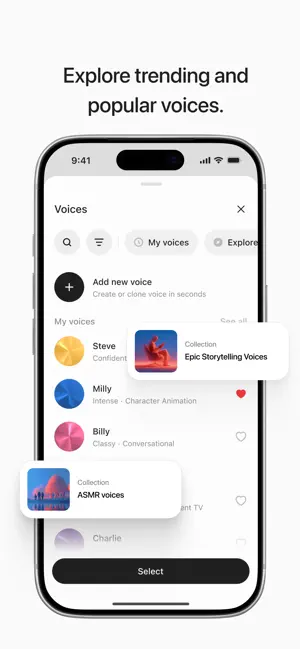
Icon palette
About this app
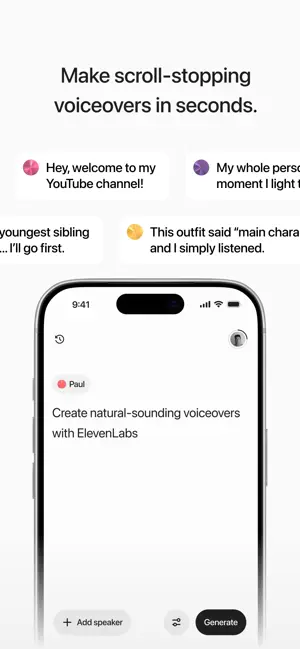
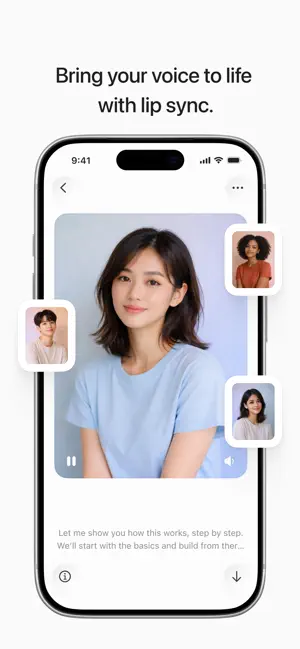
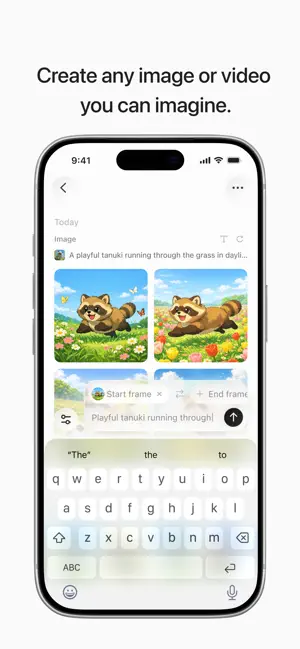
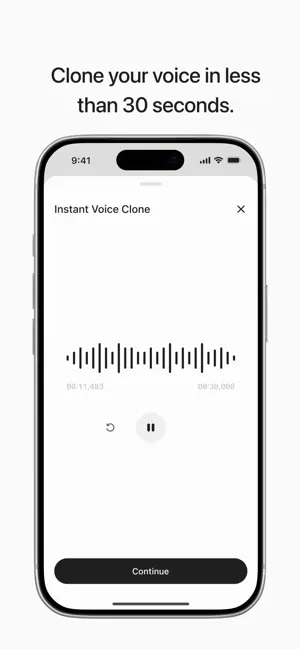
Welcome to ElevenLabs, the leading AI voice generator app designed for content creators, influencers and professionals. By delivering human-like AI voices, ElevenLabs lets you bring your ideas to life on TikTok, Instagram, YouTube Shorts and more with the highest-quality AI text to voice generator available anywhere. Creators, are you looking for an edge over the competition? No microphones, no re-takes, just seamless quality AI audio. Using our state-of-the-art AI voice generator, you can trust that your voiceovers, AI narration or social media content resonates with your audience. With ElevenLabs, creators get lightning fast text-to-speech AI audio from script to share in seconds using our bright, intuitive interface that is tailored for creative lives. WHAT CAN CREATORS DO WITH ELEVEN LABS? • Choose from an enormous selection of premium AI voices • Create, edit and publish — di…
App details
What you can learn from ElevenLabs: AI Voice Generator
Every shipping app on the App Store has gone through the same decisions you're working through right now: which screenshot goes first, what caption sits over it, which device frame to show, what color the background should be. The 6 screenshots above are ElevenLabs: AI Voice Generator's answers to those questions — they're public, they're real, and they made it through Apple's review.
Notice the first screenshot in particular. It's the one users see in search results and on the product page, and it's where most apps spend their best caption and tightest design. Look at the proportion of background to phone, where the text sits, what one thing the image is trying to communicate.
Want to see how other Photo & Video apps approach the same problem? Browse more Photo & Video apps in the showcase.
Take what works into your own screenshots
Open LaunchShots and design your App Store & Google Play screenshots — pick a device frame, drop captions, ship in minutes. Free, in your browser.
Open the screenshot editor →