Screenshots


Icon palette
About this app
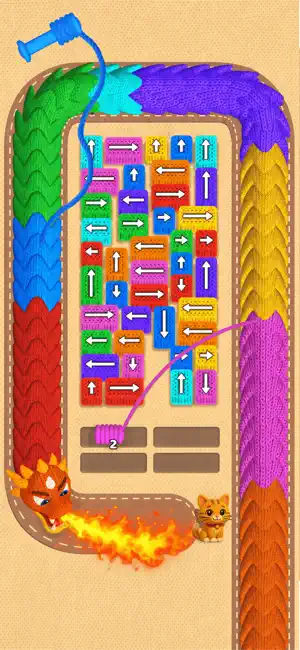
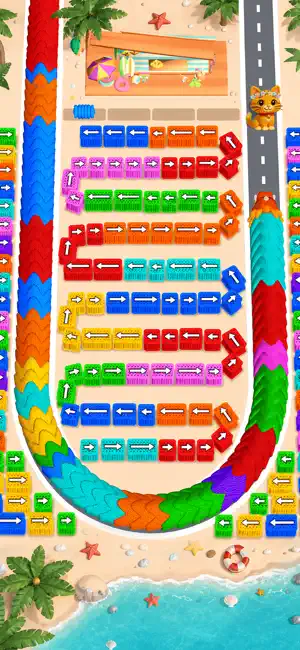
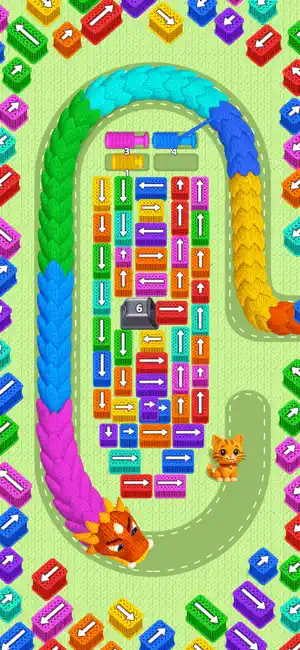
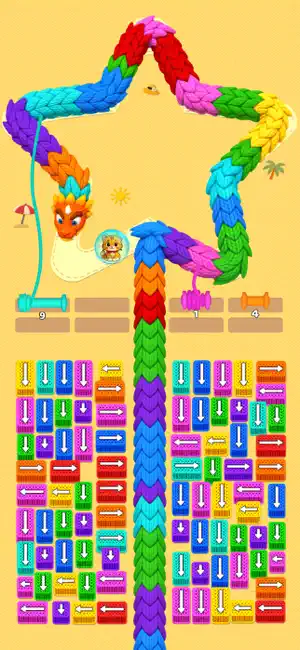
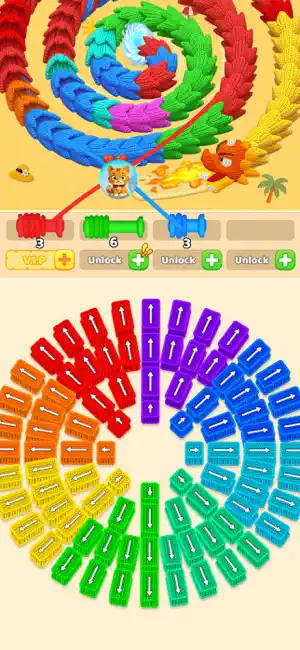
Ready for a Woolly Adventure? Jump into a new casual 3D puzzle! There’s cute yarn, a mischievous dragon, and exciting rescues! A colorful, naughty dragon is causing trouble, and a kitty needs your help! Solve the puzzle, clear the path, and become the ultimate Dragon Slayer! How to be a Dragon Slayer: Pick Your Cannon: Tap the right color! Show that dragon who’s boss! Target the Dragon: Blast away the matching colored blocks to slow it down. Save the Kitty: Repel the dragon and keep the cat safe! You’re the hero! Features: Exciting Fun: Fast-paced and super fun! Easy to Play: Simple controls, smooth gameplay! Satisfying: Save the day! Increasing Challenge: Get smarter! New Adventures: Rescues keep coming! Download now and start your colorful adventure! Let the puzzles begin!
App details
What you can learn from Wool Crush™-Escape Traffic Jam
Every shipping app on the App Store has gone through the same decisions you're working through right now: which screenshot goes first, what caption sits over it, which device frame to show, what color the background should be. The 7 screenshots above are Wool Crush™-Escape Traffic Jam's answers to those questions — they're public, they're real, and they made it through Apple's review.
Notice the first screenshot in particular. It's the one users see in search results and on the product page, and it's where most apps spend their best caption and tightest design. Look at the proportion of background to phone, where the text sits, what one thing the image is trying to communicate.
Want to see how other Games apps approach the same problem? Browse more Games apps in the showcase.
Take what works into your own screenshots
Open LaunchShots and design your App Store & Google Play screenshots — pick a device frame, drop captions, ship in minutes. Free, in your browser.
Open the screenshot editor →