Screenshots


Icon palette
About this app
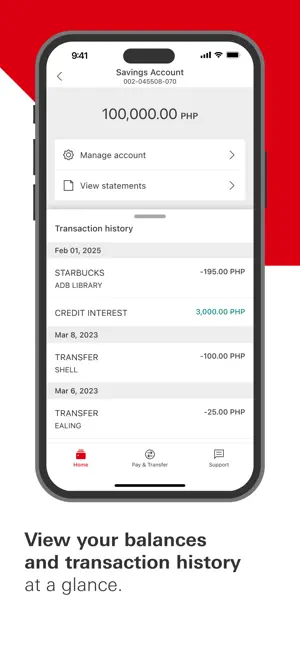
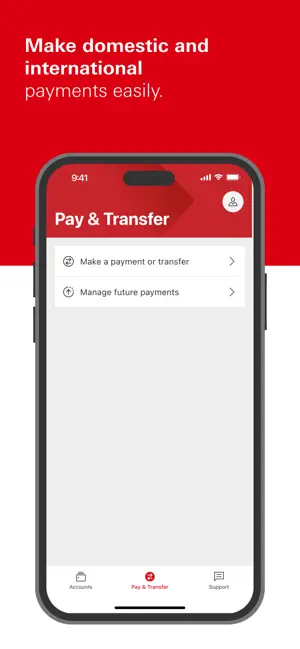
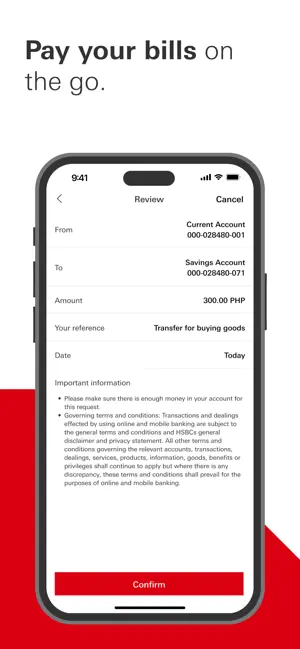
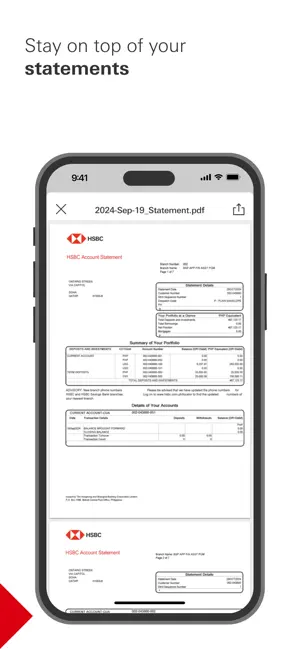
The HSBC Philippines app has been built with reliability at its heart. With the app designed specifically for our customers in the Philippines , you can now enjoy a secure and convenient mobile banking experience. Key features: • Secure and easy log on with biometrics (face ID/fingerprint) or 6-digit PIN • View your accounts at a glance • Send money conveniently - make local currency transfers between your own HSBC accounts or to other domestic accounts • Manage devices and security settings • Optimized for accessibility • Push notifications - receive timely alerts and updates to help you stay informed about important banking activity. Download the HSBC Philippines app now to enjoy digital banking on the go! Visit hsbc.com.ph/register to learn more Important information: This app is provided by The Hongkong and Shanghai Banking Corporation Limited - Philippine Branch (HSBC Philippines)…
App details
What you can learn from HSBC Philippines
Every shipping app on the App Store has gone through the same decisions you're working through right now: which screenshot goes first, what caption sits over it, which device frame to show, what color the background should be. The 6 screenshots above are HSBC Philippines's answers to those questions — they're public, they're real, and they made it through Apple's review.
Notice the first screenshot in particular. It's the one users see in search results and on the product page, and it's where most apps spend their best caption and tightest design. Look at the proportion of background to phone, where the text sits, what one thing the image is trying to communicate.
Want to see how other Finance apps approach the same problem? Browse more Finance apps in the showcase.
Take what works into your own screenshots
Open LaunchShots and design your App Store & Google Play screenshots — pick a device frame, drop captions, ship in minutes. Free, in your browser.
Open the screenshot editor →