Screenshots
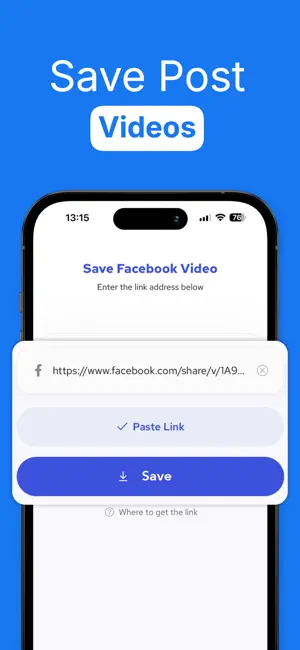

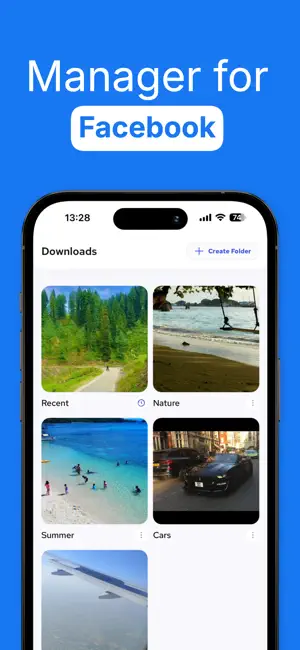
Icon palette
About this app
Organize your Facebook experience like never before! With our app, you can now: Save Facebook Post Links: Quickly save Facebook post URLs and organize them into personalized collections. Never lose track of valuable content again. Image Resizer & Optimizer: Perfectly crop and resize your photos to fit Facebook's profile and cover photo requirements. Hashtag Generator: Instantly generate relevant and trending hashtags based on your input to boost your post visibility. Daily Quotes: Stay motivated with fresh, daily inspirational quotes delivered right in the app. Cloud Import Support: Seamlessly import your images from iCloud Drive, Google Drive, Dropbox, OneDrive, and other cloud services. Designed for Facebook users who want to enhance their posting experience, stay organized, and get inspired daily. Privacy Policy : https://fb-saver.neocities.org/pp Terms & Conditions (EULA) : h…
App details
What you can learn from FSaver : Facebook Video Saver
Every shipping app on the App Store has gone through the same decisions you're working through right now: which screenshot goes first, what caption sits over it, which device frame to show, what color the background should be. The 3 screenshots above are FSaver : Facebook Video Saver's answers to those questions — they're public, they're real, and they made it through Apple's review.
Notice the first screenshot in particular. It's the one users see in search results and on the product page, and it's where most apps spend their best caption and tightest design. Look at the proportion of background to phone, where the text sits, what one thing the image is trying to communicate.
Want to see how other Productivity apps approach the same problem? Browse more Productivity apps in the showcase.
Take what works into your own screenshots
Open LaunchShots and design your App Store & Google Play screenshots — pick a device frame, drop captions, ship in minutes. Free, in your browser.
Open the screenshot editor →