Screenshots
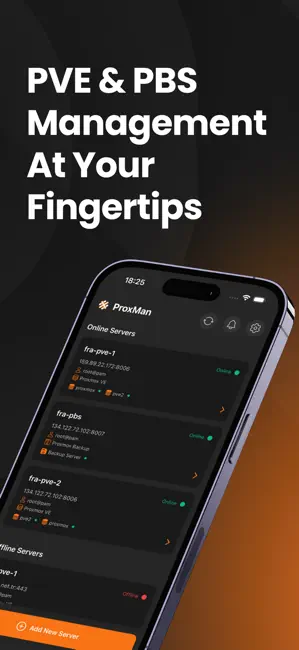

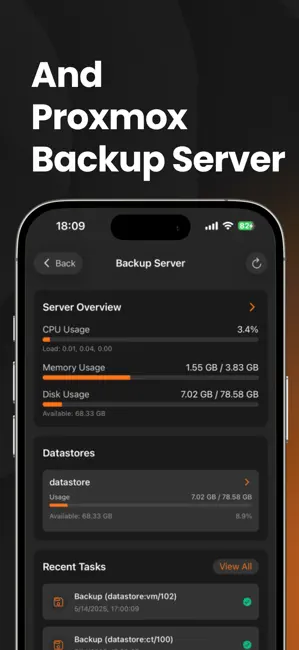
Icon palette
About this app
ProxMan: Lightweight Proxmox VE & Backup Server Management in Your Pocket Take control of your Proxmox infrastructure from anywhere with ProxMan – the most comprehensive app for managing both Proxmox Virtual Environment (PVE) and Proxmox Backup Server (PBS). Whether you're an IT professional, system administrator, or homelab enthusiast, ProxMan delivers the tools to monitor and manage your virtual environments on the go. Key Features: • Complete Server Monitoring Real-time statistics for CPU, RAM, disk usage, and network traffic Historical performance data with charts Temperature and hardware status monitoring Storage management and usage visualization • Virtual Machine & Container Management View, start, stop, and reboot VMs and LXC containers Modify resource allocations and configurations Create and restore snapshots/backups Create VMs and LXC containers directly from the app with…
App details
What you can learn from ProxMan
Every shipping app on the App Store has gone through the same decisions you're working through right now: which screenshot goes first, what caption sits over it, which device frame to show, what color the background should be. The 3 screenshots above are ProxMan's answers to those questions — they're public, they're real, and they made it through Apple's review.
Notice the first screenshot in particular. It's the one users see in search results and on the product page, and it's where most apps spend their best caption and tightest design. Look at the proportion of background to phone, where the text sits, what one thing the image is trying to communicate.
Want to see how other Developer Tools apps approach the same problem? Browse more Developer Tools apps in the showcase.
Take what works into your own screenshots
Open LaunchShots and design your App Store & Google Play screenshots — pick a device frame, drop captions, ship in minutes. Free, in your browser.
Open the screenshot editor →