Screenshots
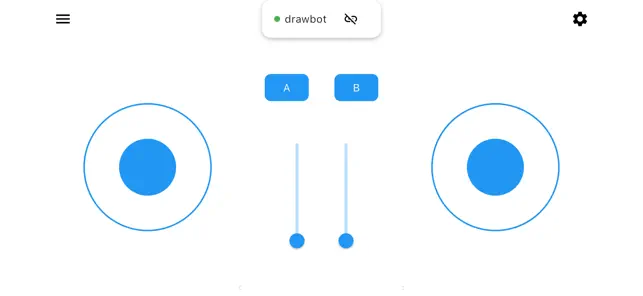
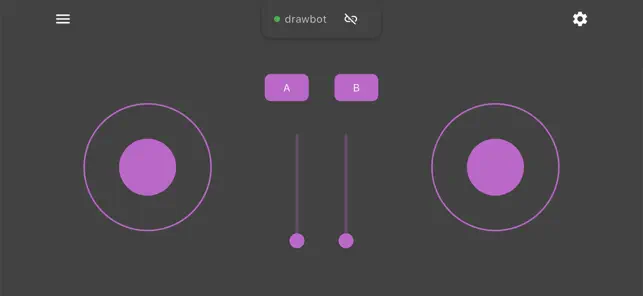
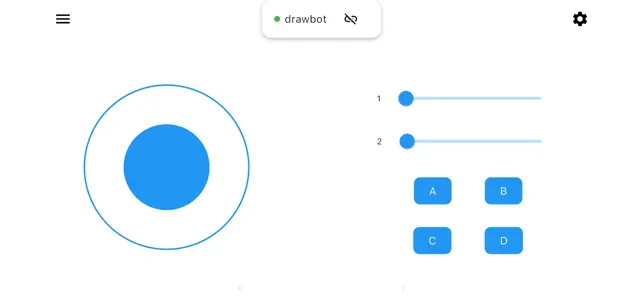
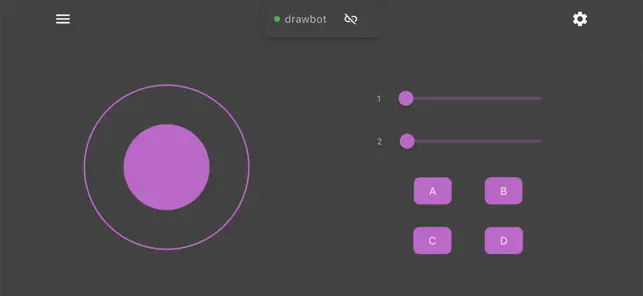
Icon palette
About this app
PyRanger RC is your ultimate Bluetooth remote control for microcontroller-based projects. Whether you're building a robot, controlling lights, or creating an interactive installation, PyRanger RC makes it easy to connect and control your hardware. Built for makers, students, and educators, this app provides a simple and reliable interface for communicating with devices like Arduino, ESP32, Raspberry Pi Pico (W), and other BLE-enabled boards. While the communication protocol is currently private, full documentation will be made available in an upcoming release. The app is fully operational and supports stable control of supported devices. Features: Quick Bluetooth Pairing with supported devices Customizable Controls for motors, servos, LEDs, and sensors Simple Interface designed for ease of use in classrooms and workshops Works with Popular Boards like Arduino, ESP32, and more Built f…
App details
What you can learn from PyRanger RC
Every shipping app on the App Store has gone through the same decisions you're working through right now: which screenshot goes first, what caption sits over it, which device frame to show, what color the background should be. The 4 screenshots above are PyRanger RC's answers to those questions — they're public, they're real, and they made it through Apple's review.
Notice the first screenshot in particular. It's the one users see in search results and on the product page, and it's where most apps spend their best caption and tightest design. Look at the proportion of background to phone, where the text sits, what one thing the image is trying to communicate.
Want to see how other Developer Tools apps approach the same problem? Browse more Developer Tools apps in the showcase.
Take what works into your own screenshots
Open LaunchShots and design your App Store & Google Play screenshots — pick a device frame, drop captions, ship in minutes. Free, in your browser.
Open the screenshot editor →