Screenshots
Icon palette
About this app
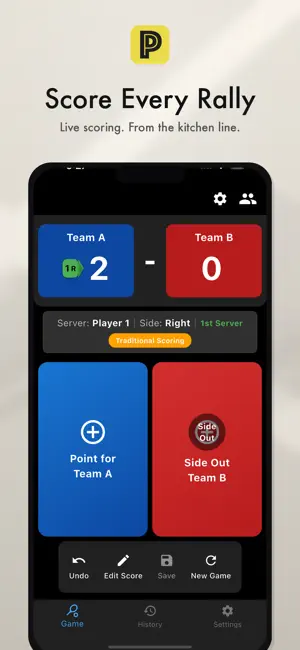
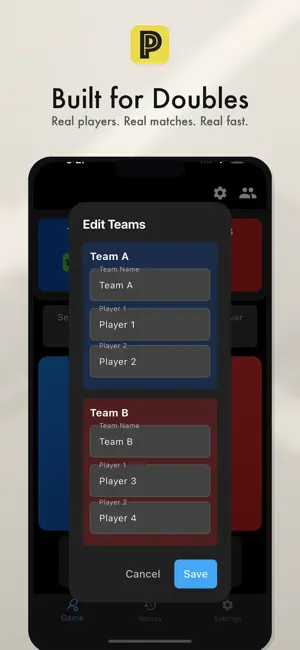
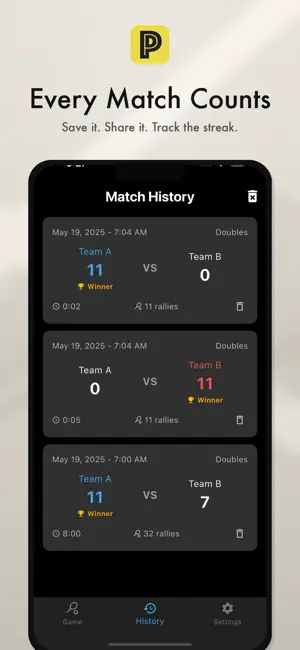
Track every pickleball game with the most complete scorekeeper on the App Store. Whether you play traditional side-out scoring or the new rally scoring format, Pickleball Pro handles it all. VOICE SCORE ANNOUNCEMENTS Hear the score called out after every point — just like having a referee on court. Traditional doubles calls the full "4-2-1" format. Toggle on or off anytime. SHAREABLE RESULT CARDS Generate a branded match result image and share it to Instagram, iMessage, or any app. Show off your wins with style. MATCH STATISTICS & STREAKS Track your win/loss record, average game duration, play streaks, and more. Earn 10 achievement badges from Rookie to Legend. FEATURES: - Traditional & rally scoring modes - Singles and doubles support - Voice score announcements - Shareable match result cards - Match history with detailed stats - Achievement badges and play streaks - Server trackin…
App details
What you can learn from Pickleball Pro Scorekeeper
Every shipping app on the App Store has gone through the same decisions you're working through right now: which screenshot goes first, what caption sits over it, which device frame to show, what color the background should be. The 3 screenshots above are Pickleball Pro Scorekeeper's answers to those questions — they're public, they're real, and they made it through Apple's review.
Notice the first screenshot in particular. It's the one users see in search results and on the product page, and it's where most apps spend their best caption and tightest design. Look at the proportion of background to phone, where the text sits, what one thing the image is trying to communicate.
Want to see how other Sports apps approach the same problem? Browse more Sports apps in the showcase.
Take what works into your own screenshots
Open LaunchShots and design your App Store & Google Play screenshots — pick a device frame, drop captions, ship in minutes. Free, in your browser.
Open the screenshot editor →