Screenshots
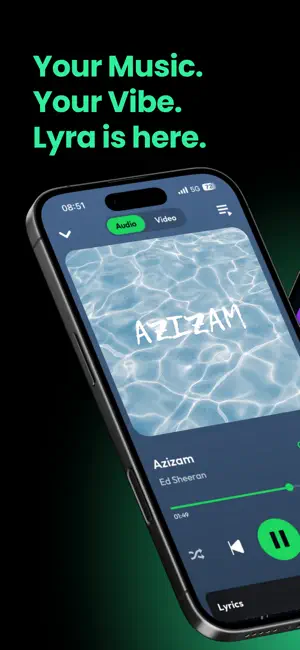
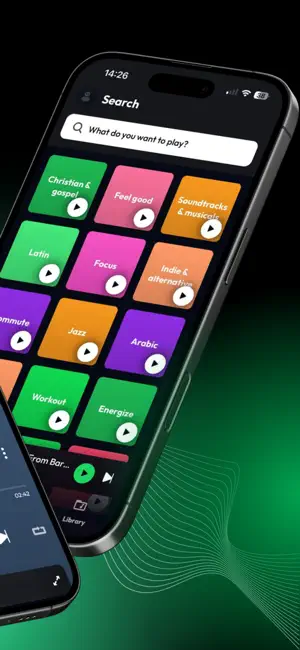
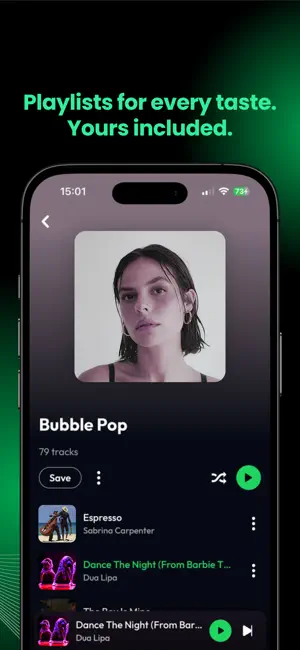
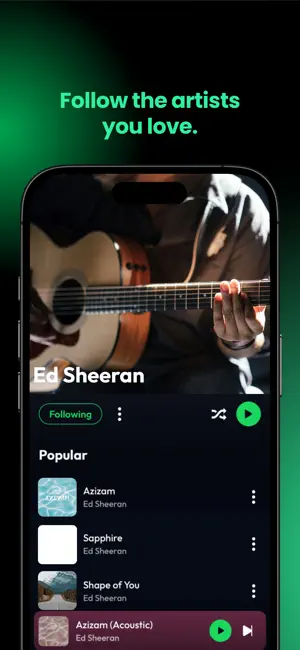
Icon palette
About this app
Meet Lyra – the music streaming app designed for those who live for sound. Stream millions of tracks, create your own playlists, and vibe with a beautiful, lightning-fast interface. Lyra is your companion for every mood, workout, party, and moment of calm. Key features: • Unlimited music streaming • Listen to trending podcasts across every genre • Live radio stations from around the world • Curated playlists for every vibe • Save your favorite tracks and listen again anytime • Sleek, minimal design with dark & light mode • Discover new artists and top charts • Lightweight, fast, and privacy-focused • No account required Whether you're chilling at home, driving, or working out — Lyra makes every beat count. Terms of Use (EULA): https://www.apple.com/legal/internet-services/itunes/dev/stdeula/ Privacy Policy: https://lyramusic.app/privacy
App details
What you can learn from Lyra - Music, Radio, eSound
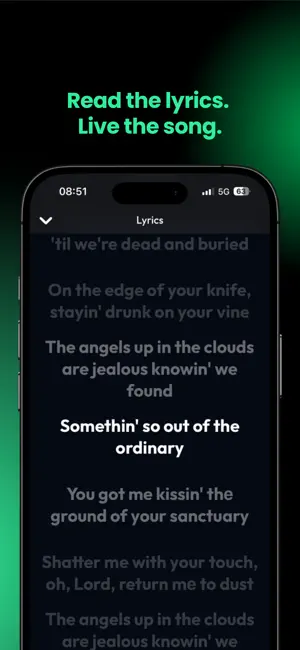
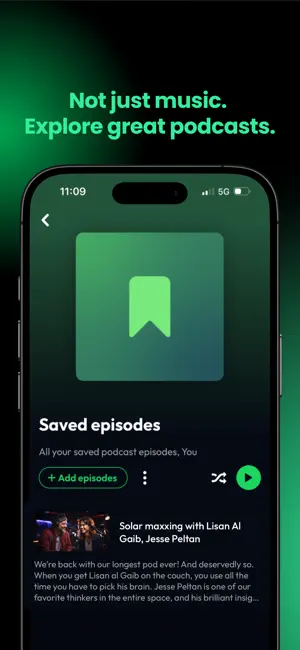
Every shipping app on the App Store has gone through the same decisions you're working through right now: which screenshot goes first, what caption sits over it, which device frame to show, what color the background should be. The 6 screenshots above are Lyra - Music, Radio, eSound's answers to those questions — they're public, they're real, and they made it through Apple's review.
Notice the first screenshot in particular. It's the one users see in search results and on the product page, and it's where most apps spend their best caption and tightest design. Look at the proportion of background to phone, where the text sits, what one thing the image is trying to communicate.
Want to see how other Music apps approach the same problem? Browse more Music apps in the showcase.
Take what works into your own screenshots
Open LaunchShots and design your App Store & Google Play screenshots — pick a device frame, drop captions, ship in minutes. Free, in your browser.
Open the screenshot editor →