Screenshots



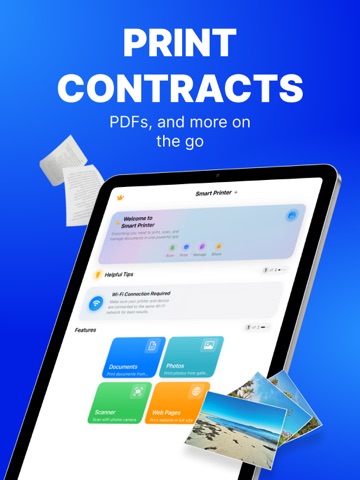
iPad screenshots



Icon palette
About this app
PRINT. SCAN. DONE. Turn your iPhone or iPad into a full print & scan hub—no cables, drivers or PC required. Lightning-fast Phone-to-Print technology puts photos, PDFs and docs on paper in seconds. WHY YOU’LL LOVE IT • Zero-setup AirPrint & Wi-Fi pairing for 10.000+ printers. • One-tap printing from Files, Mail, Photos, Safari or any share sheet PRINT EVERYTHING, ANYWHERE – Photos, PDFs, Word®, Pages®, Excel®, web pages & emails – Cloud files: iCloud, Dropbox, Google Drive, OneDrive SMART SCANNER – Auto edge-detect & perspective fix – Merge pages into one searchable PDF (OCR in 10 languages) – Annotate, highlight & e-sign before printing POWER USER CONTROLS – Copies, page range, duplex, colour/mono, N-up & posters – Paper sizes A3–A6, Letter, Legal & label sheets – Save presets for frequent jobs Premium Subscriptions: • Subscribed user has unlimited access to the pre…
App details
What you can learn from Smart Printer Wireless: iPrint
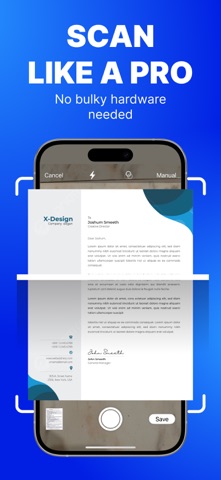
Every shipping app on the App Store has gone through the same decisions you're working through right now: which screenshot goes first, what caption sits over it, which device frame to show, what color the background should be. The 10 screenshots above are Smart Printer Wireless: iPrint's answers to those questions — they're public, they're real, and they made it through Apple's review.
Notice the first screenshot in particular. It's the one users see in search results and on the product page, and it's where most apps spend their best caption and tightest design. Look at the proportion of background to phone, where the text sits, what one thing the image is trying to communicate.
Want to see how other Business apps approach the same problem? Browse more Business apps in the showcase.
Take what works into your own screenshots
Open LaunchShots and design your App Store & Google Play screenshots — pick a device frame, drop captions, ship in minutes. Free, in your browser.
Open the screenshot editor →