Screenshots

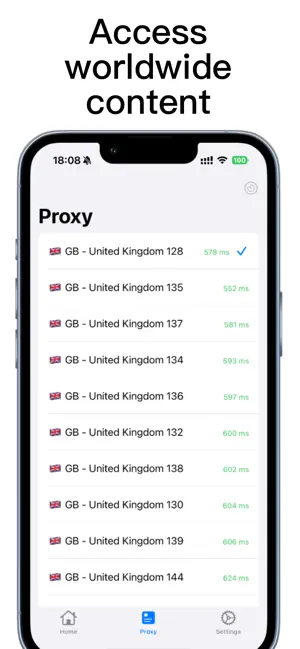
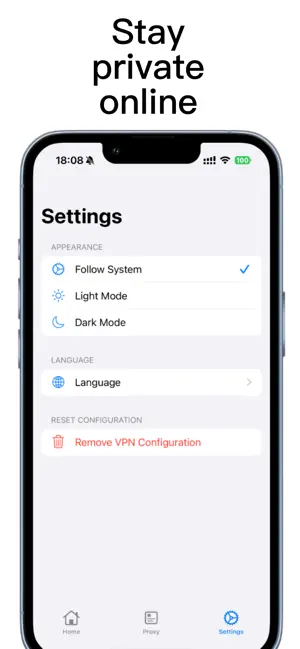
Icon palette
About this app
Shield VPN is a fast, secure, and easy-to-use VPN service designed to protect your internet privacy and ensure safe browsing from anywhere in the world. Whether you’re connected to a public Wi-Fi network, mobile data, or home internet, Shield VPN helps encrypt your online traffic and keep your data safe from third parties. Key Features: - Global server network: Connect to servers in multiple countries for reliable and fast browsing - Strong encryption: Your internet traffic is encrypted using industry-standard protocols - No-logs policy: We do not monitor or store your browsing activity - One-tap connection: Simple interface for quick and easy VPN access - Stable performance: Enjoy smooth streaming, browsing, and downloading Shield VPN is ideal for: - Protecting personal information on public Wi-Fi - Enhancing online privacy and anonymity - Maintaining secure internet access while tr…
App details
What you can learn from Shield VPN - Unlimited FastVPN
Every shipping app on the App Store has gone through the same decisions you're working through right now: which screenshot goes first, what caption sits over it, which device frame to show, what color the background should be. The 3 screenshots above are Shield VPN - Unlimited FastVPN's answers to those questions — they're public, they're real, and they made it through Apple's review.
Notice the first screenshot in particular. It's the one users see in search results and on the product page, and it's where most apps spend their best caption and tightest design. Look at the proportion of background to phone, where the text sits, what one thing the image is trying to communicate.
Want to see how other Developer Tools apps approach the same problem? Browse more Developer Tools apps in the showcase.
Take what works into your own screenshots
Open LaunchShots and design your App Store & Google Play screenshots — pick a device frame, drop captions, ship in minutes. Free, in your browser.
Open the screenshot editor →