Screenshots



Icon palette
About this app
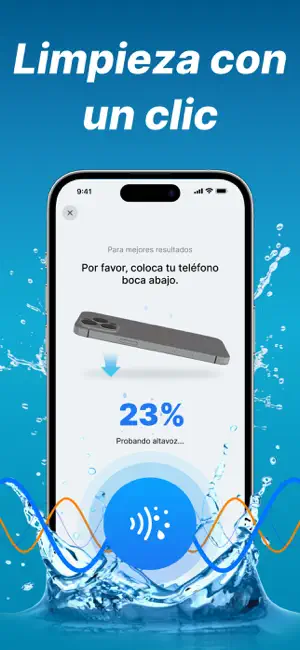
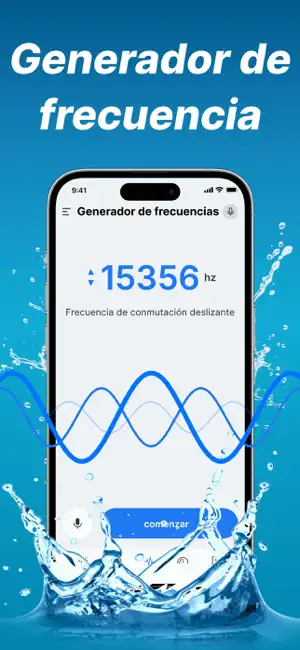
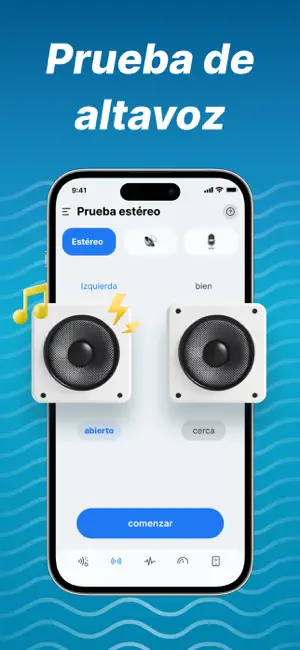
Potencia el rendimiento de tus altavoces y realiza pruebas efectivas con nuestra aplicación de ondas sonoras: GK Sonic Wave. ¿Problemas con la calidad de audio en tu teléfono? GK Clear Wave reproduce ondas sonoras y ofrece diversas funciones para probar altavoces. Utilizamos potente tecnología sónica para ayudarte a diagnosticar, optimizar y mejorar de manera integral el rendimiento de audio de tu dispositivo, brindándote una experiencia auditiva completamente renovada. Clear Wave: Prueba de altavoces Simple y eficiente: Con una interfaz limpia, prueba rápidamente el estado de tu altavoz con solo un toque. Soporte para Modo Turbo: Realiza pruebas profundas con pulsos sónicos más potentes. Prueba de auriculares: Soporta conectar auriculares para probar su funcionalidad. Clear Wave: Generador de tonos profesional Control preciso: Ajusta con precisión frecuencias de ondas sonoras (0…
App details
What you can learn from Clear Wave · Expulsión de Agua
Every shipping app on the App Store has gone through the same decisions you're working through right now: which screenshot goes first, what caption sits over it, which device frame to show, what color the background should be. The 6 screenshots above are Clear Wave · Expulsión de Agua's answers to those questions — they're public, they're real, and they made it through Apple's review.
Notice the first screenshot in particular. It's the one users see in search results and on the product page, and it's where most apps spend their best caption and tightest design. Look at the proportion of background to phone, where the text sits, what one thing the image is trying to communicate.
Want to see how other Utilities apps approach the same problem? Browse more Utilities apps in the showcase.
Take what works into your own screenshots
Open LaunchShots and design your App Store & Google Play screenshots — pick a device frame, drop captions, ship in minutes. Free, in your browser.
Open the screenshot editor →