Screenshots

Icon palette
About this app
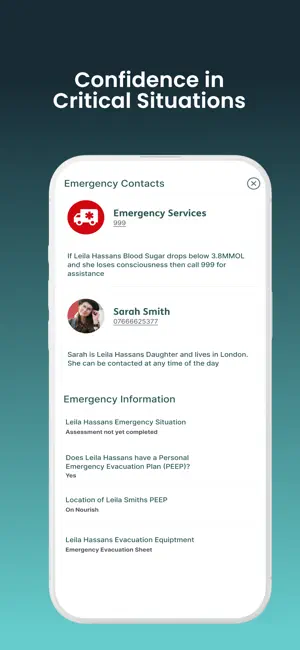
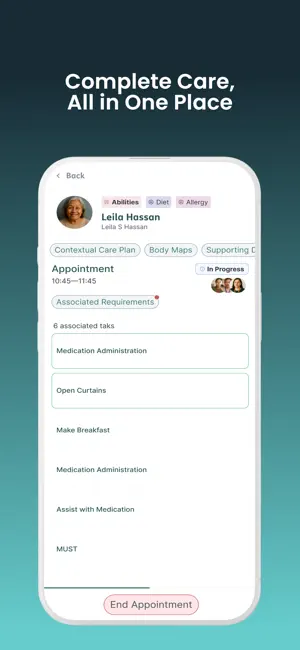
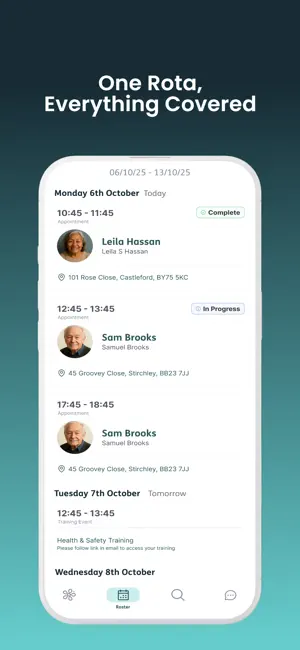
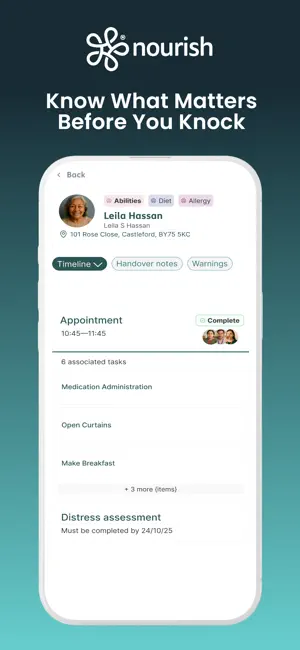
Nourish Better Care at Home is built for care teams delivering support in the community. It provides the tools to help carers record, review, and deliver care confidently at the point of care. Developed with real care teams, the app brings together care planning, medication management, assessments, and more in one easy-to-use mobile experience. Whether you're at a visit, on the move, or working offline, it's designed to keep you informed and focused on the person you're supporting. More than just completing tasks, the app enables meaningful, person-centred care and informed decision making. Each task is linked to the relevant section of the care plan, giving helpful context behind every action and helping carers understand not just what to do, but why. Key Features • View your care rota, travel details, training sessions, and time off • Access critical client information including al…
App details
What you can learn from Nourish Better Care at Home
Every shipping app on the App Store has gone through the same decisions you're working through right now: which screenshot goes first, what caption sits over it, which device frame to show, what color the background should be. The 5 screenshots above are Nourish Better Care at Home's answers to those questions — they're public, they're real, and they made it through Apple's review.
Notice the first screenshot in particular. It's the one users see in search results and on the product page, and it's where most apps spend their best caption and tightest design. Look at the proportion of background to phone, where the text sits, what one thing the image is trying to communicate.
Want to see how other Medical apps approach the same problem? Browse more Medical apps in the showcase.
Take what works into your own screenshots
Open LaunchShots and design your App Store & Google Play screenshots — pick a device frame, drop captions, ship in minutes. Free, in your browser.
Open the screenshot editor →