Screenshots
Icon palette
About this app
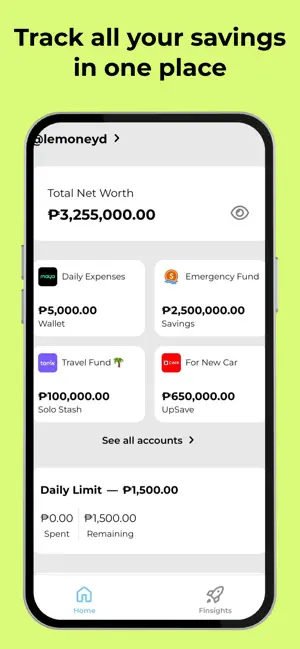
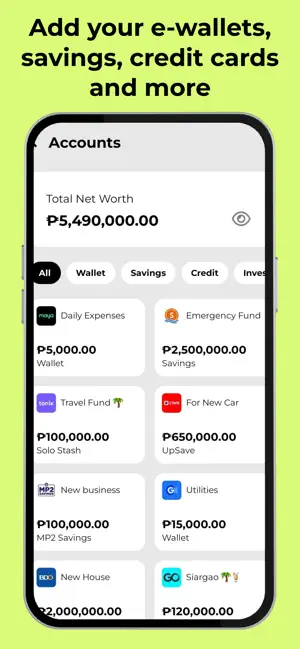
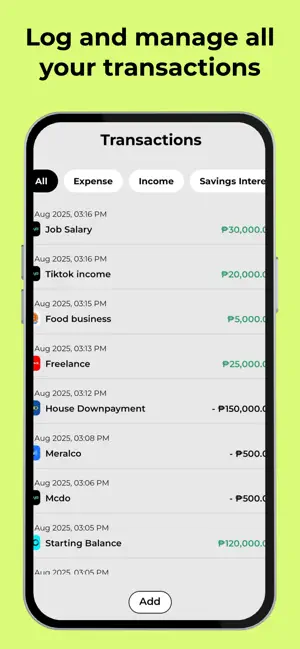
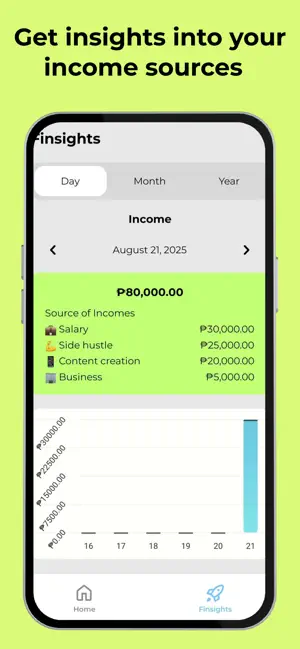
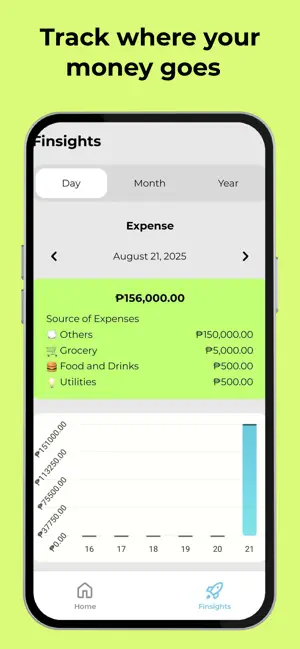
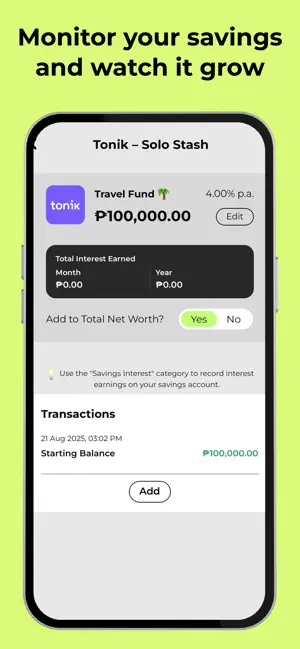
Tracking your finances shouldn’t be complicated. That’s why we built Lemoneyd — the smart way to track and organize your savings, credit cards, insurance, and investments. No complicated spreadsheets. No confusing dashboards. Just a simple, powerful finance app that gives you real control over your money. Key Features: - Track All Your Savings Easily monitor all your savings accounts in one place. Set goals, watch your progress, and stay motivated with clear insights. Lemoneyd makes saving smarter and simpler. - Track All Your Expenses Easily monitor all your spending in one place. Categorize transactions, set budgets, and keep track of where your money goes. Lemoneyd helps you stay on top of your expenses, so you can make smarter financial choices and avoid overspending. Coming soon: - Manage Credit Cards with Ease Track your spending, monitor balances, and stay ahead of payment d…
App details
What you can learn from Lemoneyd – Finance Tracker
Every shipping app on the App Store has gone through the same decisions you're working through right now: which screenshot goes first, what caption sits over it, which device frame to show, what color the background should be. The 6 screenshots above are Lemoneyd – Finance Tracker's answers to those questions — they're public, they're real, and they made it through Apple's review.
Notice the first screenshot in particular. It's the one users see in search results and on the product page, and it's where most apps spend their best caption and tightest design. Look at the proportion of background to phone, where the text sits, what one thing the image is trying to communicate.
Want to see how other Finance apps approach the same problem? Browse more Finance apps in the showcase.
Take what works into your own screenshots
Open LaunchShots and design your App Store & Google Play screenshots — pick a device frame, drop captions, ship in minutes. Free, in your browser.
Open the screenshot editor →